9 Tools These Founders Can’t Live Without
PLUS The Prompts They Should’ve Kept Secret 🤫

Hey Creators! 👋
Everyone has tried a dozen AI tools at this point — it doesn’t help that there’s a new AI tool popping up every few hours that claims to be “perfect” for you.
But, there’s a harsh truth everyone ignores – AI tools are just about as good as the person using them. This is why we’ve found & analyzed 3 innovative creators & founders whose AI skills helped their success and gathered the AI tools and prompts they used to achieve it.
In today’s post, we’ll show you the 9 tools Matt Gray, Lyle Kruger, and Aadit Sheth use and why you should consider trying them yourself (plus a few prompts they probably should’ve kept to themselves).
Matt Gray — “The Systems Guy”

Starting off strong – Matt Gray is the founder of FounderOS, a community of founders & creators that share their systems to level up their online business. With over 312K followers on Twitter and a robust community of 107K+ subscribers eagerly absorbing his insights weekly, he’s a bigger fish in the pond of founders.
Let’s analyze what AI tools & prompts he uses daily to find the time to be in the woods and make over $750K/m.
Do you have a minute to participate in our Subscription Giveaway and make our newsletter even better? Take a quick survey and tell us about your experience & participate in the free Giveaway of a Premium Subscription for 6 months.
AI Tools Matt Uses
- [Taskade](http://An all-in-one second brain tool for teams. It offers a built-in content writer, can instantly generate lists, boards, mindmaps & even video chat with screensharing for collaboration.)
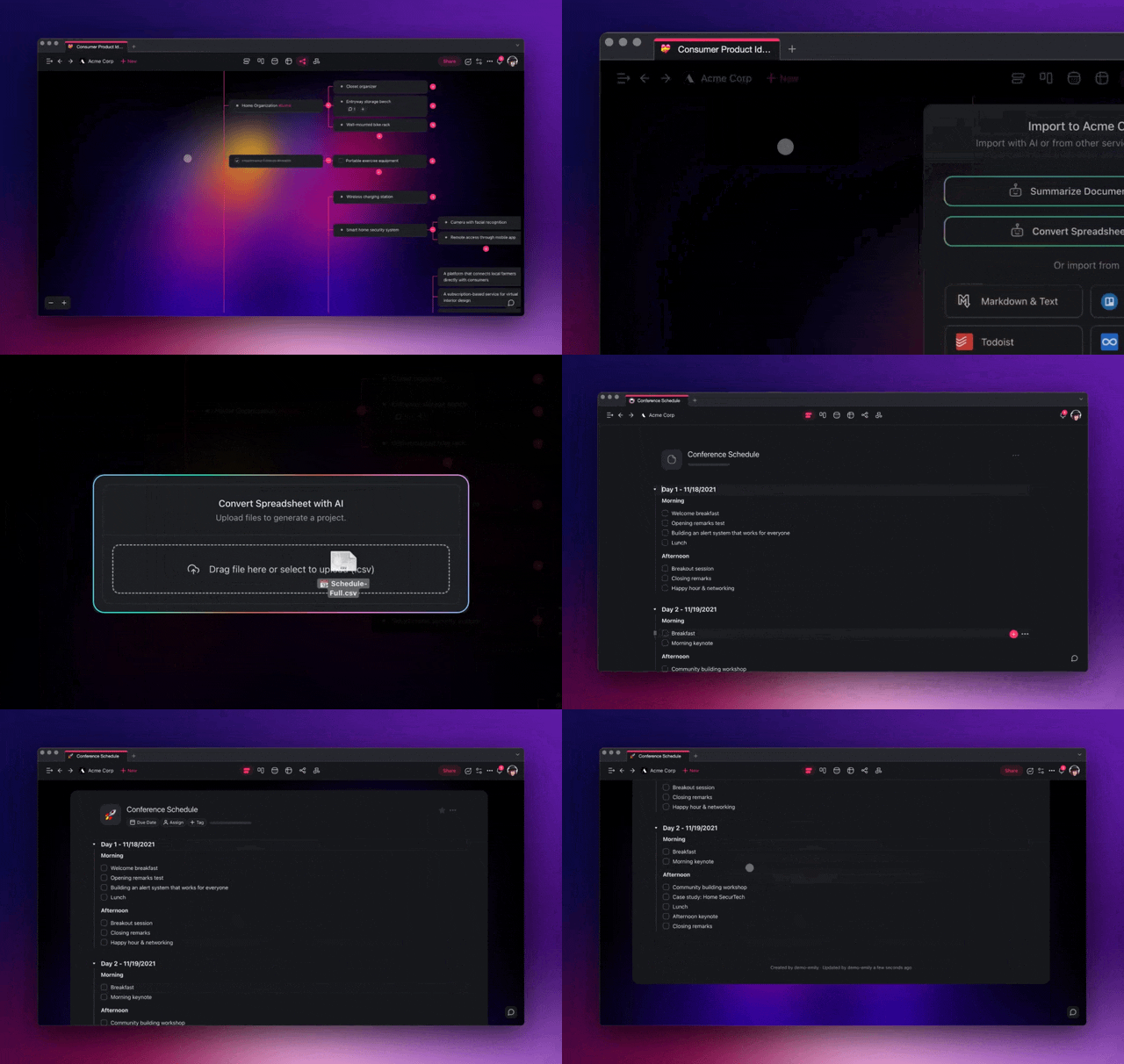
An all-in-one second brain tool for teams. It offers a built-in content writer, can instantly generate lists, boards, mindmaps & even video chat with screensharing for collaboration.

99% of content online is unclear. Matt uses Quillbot to write better, clearer & faster while synthesizing existing content and repurposing it for different platforms.
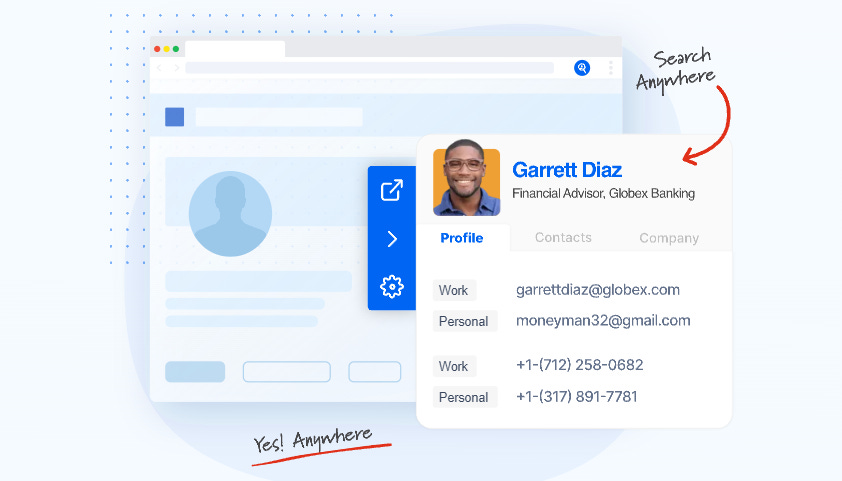
Connecting with other founders is tricky – outreach is difficult and time-consuming, Seamless AI helps narrow down ideal guests based on audience resonance & helps you get in front of them quicker.
The Prompt Matt Loves
Write out a stellar idea you had, then enter this prompt into ChatGPT:
Expand on this idea. I want you to create 10-15 remixed versions of this idea.

You should focus on changing:
- Who the target audience is
- What are the ways to make the story more engaging
- What are other topics that people who are interested in this might like
- Use multi-disciplinary thinking, what can you take from other disciplines and inject into this idea to make it outstanding?
This prompt time & time again helped me overcome writers block — I highly recommend trying it out, especially if you work with content writing!
Aadit Sheth – Founder & AI Visionary

Aadit is the founder of Prompts Daily & has an insatiable curiosity for AI, sharing stories & daily updates in tech with his 290K followers on X.
What makes him stand out is his constant stream of high-quality suggestions for AI tools – we’ve picked a few that we found interesting amongst his choices + a stellar prompt of his to remember ALL of your meetings’ contents!

Get more from Creators' AI in the Substack app
Available for iOS and Android
AI Tools Aadit Uses
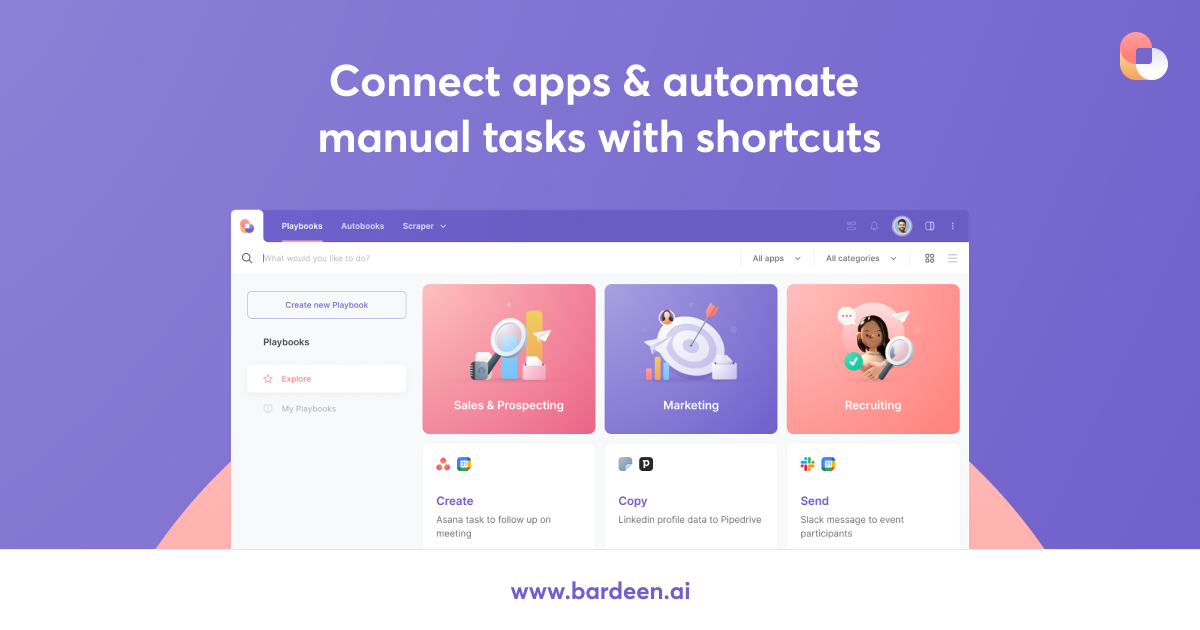
A “text-to-automation” AI tool – need to scrape all tweets from a keyword and create a Sheets document with them? Done in seconds. This tool lets you build entire automation flows with absolutely zero code.
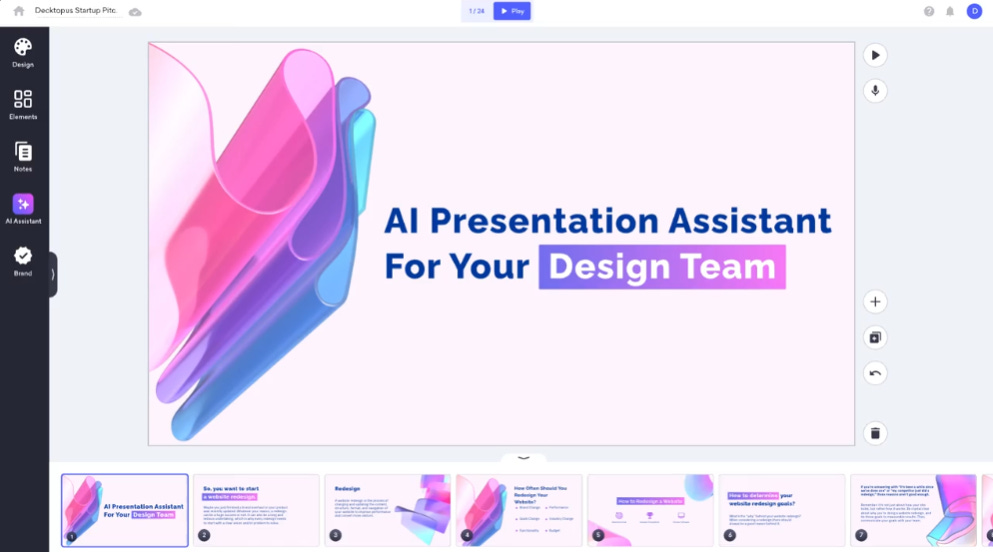
Generate gorgeous presentations in 3 keystrokes and 1 click – this tool makes creating aesthetically pleasing presentations extremely simple.
Keep your mailbox updated with practical knowledge & key news from the AI industry!
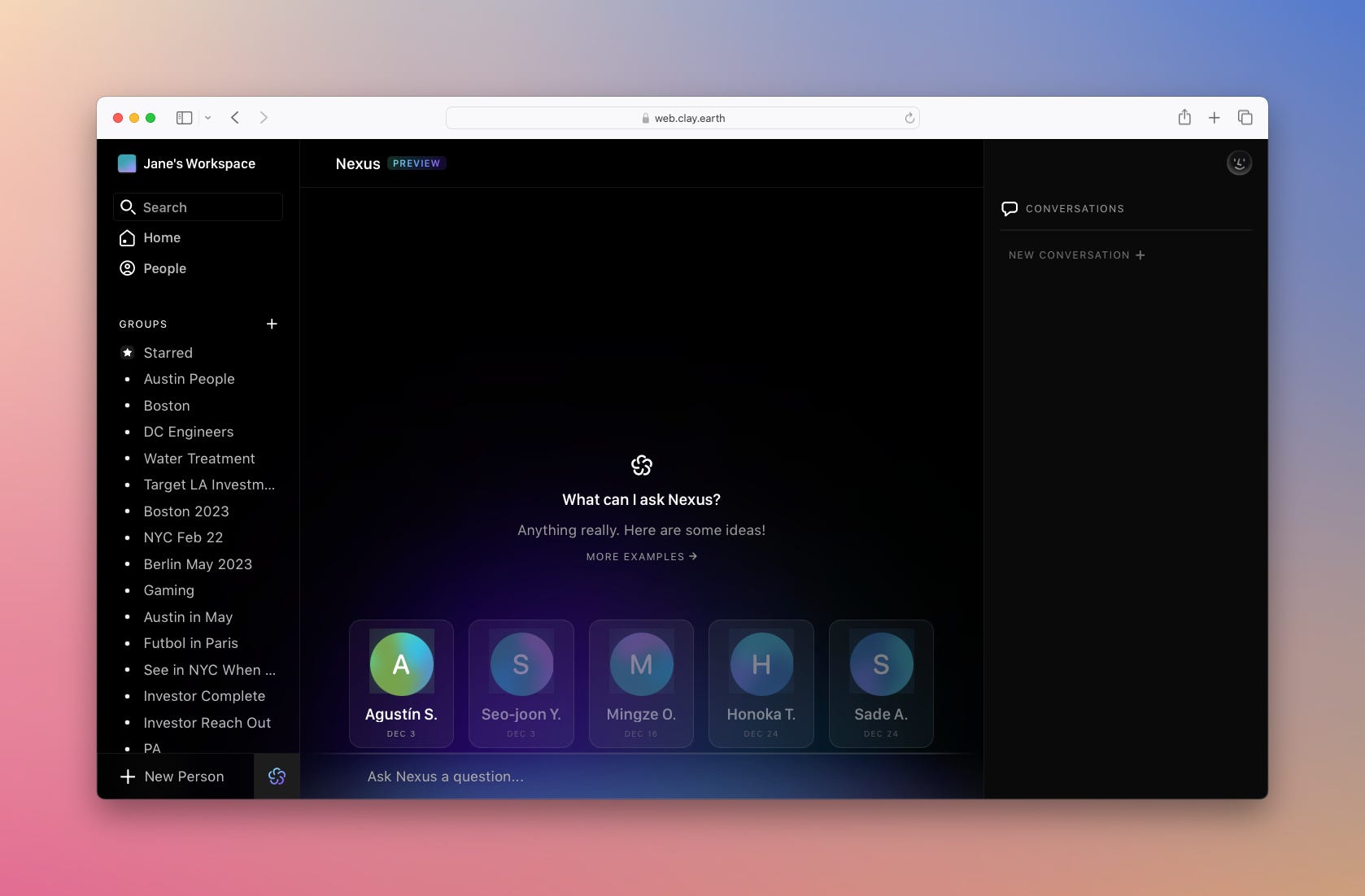
A one-of-a-kind tool that can deepen your network relationships by creating personalized messages for every scenario.
> This is the first “networking” AI tool i’ve heard of – and it honestly sounds scary and useful at the same time – a robot learning everything about your relationship with someone to automate connection building? What a world we’re moving towards..
The Prompt To Remember All of Your Meetings
This prompt Aadit created helps you remember every single meeting by summarizing the notes:
You are proficient in processing and summarizing meeting notes, extracting action items, and drafting succinct follow-up emails.

Your task is to take the meeting notes provided to you and produce a concise summary. Additionally, identify all the action items from the notes.

Finally, craft a personable follow-up email to the individual with whom the meeting took place, incorporating the summary and action items.

Context: The notes are from a professional meeting, and the tone of the follow-up email should be polite, concise, and engaging, ensuring the recipient understands the key takeaways and next steps.
Be sure to change the context to your own needs, this prompt is extremely useful for repurposing meeting notes & writing emails and other content based off them.
And if you want to completely automate meetings by having an AI summarize them and take notes without any of your own input, check out our post here, where we mentioned a tool that can do just that:
Lyle Kruger – AI Entrepreneur & Prompt Wizard

And now for someone a little smaller – Lyle is an aspiring AI entrepreneur with a Skool community of nearly 800 members & just over 11K followers on X.
His full-time job is to make life simpler with AI – and we can learn a lot from his expert point of view. Let’s see what AI tools he uses & the best prompt to completely kill overwhelm is.
AI Tools Lyle Uses
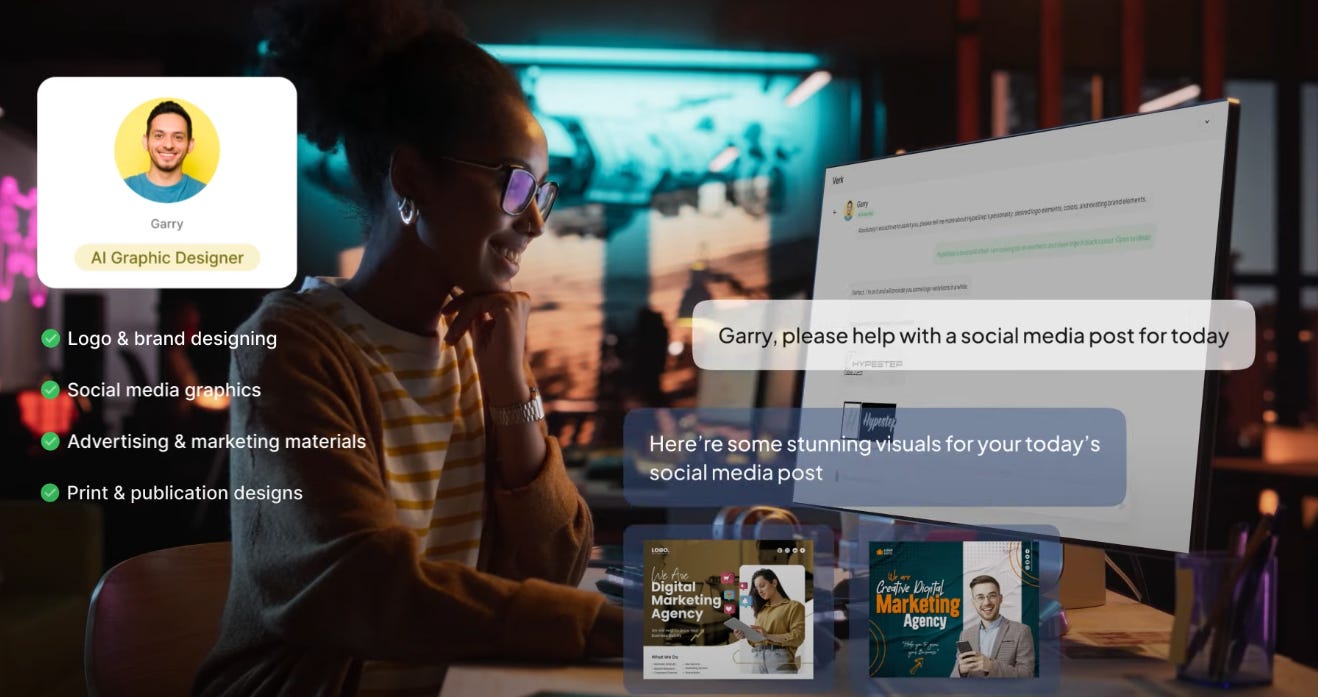
A new platform that allows you to “hire” human-like AI digital workers who can do marketing, graphic designing, market research, contract writing & more – all with 24/7 availability, 90% cheaper than a single human employee, with the capability to learn & improve.
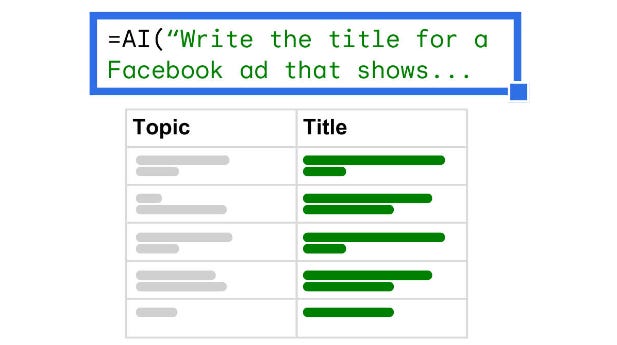
Create content, extract keywords, generate formulas, categorize & cleanse right inside of your Google Sheets & Excel.
> If you’d like an alternative, check out our post where we discussed how you can create your very own AI text generator right in your Google Sheets:

Generate move-quality content with your keyboard – Runway is a suite of creative tools that can turn ideas into ready-to-use content with a few keystrokes.
The Prompt That Kills Overwhelm
This prompt Lyle swears by will prioritize your task list & schedule it into dedicated time slots, effectively helping you never get overwhelmed again.
Your role is TimeblockGPT. TimeblockGPT will create a daily schedule from 9 AM to 6 PM.

Tasks will be sorted by urgency and importance from the provided list. Morning slots will prioritize important and urgent tasks. Task durations will be estimated with breaks included. Maintain 20%-40% buffer time depending on task priority & difficulty level.

Consider energy levels, placing creative tasks in the morning and routine tasks in the afternoon. Format the schedule in a clear table with explanations. My tasks for tomorrow are:
Be sure to change the above prompt following your schedule, and be as specific as possible when listing out your tasks, mentioning the difficulty level and how much energy you think it would take to complete.
The above is a revised & shorter version of Lyle’s prompt, you can view the original, more complex prompt in his tweet if you click here.
And here’s another stellar prompt from Lyle, dubbed “The Tree of Thought”, acting as a guide to systematically address logic-based problems.
Conclusion
Our exploration into the AI tools & prompts used by Matt, Aadit, and Lyle reveals a key insight — success with AI depends less on the tools themselves and more on how they're utilized.
Here’s a quick recap of the tools we covered:
- Try [Taskade](http://An all-in-one second brain tool for teams. It offers a built-in content writer, can instantly generate lists, boards, mindmaps & even video chat with screensharing for collaboration.) for team management, Quillbot for writing & repurposing content;
- Seamless for finding leads, Bardeen for automating workflows;
- Decktopus for presentations, Clay Nexus (in early access) for networking automation;
- Verk for AI workers, Numerous for AI in your Excel & sheets;
- And Runway for movie-like video generation with a few keystrokes.
And we also covered prompts for:
- Idea Generation;
- Meeting Note Summary;
- Efficient Time blocking (reducing overwhelm)
Personally I’ve been using Decktopus on rare occasions when presentations are perfect for explaining a concept, and the prompt for “killing” overwhelm really helped me out a ton with time & resource management!
Did any of these tools or prompts catch your attention? Leave a comment & let us know!
This article was first published in the Creators AI newsletter. View the original edition.