Apple Intelligence turns our iPhones into best AI devices 📲
+ best features from WWDC

Recent WWDC brought us many exciting updates and even more memes about them. Let us see what all the fuss is about and discuss whether Apple Intelligence is as dangerous as Elon Musk is trying to prove on Twitter.

What we are going to cover:
- How does Apple Intelligence work
- Siri’s new skills
- Integration with OpenAI
- Privacy concerns
- Other cool features from WWDC
- Use cases
How does Apple Intelligence work?
As the developers shared during the presentation, Apple Intelligence is the personal intelligence system that uses powerful generative models, large language models and diffusion models to check whether your mom’s plane has already landed. AI can gather data from many apps on your device such as Notes, Messages and Contacts, identify it and then use it to answer your queries.
It is especially cool that you can just ask things as you would in real life because Siri understands natural language now. And if by chance your question requires research outside the data which was stored on your device it can call up the big brother ChatGPT. But only if you allow it, which generally complicates user experience, but is said to protect your privacy. We will talk about it later.
Keep your mailbox updated with practical knowledge & key news from the AI industry!
Will Siri finally do my dishes?
As expected, our good old friend Siri has gotten a major upgrade! Siri is now not only catching up with the competition but also setting the bar for smart assistance on mobile devices. Not only does Siri look much prettier now, but she also understands and communicates more naturally. Plus, guess what? Siri now writes too! You can choose to interact by voice or typing. Just give a double tap at the bottom of your iPhone or iPad to start the chat.
As we’ve mentioned above, Siri understands natural language better now and you can just ask “When can I meet John for lunch?” and she will understand who John is, check your schedule and can even suggest a place to have a nice meal.
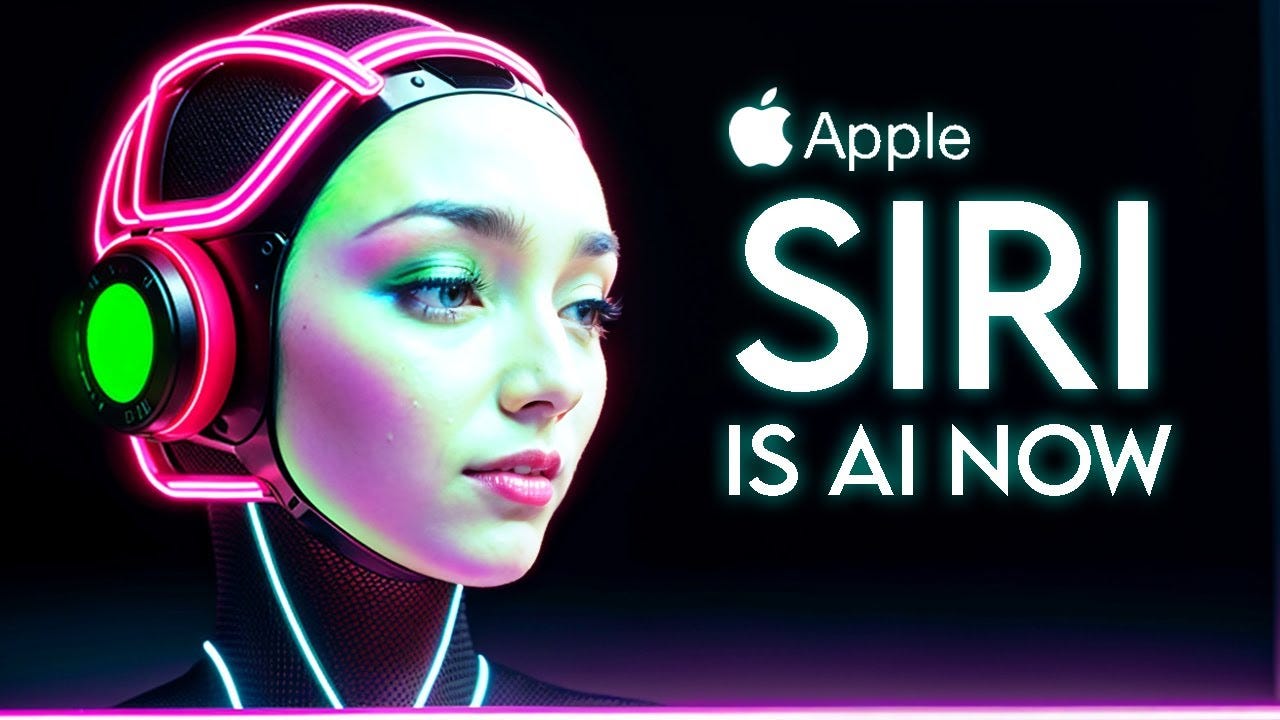
Siri also supports you when writing emails or other texts. It uses the same tricks that we already know from other LLMs. So if you write a long text, you can have it summarized afterwards. You can adapt the language style so that it suits the recipient better. If you feel like it, you can simply have this text reworded again and again until you like it perfectly.
Siri can now open apps, edit photos, and explain every function on your device in detail if you wish. The new and improved Siri can even read context directly from your display. So, if you’re viewing a new address a contact sent you, simply say, "Save the address in the contact card," and Siri will take care of it.
Unfortunately, dishes and laundry are still too advanced for AI but here is to hoping.
Share this post with friends, especially those interested in AI Insights!
When the Big Brother comes to play
Ok, but what if I need to know something that is not on my device? Like whether that place we visited with John last year is still open? This is exactly the case where Siri will have to reach out to the Big Smart ChatGPT thanks to Open AI integration it got from Microsoft. (We were as surprised as you are, folks, but let us not dwell on it.)
But before contacting any other service Siri will politely ask you whether you want to share your data with a service outside the Apple ecosystem.

Apparently, everything you share with Siri is safe from Apple employees and even if the data is not completely handled on your device it is still protected. During the keynote words like Private Cloud Computing were uttered and those mean that Apple has its own servers to look up your information and delete all the data it might have used afterwards.
ChatGPT did not proclaim any such guarantees which is why you are constantly asked to consent to it receiving your data. However, Apple SVP of software engineering Craig Federighi mentioned that there was an arrangement between OpenAI and Apple that data from its users is not used for teaching models.

Get more from Creators' AI in the Substack app
Available for iOS and Android
However, the keynote didn't give us a particularly thorough explanation of what runs locally on the device, what runs via Private Cloud Compute, what does ChatGPT handle, etc. So we still don't really know how it all ties in together, where the boundaries are. And how powerful Apple Intelligence actually is when you're running it device-only.
So what’s eating Elon Musk?
Open AI integration may have made many users concerned because Apple and Microsoft have always been Batman and Joker types of rivalries, but for the Space X builder, this was the last straw in a matter of privacy.
If Apple integrates OpenAI at the OS level, then Apple devices will e banned at my companies. Tht is an unacceptable security violation. And visitors will have to check their Apple devices at the door, where they will be stored in a Faraday cage.
from Elon Musk’s post on X
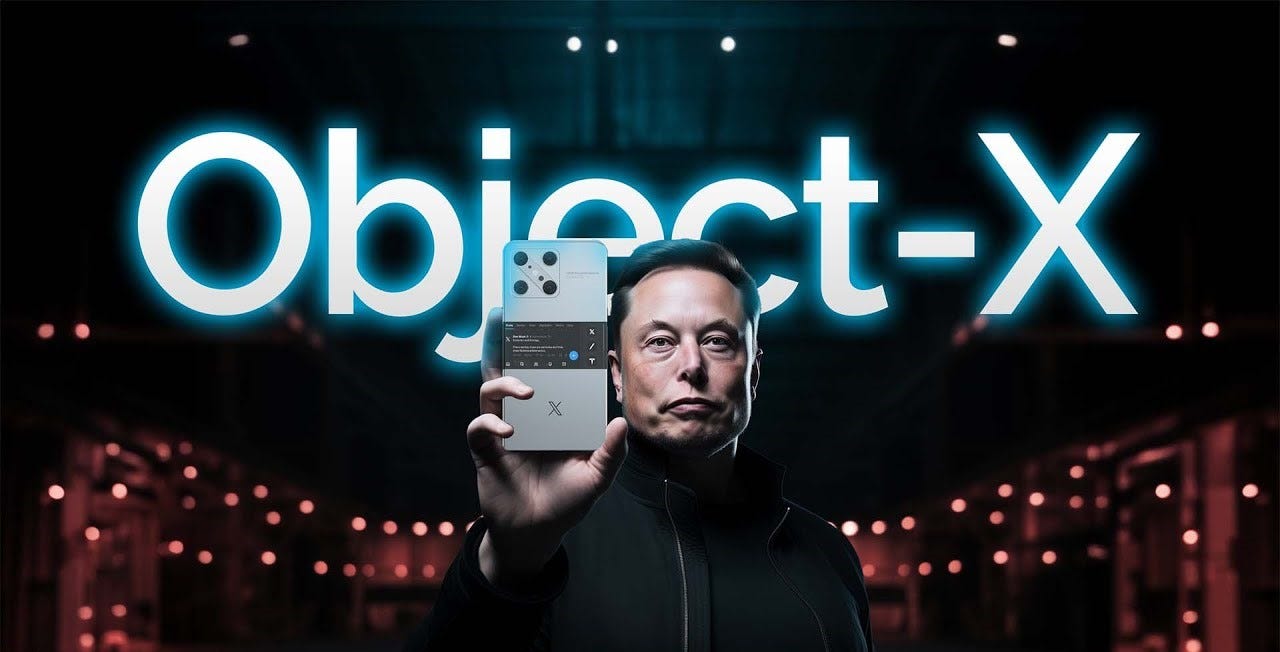
Shortly afterwards people commented that Musk should create his very own phone which will be secure and will create competition for Apple. The billionaire did not laugh at the thought but took it into action and hinted that X phone was on its way.
Further in the thread, computer science professor Matthew Green raised some concerns about Apple AI. Researchers won't see the source code running on servers, for example, which Green wrote is "a little suboptimal" when it comes to investigating how the software behaves. Importantly, users won't be able to choose when their device sends information to Apple's servers. "You won't opt into this, you won't necessarily even be told it's happening. It will just happen. Magically. I don't love that part," Green wrote.
Should we be worried? Yes and no. Apple shifted a lot of responsibility to the user when it decided to ask you each time you wanted to send a query to ChatGPT. And at the same time assured that if you do not have an account with it and just using the free version integrated with Siri, your data will be processed under Apple security protocols and therefore not accessible to anyone else. And PCC servers are built on Apple's chips and use Secure Enclave, an isolated system that handles things like encryption keys, among other in-house privacy tech.
Is that enough to protect your data? Well, that is entirely up to you. But we appreciate that Apple is at least trying to make AI more privacy-safe.
Privacy issues aside, let us explore how you can use those new features to make your life easier.
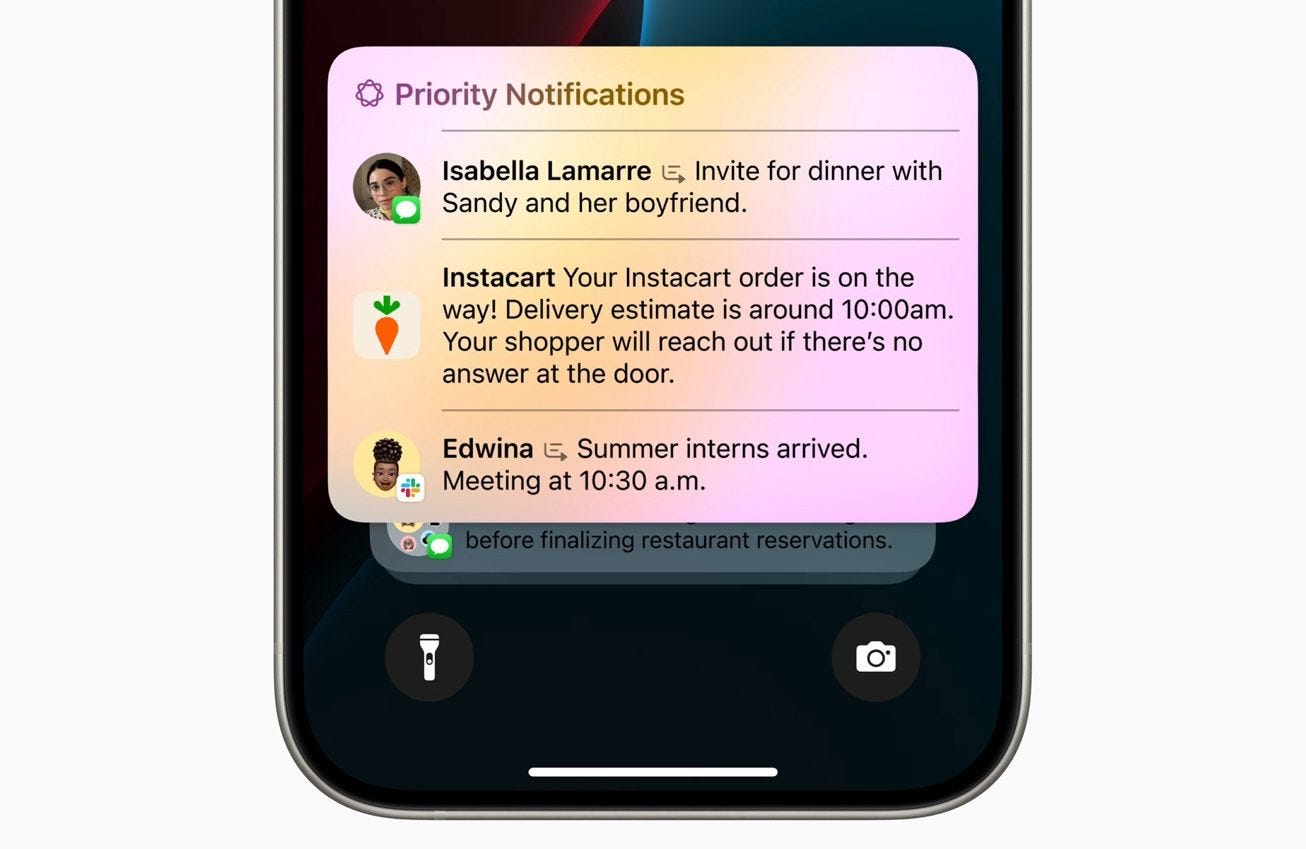
Prioritize notifications
The word that was used most during WWDC is “personalized”, but what does that mean in practice? Apple AI will go through your Calendar, Messages and even Photos to understand what might be important for you and then use that knowledge to highlight certain notifications.
For example, a message telling you that you have a business meeting in a few hours will show on your screen before notifications from online store apps or Facebook messages.
Reduce interruptions
Following the above feature AI will be able to understand which notifications should surface when you don’t want to be disturbed or distracted. But unlike the Focus or Do Not Disturb modes iPhones have right now it will not just hide all notifications or the ones that you chose manually.
Instead, it will analyze the conversations you are having and the state of your calendar and show you only the ones relevant to the present moment. Keeping you focused on the task like the best personal coach never could.
Creators’ AI Subscription is the best gift for Creators diving into AI.
Rewrite messages and summarize
Everyone knows the struggle of not quite getting the tone in the email right and coming across as rude or too funny. New writing tools with AI have three presets and can make your messages sound more professional, friendly or concise in just one click. And if you are not happy with the result you can change the prompt manually.
The same feature allows you to quickly summarize articles or emails, just like ChatGPT does. For example, it can create a summary or a list of key points, or in the case of data put it into a nice table. And of course, there is proofreading which is now done by just one button push.
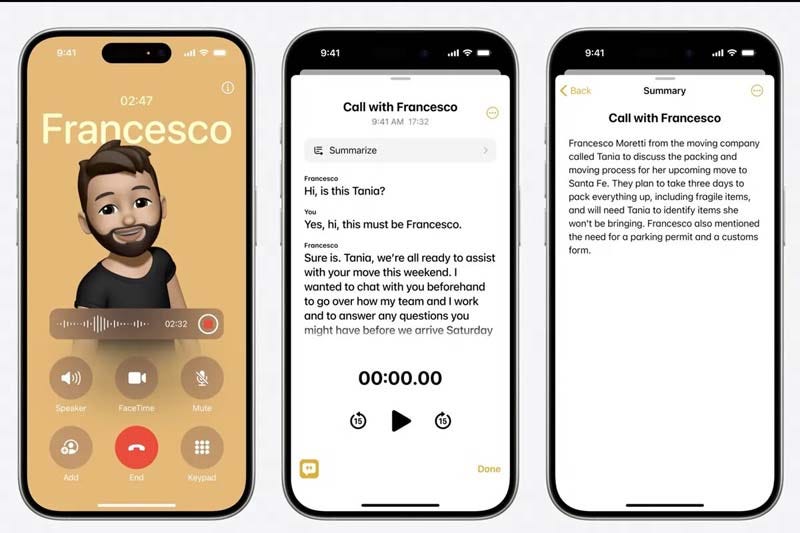
Transcribe calls
This one will be very handy if you tend to discuss business plans or get feedback via phone calls. Of course, the caller will be notified that you are recording the conversation, but afterwards, you won’t have to listen to it to search for some pointers. Instead, you will have the whole conversation in written text right in the Notes app. And if that was not cool enough, there is an option to summarize the call!
Gallery search
One for content creators and animal lovers out there! You know what we mean if your gallery is full of cat pictures or shots of the same product for content creation and you just need that one screenshot of a funny meme. Thankfully you will not have to scroll through months of pictures to find it now, just describe the meme in a few words and AppleAI will go through your gallery and find what you were looking for.
But even this is not all that we heard from Apple creators!
Calculator!1!!
You might think that AI and privacy issues were the main points of WWDC and you could not be more wrong! People on the internet are absolutely blown away by the fact that iPadOS 18 will get THE CALCULATOR.
If you have not noticed that thing had been available on iPhone since day one, but for some reason iPad users had to still use scales to calculate their salary and whatnot.

So Apple decided that after such a long wait it has to give people something really exciting. And here it is — Math Notes! Using the Apple Pencil, you can write equations by hand, and it will respond in your own handwriting. Additionally, if you add new information to the equation, it can quickly recognize it and generate a new answer. What's remarkable is that it will also recognize variables you include and solve equations involving them. It can also quickly and directly generate mathematical graphs.
Take that every maths teacher who told you everyone needs to learn math to succeed!
Magic outside of Hogwarts
VisionOS 2.0 now can turn your 2D photos into spatial images with an additional dimension much like Harry Potter could see moving photos but better. And on Apple Vision Pro you can now use new hand gestures for quick access to your apps. It literally feels like you are magically making things happen with just a hand wave. Muggles are indeed amazing.
And Apple Watch got a translation feature which allows you to communicate with people in another country even if you do not know a word. Just ask it a question and it will translate it for you and voice it to the said person.
Safari got an AI assistant which recognizes the articles we read, highlights relevant information and displays it at the top of the screen. Additionally, if we share a specific article, it can create a table of contents with a summary, giving us a quick overview of what we're about to read.
And for creative minds — Image Playground! Now you can create funny add-ons to photos of your friends, draw a moustache on your cat’s picture and basically have all the fun you used to have on Paint Windows95 edition.
Exciting? But how would you express your feelings about it? With an elephant trumping with rainbows? Gee, wish there was an emoji for that! Well, Apple had seen this coming and issued Genmojis so you can generate whatever feeling you need right inside your phone.
Which feature do you think is the best one?
Share your opinion!
Gimme-Gimme, all the new features!
When will we be able to take advantage of all this fun? We already know that ChatGPT will not be available directly in the final iOS 18 version, but "later in the year". This means some features will already be missing. However, not all the other functions shown are likely to be made available immediately, either.
Also, you will need at least a Mac or an iPad with an M1 chip or newer, or an iPhone 15 Pro /Pro Max or the new iPhone 16 series to enjoy all of these marvellous capabilities.
So in a nutshell, Apple accelerates its revenues by entering the new AI era and makes you purchase more of its new devices to catch up.
This article was first published in the Creators AI newsletter. View the original edition.