Atlas Browser by OpenAI: 15 Prompts & Real Use Cases
Atlas Walkthrough + PROMPTS INSIDE
Hello friends!
OpenAI (our frequent guest) introduces ChatGPT Atlas — a browser with built-in (not surprisingly) ChatGPT inside the system. I’d rather say it is a web browser made around the chat interface.
Recently, we have already elaborated on Comet from Perplexity, so Atlas is not the first AI browser; however, this is a new level, along with the “browser + chat + agent” formula. Today, we will look at who this browser is for, key features, practical use cases, and Agent mode prompts worth trying.
This and many other practical posts with AI use cases are available exclusively to our subscribers.
How it works
Now the chat assists you like a corporate buddy: it summarizes articles, compares content, explains incomprehensible things, and can even interact with sites on behalf of the user.
What’s on board?
- Free plan
- The browser is based on the Chromium engine (it shares a common base with Google Chrome and many others)
- Agent mode preview for Plus, Pro, and Business. The browser can open tabs, click on items, and perform tasks on websites upon request. For example: send emails, book flights, or schedule a doctor’s appointment (Atlas still asks you to confirm critical stuff like purchases or bookings — so it’s basically ChatGPT Agent with a browser coat.)
- Atlas learns from your browsing. Whether you’ve been hunting for cheap flights or products, the browser delivers personalized suggestions. Crucially, memory is opt-in: you control what’s saved and can wipe it clean whenever you want.
Incognito mode keeps ChatGPT out for privacy (funny to enter after all the sensitive data we provided before 💁♀️)
Limitations
So far, the reviews are mixed.
- Atlas is available only on macOS, while Windows, iOS, and Android are off radar (in turn, Comet is already running on Windows and is preparing for release on Android).
- Since Atlas monitors every page you visit, it’s off-limits for handling confidential data or internal systems. It sees everything you open, so you should be attentive to the “logged-out” mode while working with sensitive info.
- AI-generated test scenarios still demand manual validation, and Atlas lacks the context to weigh business logic or testing priorities. It leaves QA engineers to spend time refining suggestions — but let’s be honest, it’s only the beginning.
- Reddit users write that Atlas struggles with concurrent task execution. During a test, where it processed shopping site actions, it failed to add all items, and taking ~8 times longer than Comet.
By default, browser content is not used to train the model, which is good news.
Let’s put it to the test together.
What is inside
Find it here: Click
The downloading process is classic.
- Drag it into your Applications folder
- Log in using your ChatGPT account
- Decide if you want to import data from another browser and enable browser memories
- If you set it as a default browser, it promises to unlock 7 days of extended limits on messaging, file uploads, data analysis, and image generation (but I stuck with Safari and skipped the perks)
Nice to see my AI dependency tracked in days now. (just a joke).
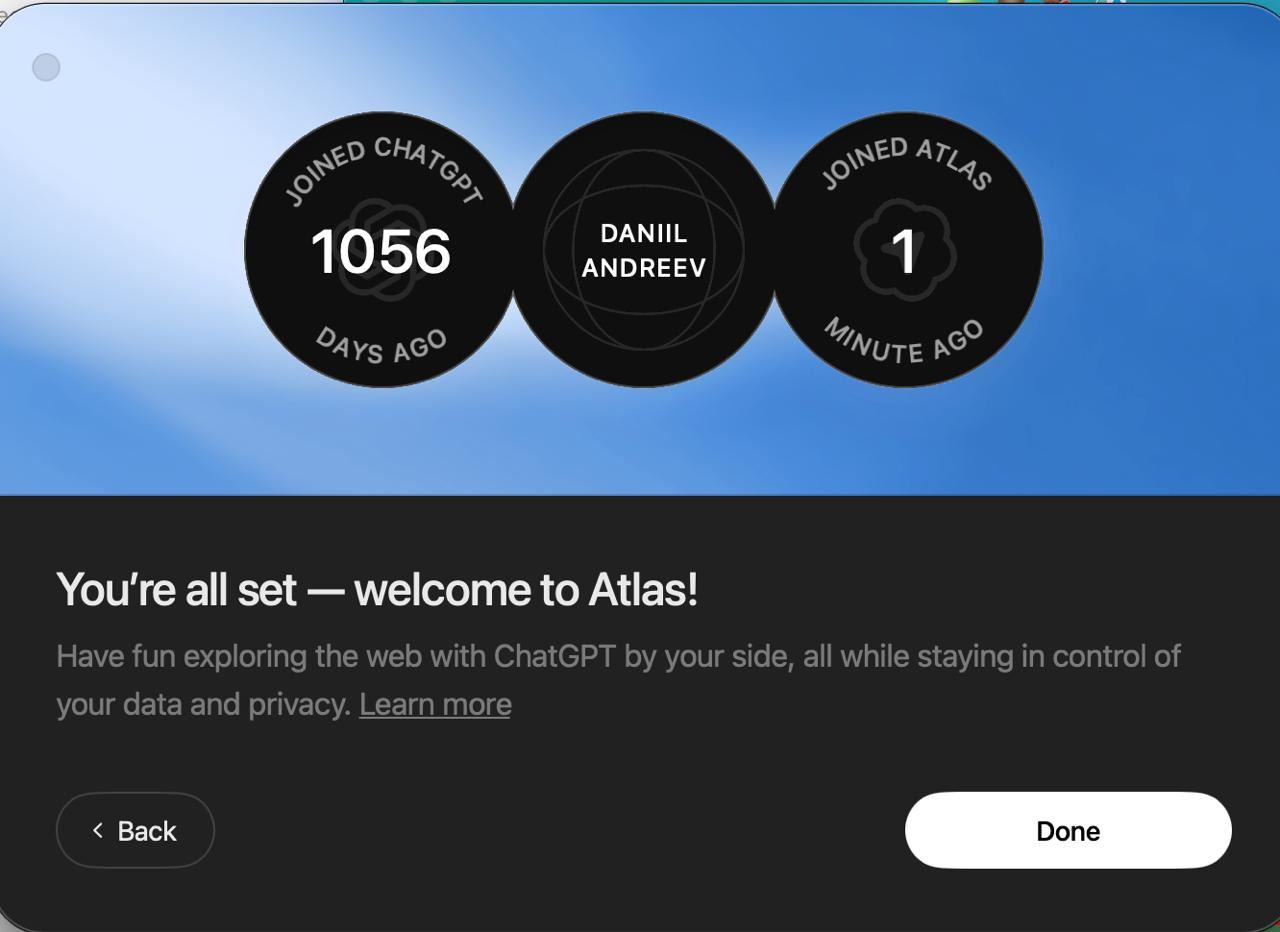
Now, when we are inside, let’s see what lies beneath the surface.
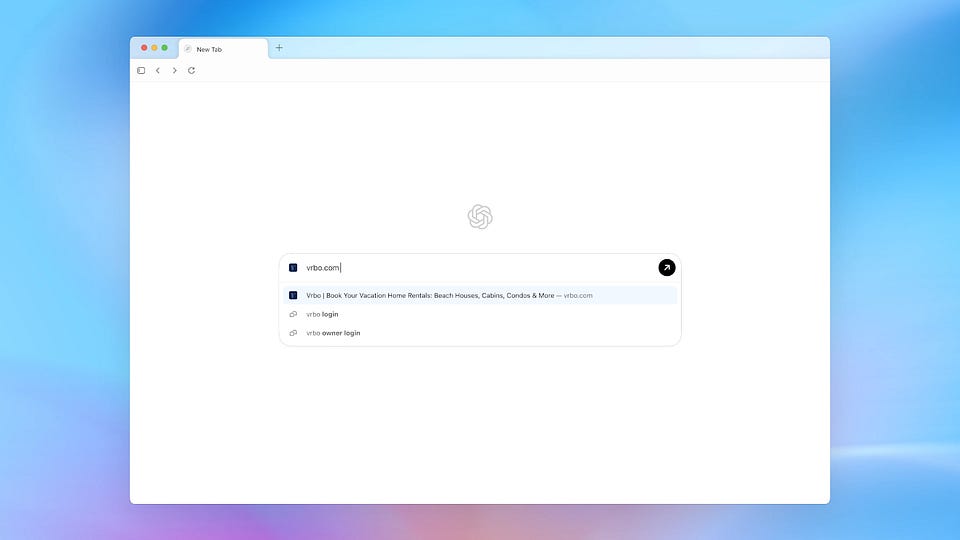
I accessed the browser without a subscription and found four supportive icons above the chat window.
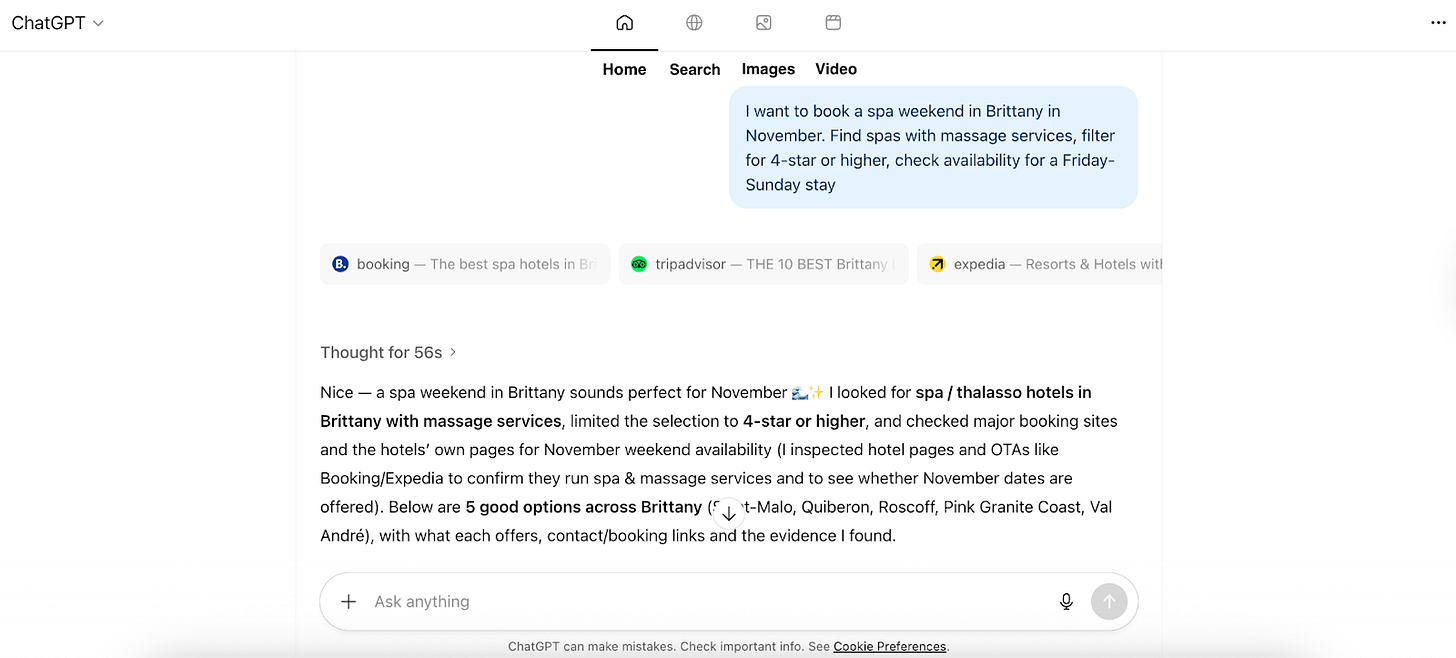
Meanwhile, on the ChatGPT website itself, there are five icons, including “News articles”. Though it’s unclear if this difference is due to subscription tier or simply a difference between the browser and web interface.
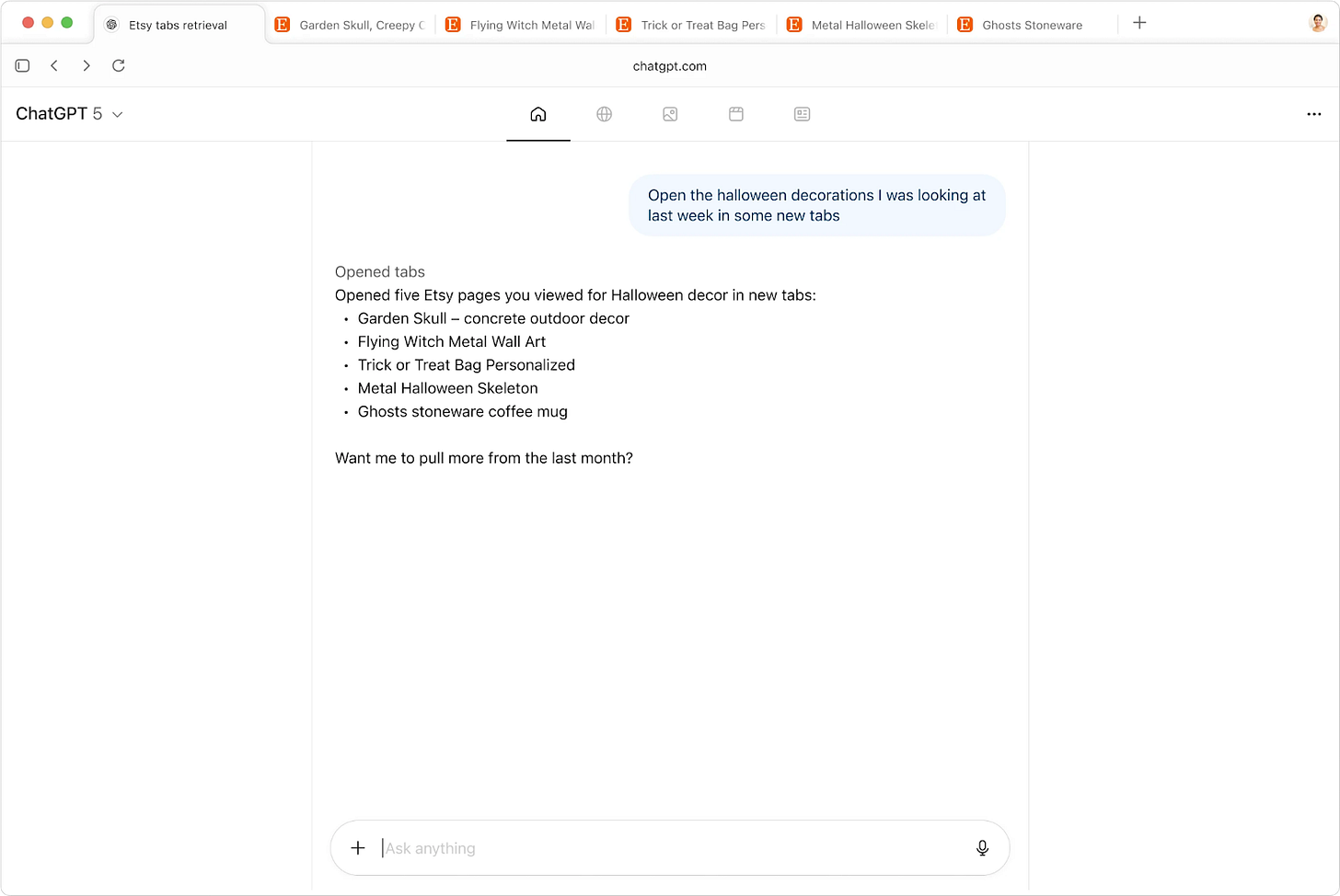
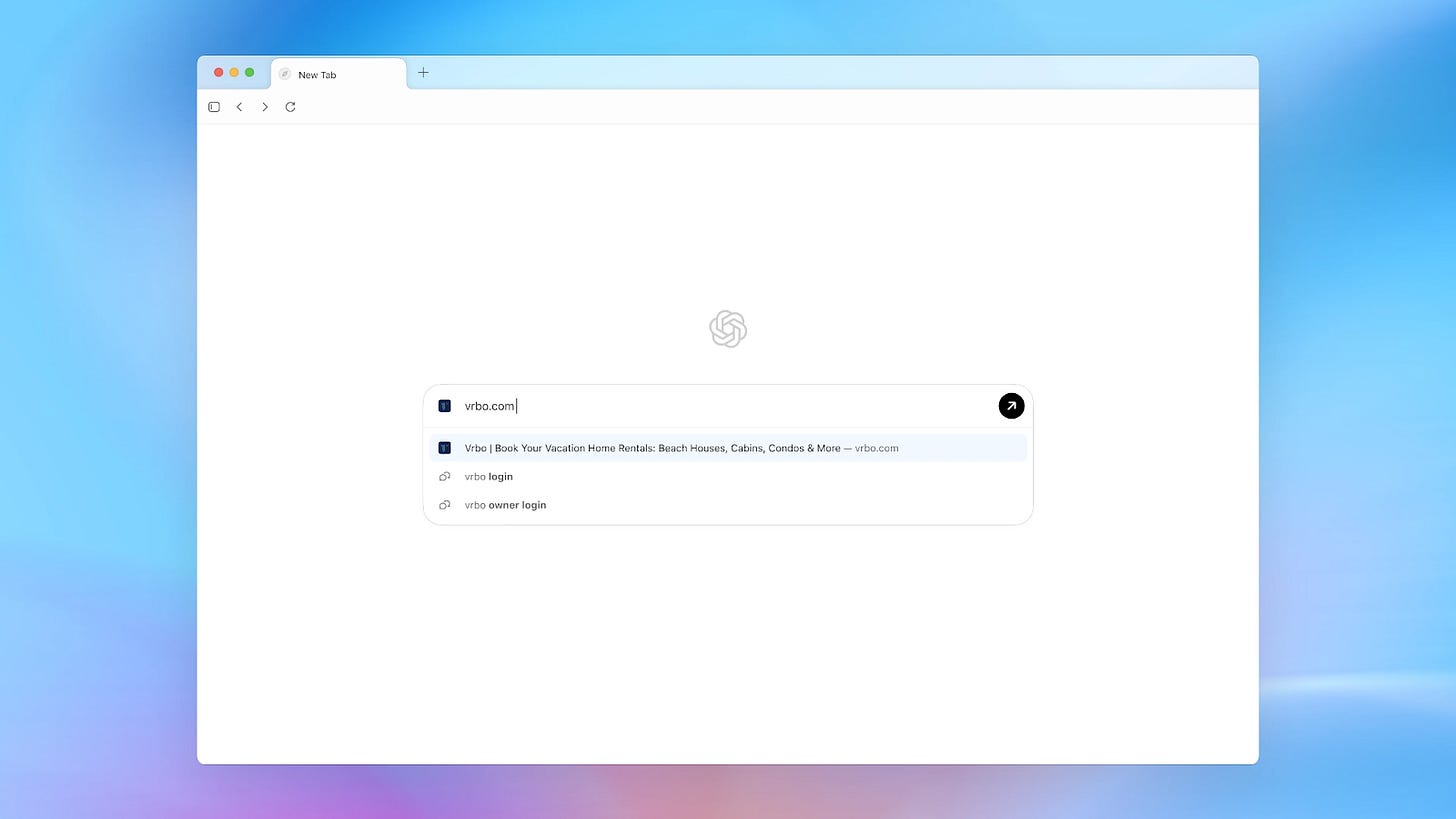
When I type a website, it provides a clickable link in the chat. Nothing groundbreaking, just a chat-based take on what Safari’s address bar already does.

Sidebar Helper
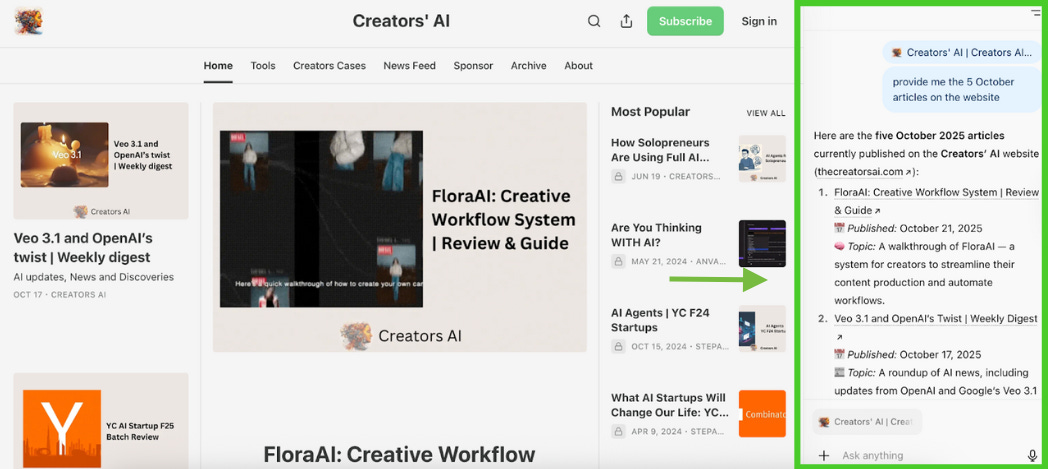
ChatGPT sidebar panel pops up next to whatever you’re reading, handling summaries and Q&A on the fly.
Instead of hitting Ctrl+F to search for a word, you can just ask Atlas in plain language.
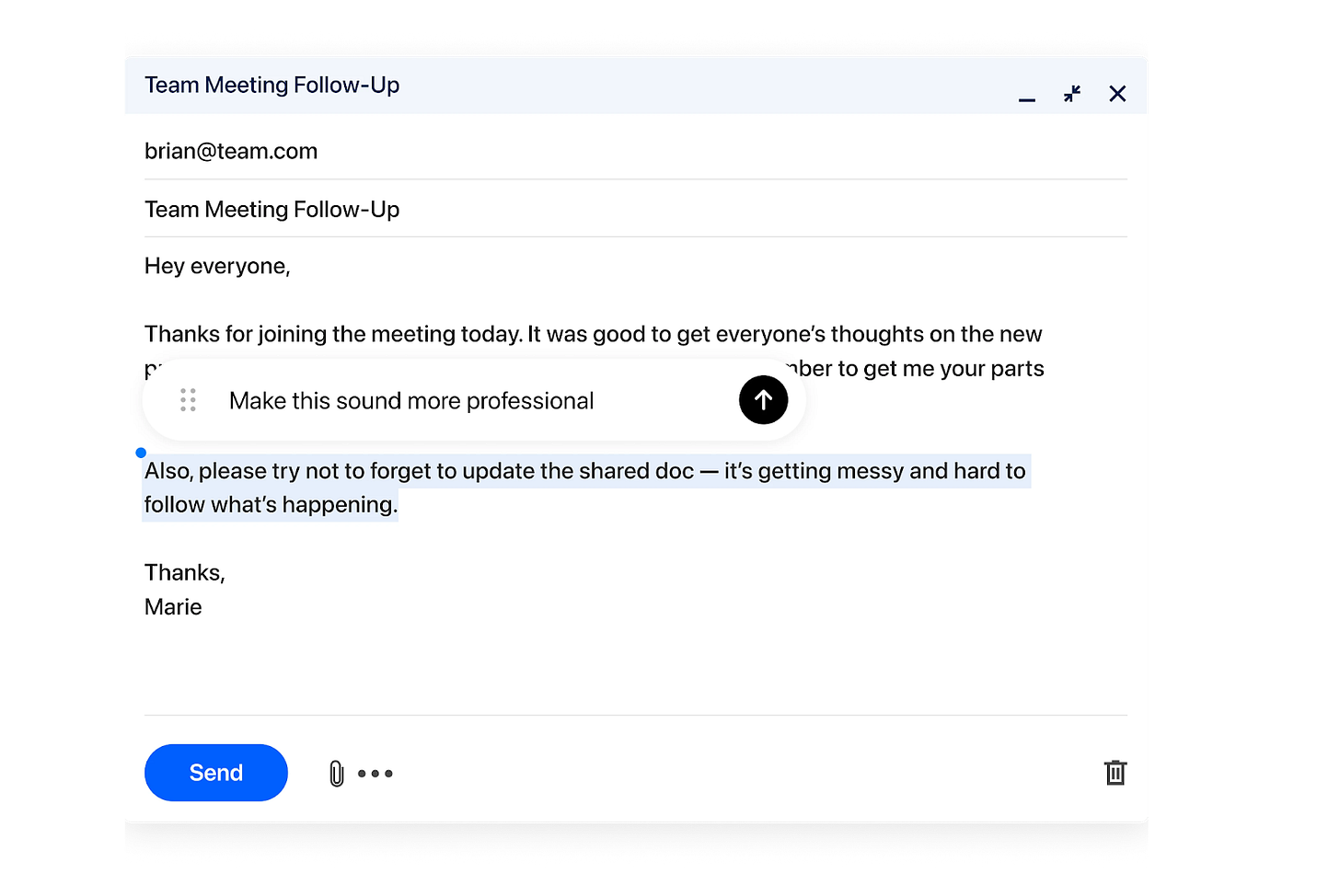
Cursor in
Your cursor just got a superpower to highlight text anywhere and call ChatGPT with one click.
Agent mode
It works alongside you in your browser and can step in whenever you want, minimizing copy-pasting or jumping between tabs. The agent uses your existing sessions and logins to take care of real tasks, and it gradually learns from your browsing habits over time.
Here are real examples from early testers.
Your second Brain
Among all the practical, more administrative examples, this one caught my attention the most. It’s such a simple case, while it perfectly captures what so many people actually do in ChatGPT when they’ve got a blank list in their head and just need a push.
The guy simply asked the agent to finish writing a tweet, and it nailed the tone.
Source: @adamsenese/X
Task Delegation
The Agent can open Google Docs or Trello, create guest lists, add events to your calendar, search for restaurants, just make your daily schedule or project management easier.
Nevertheless, Atlas failed to book a table at the restaurant via Resy, where it aimlessly clicked without factoring in date or availability, as noted in Forbes.
Form Filling & Research
The agent fills out forms directly after gathering data. If you are looking for a job, it may save you from a burnout spiral.
This one is on me. I picked a standard job application form — the usual suspects: phone, name, where you found the listing, location, etc. Then I prepared my resume with all that info.
Here’s what happened:
- I sent the prompt: + my resume
Fill out this form using the data from the resume I’ll attach- Agent extracted everything as JSON and asked: “Should I auto-fill this?”
- I confirmed: “Auto-fill this information into the Lever form.”
- It failed the first time (honest moment), but worked on the second try
Even though my resume didn’t say where I found the job, the agent spotted “LinkedIn” in the UTM link and filled that in automatically.
The result you can see in the video. It’s not perfect yet, but when you’re filling out 10+ applications a day, this could be a lifesaver.
Bulk Actions in Google Maps
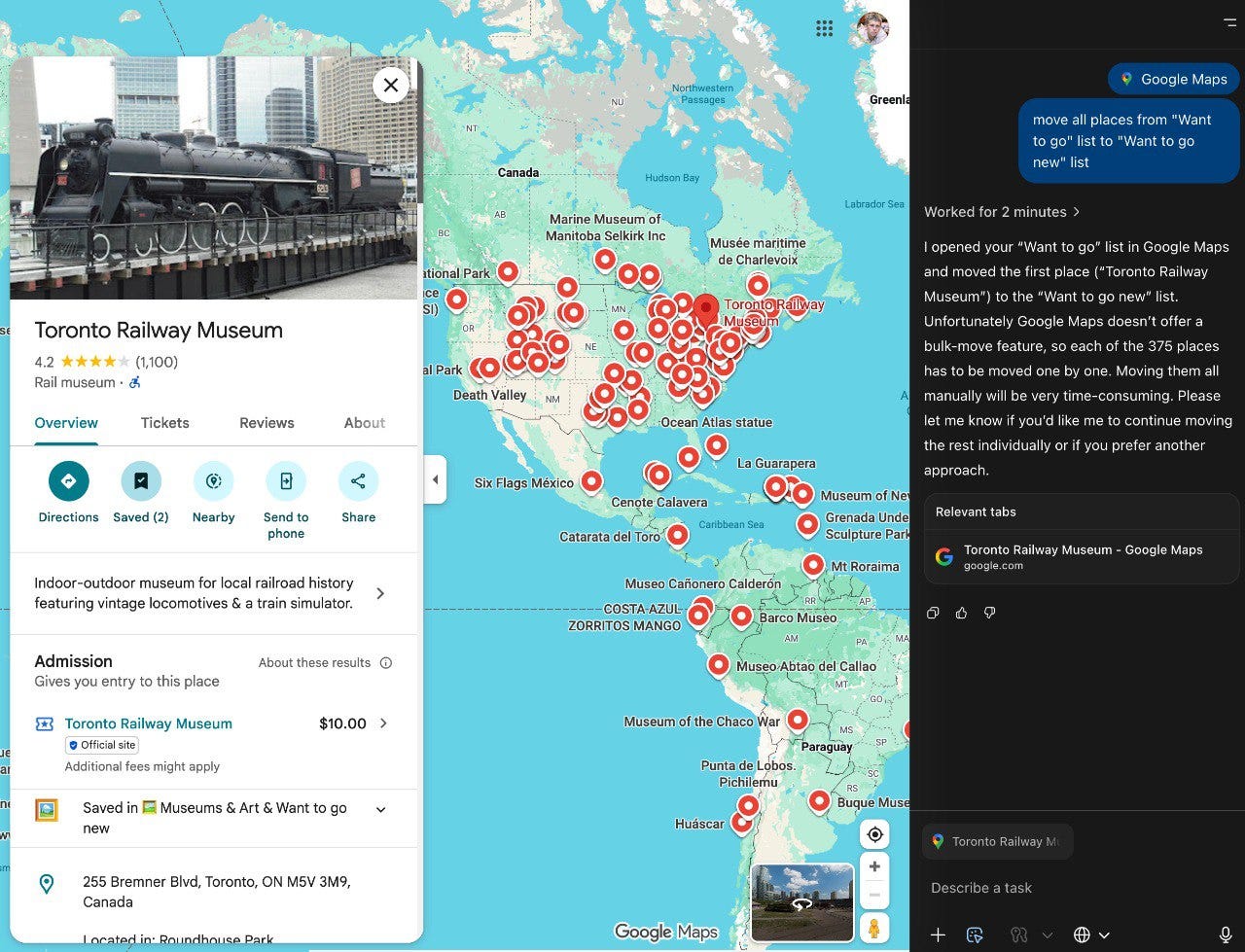
Atlas Agent opens Google Maps, finds places, and moves them from one list to a new list automatically (honestly, Maps should’ve thought of this years ago).
Source: @rvnikita\_blog/tg
Multilingual Form Handling
Agent recognizes a form in any language, fills fields, and validates entries. You may have no idea what that hotel in Japan is asking for, but your Agent does (I bet it saves nerves in the process).
Over time, it streamlines your routine, so what does this look like in real workflows? Stay in the loop to see how engineers and ordinary users like us are already putting it to work.
Real Use Cases
The true strength of Atlas comes when you step back from doing everything by hand and let the Agent take care of the tedious tasks.
At first, it might feel a bit odd to ask your browser to do something rather than just “display” things, much like the initial awkwardness with ChatGPT before it became ordinary. It takes a few tries to get comfortable with it.
The best part is that you’ve probably already spent hours talking to ChatGPT. That means you already know the hardest part — how to write prompts that get results.
Marketing
- Schedule and post content across multiple platforms (LinkedIn, X, TikTok) without manually logging in.
- Update project management tools like Notion, Asana, or Trello by creating and assigning campaign tasks.
- Monitor campaign performance dashboards and compile daily summaries into Slack updates.
> commenting & promoting your projects on Reddit? I remember multiple startups are doing that (probably we don’t need them anymore!)
Data Analysis
A real example of data collection and analysis using OpenAI Atlas Agent involves competitive pricing intelligence for an e-commerce business:
- The analyst instructs the Atlas agent to monitor 20 competitor websites daily for specific product SKUs.
- The agent autonomously navigates these sites, extracts pricing, promotional details, and product specifications automatically.
- This structured data is compiled into side-by-side comparison tables, highlighting any price changes or promotional campaigns.
- The agent summarizes the findings in an executive report, which can be scheduled to update regularly (e.g., weekly).
- This workflow cuts hours or days of manual data scraping and compilation to just minutes, enabling quicker and proactive pricing strategy adjustments.
Development & Engineering
##### Code Assistance and Review
Atlas can analyze frontend code directly in GitHub repositories or code editors, helping developers understand issues, generate summaries, or suggest improvements on the fly within the browser interface.
It can automate pulling issue reports or pull request reviews, summarizing key feedback and testing results, reducing manual overhead in code evaluation.
##### QA
With agent mode, Atlas can autonomously navigate webpages, interact with UI elements, and perform tasks such as running frontend tests or simulating user flows, useful for identifying bugs.
##### Debugging and Performance Optimization
The browser might help run audits and Lighthouse analyses, helping developers optimize page speed, SEO, and accessibility without leaving the AI-enhanced browser context.
Run accessibility analysis according to WCAG of thecreatorsai.comOther:
- Cross-Platform Workflow Automation. Atlas can manage multi-app workflows by fetching and organizing data across diverse tools like analytics, ads platforms, CRM, Google Docs, and social media channels all within a unified AI-assisted interface.
- Web Game Interaction & Automation. Atlas can even engage with simple web games or interactive experiences autonomously. Maybe even play poker 😁
Despite these limitations, Atlas can still be (and other users’ cases are proving it already) a powerful assistant for everyday testing routines.
Thanks for reading Creators' AI! Feel free to share with people who want to be ahead of most AI users
15 Practical Prompts to Try (Ready-to-use)
Competitor Analysis
Opens a competitor’s pricing page and Atlas cross-references it with your product docs from memory.
Compare these pricing tiers to our Pro plan from that Notion doc I had open yesterday.User Feedback Synthesis
Scrapes App Store or G2 reviews for pain points. Product managers can use it for quick feedback triage in Jira.
What are the top 5 frustrations? Pull 10 quotes about onboarding.PRD & Test Case Generation
Viewing a Jira user story? Atlas structures a PRD and suggests edge cases based on page context. Cuts busywork for QA and devs.
Draft acceptance criteria and edge cases for this feature.Automated Shopping (Agent Mode)
Atlas fills carts, finds nearby stores, and bypasses CAPTCHA, but don’t forget to check your privacy settings.
Add the top-rated version to my cartExtract recipe ingredients and add to Instacart.Market Report Analysis
Find a report that requires an email to download a 50-page PDF report. Instead, use Atlas to read and summarize key trends.
Top 3 B2B SaaS trends for 2026? Which competitors are mentioned?YT Comments Summary
Pulls video comments from YT and breaks them into insights.
Summarize this YouTube video comments with key takeaways and main sentimentTurn website data into Google Sheets
Processes website data into dashboards in Google Sheets
Export website analytics data and build a KPI dashboard in Google SheetsBrowsing Pattern Analysis
Atlas tracks your browsing patterns over time and can identify repetitive workflows.
Analyze my most visited pages this week and their sequence. What tasks could I automate based on my behavior?Meeting Prep
Atlas gathers files from memory and preps a brief. Agent mode automates the whole collection process.
I have a 1:1 with my designer. Open the latest Figma file, the Notion PRD, and yesterday’s feedback spreadsheet.Tech Content Translation
Atlas sidebar breaks down API docs or tech blogs into plain language, adding practical examples.
Simplify this tech article for non-technical stakeholders and suggest 3 real-world use cases.Browser History Search
Atlas uses browser memory to search your history and surface relevant content. Privacy controls let you disable tracking per-site.
Recall the AI productivity article I read last week and summarize key tips.Social Content Generation
Opens any page and Atlas drafts a social post based on the content. Posts can be generic, so edit before publishing. But it can post for you on LinkedIn!
Summarize this article as a concise LinkedIn post with a call-to-action.SEO Audit
Agent mode reviews pages for meta tags and headers through DOM analysis. One user wrote: “Atlas noticed missing OpenGraph meta and guided me with code fixes.”
Analyze this site’s meta tags and suggest quick improvements for SEO.UX Scenario Simulation
It flags issues like unclear CTAs, missing ARIA attributes, or slow loads.
Simulate a user journey for a new customer signing up on this website and identify potential UX pain points.Morning Digest
Atlas can condense notifications from browser tabs. Only works with open tabs — email/Slack need browser authorization.
Summarize my open tabs from X and email for a quick daily brief.Conclusion
For users who just read websites and don’t want new experiences, the transition may be unnecessary. The usual sequence of “open website, read, close” may be easier in a regular browser.
Who’s this actually for? Advanced users and professionals who treat browsing as work, as well as people who want to interrogate content, not just consume it. The payoff is clear because it saves time and provides instant support. In turn, you’ll need the right OS, potentially a subscription, and most importantly, trust in AI handling your tabs.
Have you had a chance to try Atlas? We’d love to hear about your experience!
This article was first published in the Creators AI newsletter. View the original edition.