Deep Research Full Guide: Comparison & Prompts
Everything you need to know about Deep Research & it's versions

The topic of Deep Research still keeps coming up.
This tool has become the biggest trend over the last month. Almost all major companies, including OpenAI, Google, Perplexity, and xAI, have flooded the market with their research solutions. And now it’s easy to get confused. Let's avoid that.
In today's issue:
- The Big Four of Deep Research
- Comparison & Main Features
- Hacks & Prompts to Research Like a Pro
At the end, I’ll tell you which tool you should use as your daily driver. However, if you have been reading us for a while, you know what AI I like most.
Keep your mailbox updated with practical knowledge & key news from the AI industry!
The Big Four of Deep Research | Tool-by-Tool
In order not to get into a deep comparison of the less important aspects, I'm going to take a quick walk through each of our guests today. Then, we'll compare their cost and availability, and I'll talk about the main features of each based on my experience.
OpenAI | ChatGPT’s Deep Research Agent

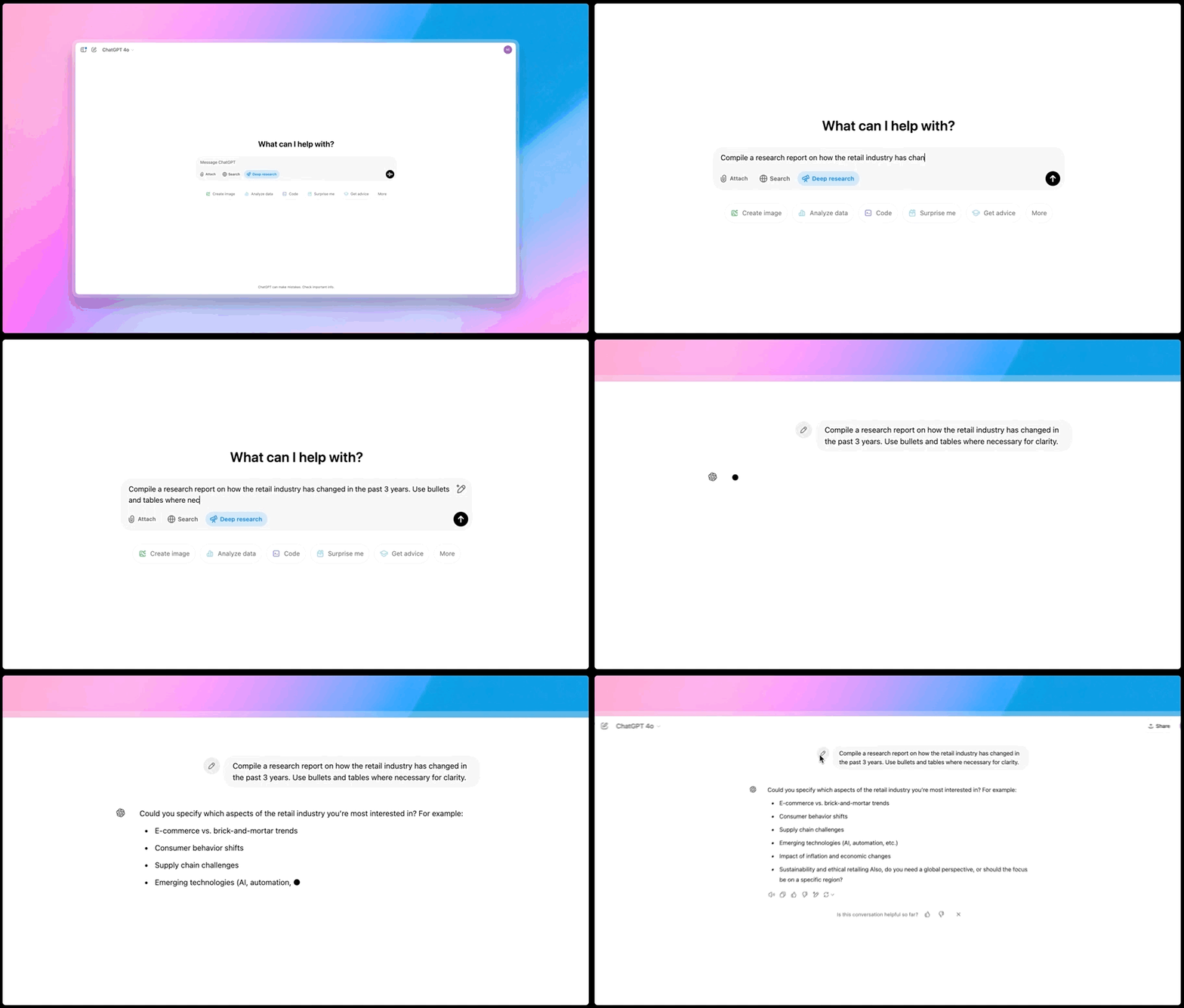
OpenAI’s Deep Research is a new mode of ChatGPT that functions like an AI research analyst. It’s powered by an advanced “o3” model and autonomously searches the web, reads hundreds of pages (including PDFs and images), and compiles a report with citations.
The result isn’t a quick answer but a detailed, referenced analysis that might take 10–30 minutes to generate. Sam Altman calls it the best tool that OpenAI has ever released.
Initially, this feature was launched for ChatGPT Pro users. Now it’s available for Plus users ($20/mo)
Google | Gemini’s Deep Research Mode

Google’s answer, Deep Research integrated into Gemini, focuses on structured search strategies. After a user submits a query, Gemini drafts a research plan, such as prioritizing academic papers over news articles, and allows manual adjustments before executing.
This deep research feature leverages Google’s expertise in search (and even a massive 1M token context window for processing information). Launched in late 2024, Gemini’s Deep Research is accessible on the web and mobile for users with an Advanced subscription.
Share this post with friends, especially those interested in AI Insights!
Perplexity | Deep Research
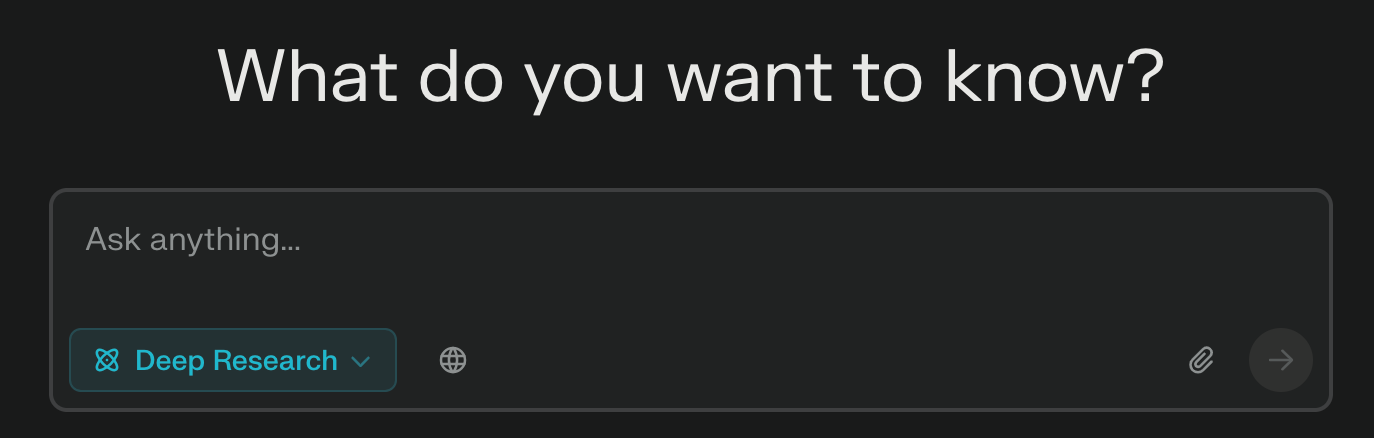
Perplexity AI, known for its search engine, introduced its Deep Research mode a few weeks ago. And notably made it free for everyone at launch. Much like its rivals, Perplexity’s agent performs dozens of searches and reads through hundreds of sources to generate a thorough report on your query.
Most reports finish in under 3–4 minutes.
Every user gets a limited number of free deep research queries daily (5 for free accounts), and Perplexity Pro subscribers get unlimited use.
xAI | DeepSearch with Grok 3

As for xAI, Elon Musk's company unveiled its DeepSearch as part of the release of the Grok 3 model. It replicates the capabilities of the tools above and differs due to its deep integration with X. Grok has been trained on social media posts, so it is well-versed in the latest topics.
It is available to Premium Plus subscribers on X and via the SuperGrok subscription tier. Grok browses the internet, verifies sources, and synthesizes real-time information, showing the AI’s thought process.
Pricing & Availability
To make comparison easier, here’s a table summarizing the cost and access for each:

At this point, it's important to note a few things. The above subscriptions provide access not only to deep research but also to other features. For example, with ChatGPT Plus, you'll get access to Sora, while X Premium will remove ads from your feed and give you some bonuses.
I'd also like to point out that Perplexity gives 5 free daily requests. Considering the amount of work this model can do, this will be enough for some users.
Main Features and Usage Scenarios

I've been testing these tools for a while, so I've accumulated a few talking points about each one. And although all the platforms are pretty close in idea, I want to divide them into use cases.
Here's about each of them.
OpenAI: Great for in-depth market research and competitive analysis, ideal for detailed business strategies.
ChatGPT's Deep Research is a good solution for entrepreneurs. Its comprehensive approach conducts in-depth market research for products and generates detailed reports for business strategies. For example, founders could use it to assess the market potential for a new app, pulling in data from various sources to build a strategy.
Google: Useful for preparing presentations and researching trends, with easy export to Google’s ecosystem.
Google's main competitive advantage (and perhaps the only one) is access to a vast ecosystem. If you regularly use Docs, Sheets, and other company platforms, it's easy to adapt your processes to Gemini. However, Gemini's Deep Research's speed of operation and quality of generated reports lose out to its competitors.
Perplexity: Perfect for creators and solopreneurs needing quick, affordable research.

Be sure to try these modes when you use Perplexity
Perplexity’s Deep Research stands out for its accessibility and accuracy. This tool is great for budget-conscious users, researchers, and content creators who need quick data. I suggest using it to research niche market trends for a blog series, social media posts, and newsletters.
The most incredible feature of Deep Research by Perplexity is the ability to focus on academic or social media sources. If you want to quickly scour Reddit or find a critical research paper, there is no better alternative.
xAI: Best for social media managers looking for real-time information from X.
Grok's DeepSearch experience is reminiscent of Gemini. But not by the quality of its reports, but by its “ecosystem” through integration with X. If you want to quickly understand what people are discussing in politics, business, or technology right now and use that as a basis for research, this could be a great choice.
In addition, DeepSearch is faster than any of its competitors.
Use Deep Research Like a Pro
Now, let's get to the practice.
In this section, we dive into advanced tactics for deep research. First, I'll give you five sophisticated quick ideas, customized for creators and entrepreneurs, that will push these AI tools to their limits (and maximize insight).
Then, I'll share five hacks—gleaned from first-hand experience and social media users—to help you explore these AI agents faster and smarter.
5 Advanced Deep Research Prompts for Power Users
- For Content Creators – Trend Deep Dive
Prompt:
Research the top emerging trends in [Your Niche] across social media, blogs, and news in the past year. Provide a report with key themes, example content creators or posts driving each trend, and data on audience engagement for each.Why it’s challenging: This prompt forces the AI to aggregate information from multiple domains (social media, blogs, news) and identify patterns. A YouTuber or blogger could use the resulting report to plan timely content that rides the wave of trends backed by data.
- Market Entry Analysis
Compile a comprehensive market entry report for launching a new [Product Type] in [Country/Region]. Include: major competitors and their market share, consumer demographics and preferences, regulatory or cultural factors to consider, and any gaps or opportunities identified.”Why it’s challenging: This essentially asks the AI to act as a business consultant. It must pull stats and facts about a specific market and industry, compare competitors, and analyze opportunities. Entrepreneurs can save weeks of preliminary research with a report like this as a starting point for a business plan or pitch.
- Scholarly Literature Review
Perform an in-depth literature review on [Academic Topic]. Summarize the main findings of at least 5 peer-reviewed papers from the last 5 years, note points of agreement or debate, and provide citations in APA style.Why it’s challenging: The AI has to find and synthesize information from academic papers (which may be behind paywalls or summaries) and ensure it cites properly. This is incredibly useful for educators or students: you get a draft of a literature review that you can then refine by reading the actual papers. It showcases the AI’s ability to handle technical, dense information and present it clearly.
- Historical Insight Finder
You are developing a documentary about the history of [Topic]. Use deep research to uncover five lesser-known or surprising events/anecdotes about [Topic] that are not commonly found in Wikipedia. Provide context for each and cite the sources (preferably books, archives, or expert interviews).Why it’s challenging: This prompt pushes the AI beyond the low-hanging fruit. It has to go deeper than a cursory search (perhaps digging into books or specialized sources) to find truly interesting tidbits. For a creator, the payoff is great – you get fresh material that can make your documentary or article stand out. It tests the AI’s ability to discover and not just summarize well-known content.
- Future Scenario Planning
What are the projected developments in [Industry or Field] over the next 10 years according to experts? Please research forecasts and expert opinions (from industry reports, thought leaders, or consulting firms) about [Industry], and compile the findings into a report. Highlight 3 potential opportunities or challenges that someone entering the field should anticipate.Why it’s challenging: It requires gathering forward-looking information, which may include reports or interviews by experts. The AI needs to distinguish speculation from fact and present a balanced view of the future. Entrepreneurs get a visionary outlook to inform long-term strategy. At the same time, educators (or students) could use it to discuss future trends in class or research the driving forces in an industry.
Creators’ AI could be a valuable gift for your friend, colleague, or family member. Gifting books is bright, but giving an AI newsletter is a superb move 😎
Using prompts like these will force deep research AIs to stretch their legs. The results can inform real projects, and you’ll quickly see the strengths and weaknesses of each tool (e.g., which finds obscure references or handles data better).
But no matter the prompt, how you use the tool can be as important as what you ask. That’s where user hacks come in.
5 User Hacks to Boost Deep Research Efficiency
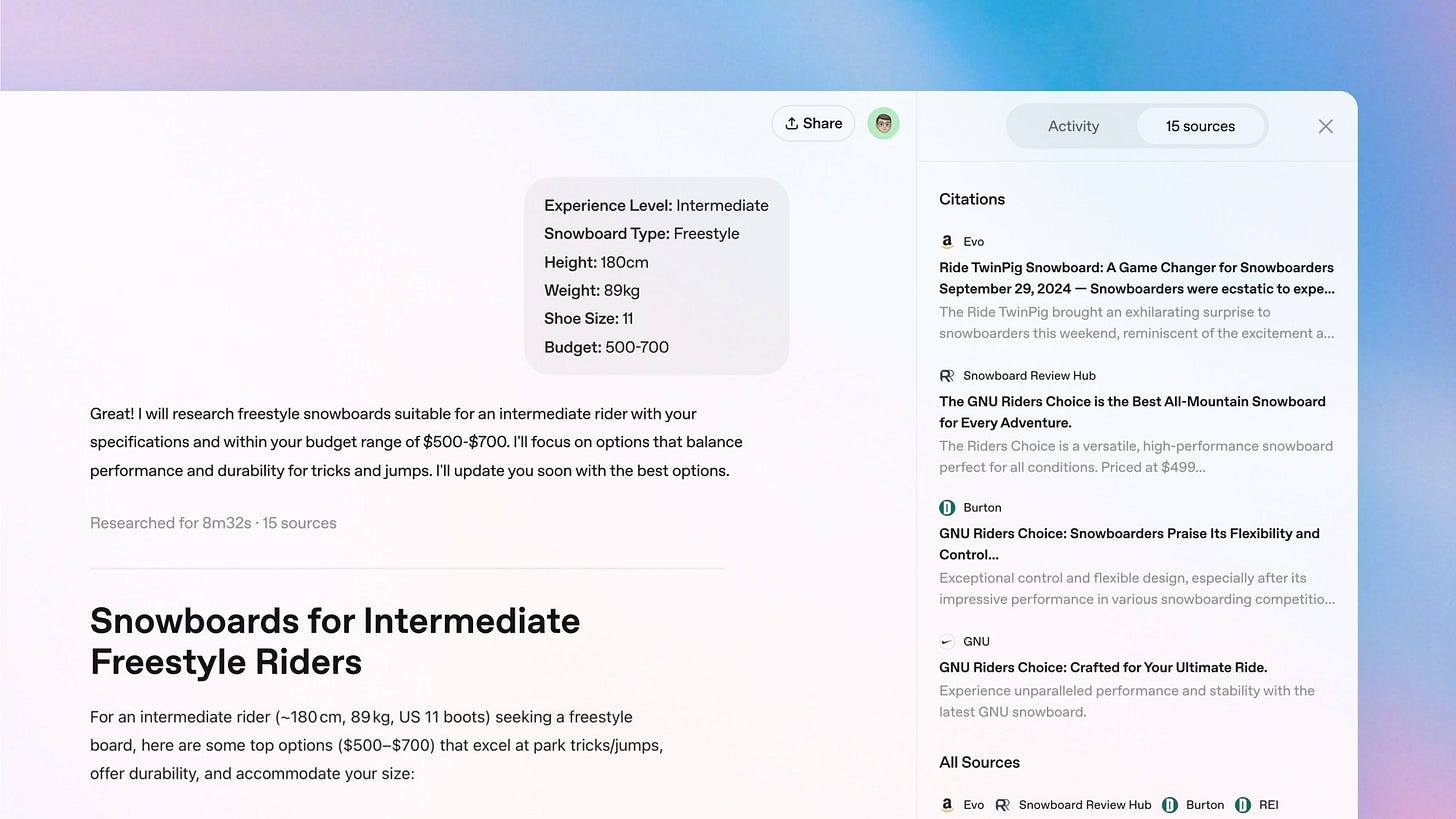
Hack #1: Optimize Your Prompt Before You Dive In
A little prompt engineering goes a long way. Power users suggest using a standard AI (or even ChatGPT in normal mode) to refine your query before sending it to Deep Research mode. For example, you can ask:
Help me improve this question for deep research: [your question].This often yields a clearer, more specific prompt. By starting with a well-formed query, you help the AI agent focus on what you really want, leading to a more relevant and accurate report.
Hack #2: Split Big Tasks into a Pipeline
Don’t feel like you must get everything in one go. One strategy is first to use a cheaper or faster model to outline or brainstorm. You can ask for an outline of topics to cover or a list of sources and then feed that outline into the deep research agent for detailed exploration.
This “coarse-to-fine” approach ensures the final deep report has a solid structure and covers all the bases you care about. It also saves time because the heavy-duty agent isn’t wasting effort figuring out the basics; you’ve already given it a roadmap.
Hack #3: Guide the AI’s Research Plan
If your deep research tool allows it, take the reins on the research plan. Google Gemini does this explicitly by showing you the steps it plans to take, but you can apply the idea elsewhere by instructing the AI in your prompt. For instance, you might add
Focus on government and academic sources, and then compare their findingsOr
Search for case studies first, then statistical data.Likewise, if you notice the AI keeps citing one website or a single perspective, prompt it to broaden the search scope – e.g. “Now find an alternative viewpoint from a different source.” This helps avoid biases or holes in the research.
Hack #4: Leverage Output Formats for Efficiency.
Make the AI’s output work for you. All these tools present information in a structured way – take advantage of that. For example, with Perplexity, you can download the AI’s report as a PDF and skim it or share it with colleagues.
Some users then take those PDFs and run a quick summary through a simpler AI to get bullet-point takeaways. If you’re using ChatGPT’s deep research, you can ask it at the end to “give a one-paragraph summary of the above report” or extract specific info (sparing you from reading 20 pages).
Hack #5: Always Verify Critical Info and Iterate
In fact, OpenAI itself noted that deep research may struggle to distinguish fact from rumor in some cases. So, adopt a mindset of verification. If the AI report makes a surprising claim or cites a statistic that seems off, check the source – follow the provided link or do a quick web search.
Often, the deep research will be cited correctly, but it might misinterpret nuances.
Final Thoughts & Verdict
After exploring all four, if I had to pick one solution for day-to-day deep research, Perplexity AI’s Deep Research gets my vote as the best all-around option for most people. It’s fast and easy, and the price (free for 5 requests) is correct. Before considering alternatives, you can always start there and see if it meets your needs.
And just try the social media search feature!
However, the “best” deep research tool still depends on your use case. Generally speaking, all of them are good in their way (except Google, unfortunately, Gemini doesn't offer anything interesting besides the ecosystem).
One thing is sure: the era of spending days in endless web searches is fading. With these tools, we can all spend less time digging for information and more time using it to build, create, and educate. And that's great!
Share this edition with your friends!
This article was first published in the Creators AI newsletter. View the original edition.