Hidden Gems of Hugging Face Spaces
Find Open Source Alternative to Any AI App
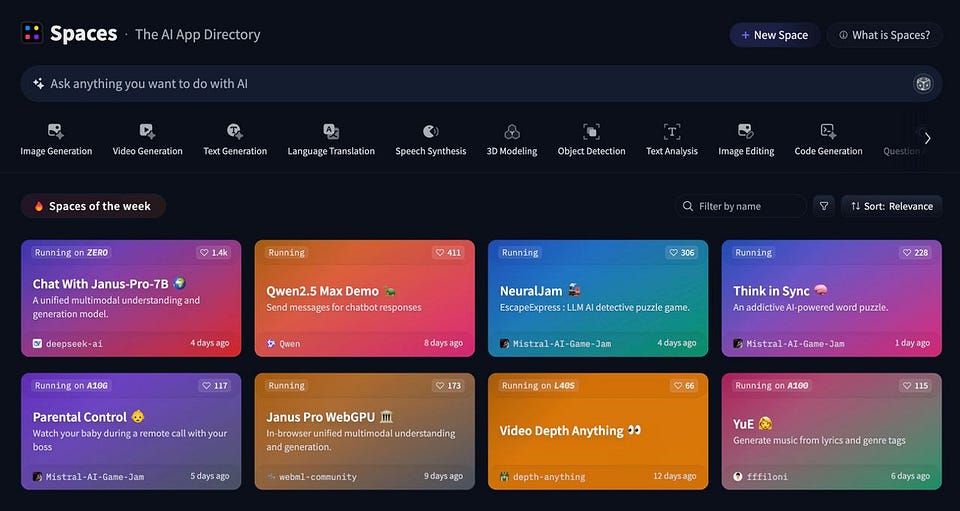
I know which platform is underappreciated yet vital for the AI trends of 2025. It plays to the open source and agent field while still affordable to non-technical people. Moreover, you can use it to try the latest OpenAI product without paying $200/mo.
It's called Hugging Face Spaces.
Today, we discuss why Spaces will be a primary news source (it is now), figure out how it can benefit founders and enthusiasts, and look at some notable case studies.
Keep your mailbox updated with practical knowledge & key news from the AI industry!
Why You Have to Know About Spaces
I assume that many people know about Hugging Face itself, but just in case, I'll briefly explain. The project started in 2016 as a small startup and later evolved into one of the leading hubs for open-source AI with a repository of pre-trained models. But it kept the big goal: to make AI accessible to everyone, even non-technical users.
Last year, Hugging Face hosted over 1M models, datasets, and apps. In general, it has more than 350k models, 75k datasets, and 150k demo apps.
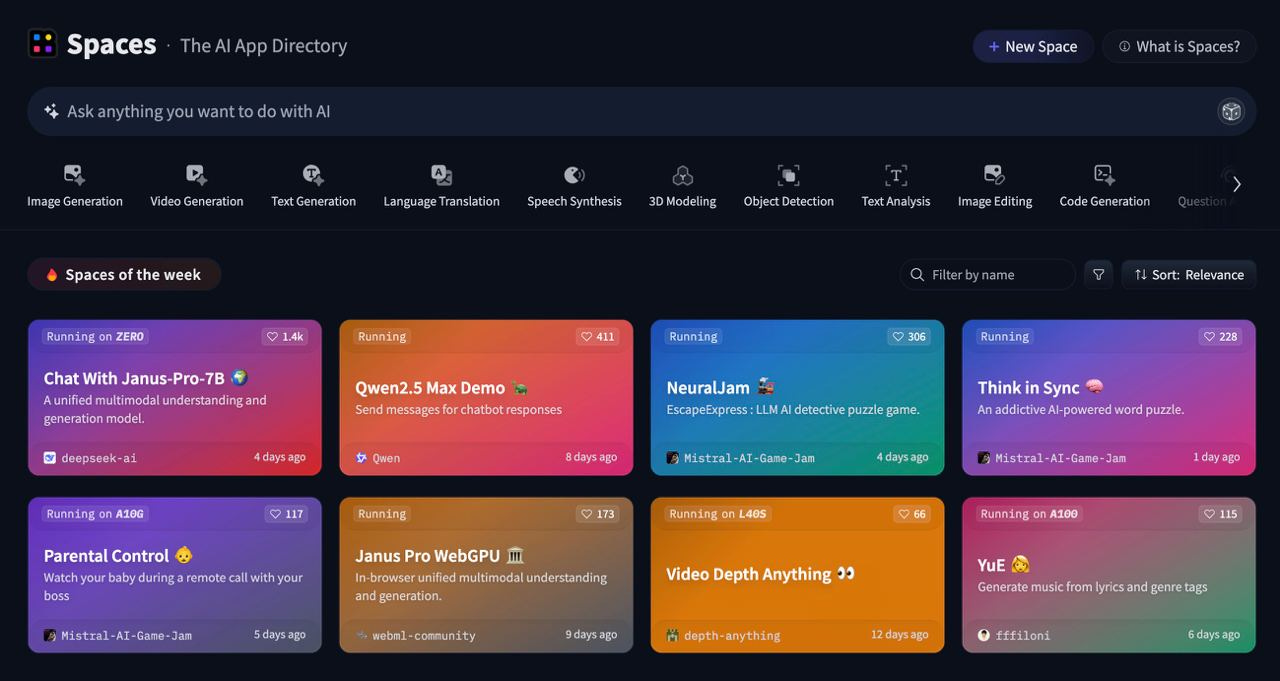
As for Spaces, it's a place where people can turn models into web apps without worrying about backend infrastructure. It allows users to deploy, share, and test real-time demos. So this is one of the easiest ways to try models like OpenAI's o1, BERT, Stable Diffusion, and many others.
You can use Spaces for several purposes:
- To familiarize yourself with fresh tools
- To gather feedback for the project
- To find out what's in demand in the AI right now
You won’t be required to make any investment to host, test, and learn public models. However, you can pay $9/mo to access Dev Mode and higher priority.
Spaces Community vs OpenAI
You don't have to go far to prove that Spaces is an essential part of the game. Let's just remember what happened in the last few days.
This Sunday (February 2), OpenAI released its new product, Deep Research. It’s a tool designed to work as a digital research analyst. The AI uses a specialized version of the o3 model to browse the web, process text and various files, and then generate detailed reports with citations.
Over a few days, it was a marginally impressive tool. However, it has a tiny drawback: Deep Research costs a $200/mo ChatGPT Pro subscription.
What did the Spaces community do?
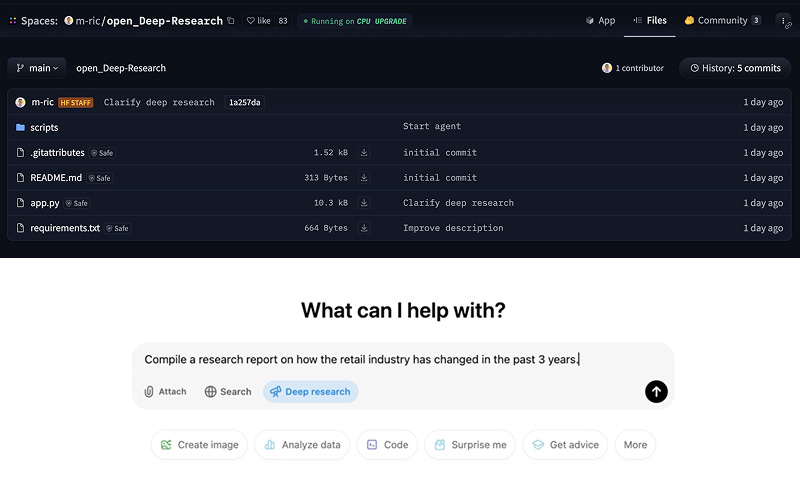
That's right, the next day (February 3), a group of developers, including Hugging Face co-founder Thomas Wolf, released an “open” version of Deep Research.
They didn't bother with the name; so it’s just Open Deep Research.
This tool can do the same job as the latest product from OpenAI: to research open data sources. The difference is that it's built on top of OpenAI's o1 and is open source, which you can get on GitHub (you'll still need the appropriate API key) or test in Hugging Face Spaces for free.
To be fair, on GAIA, a platform for evaluating AI assistants, Open Deep Research has a 54% share compared to OpenAI's Deep Research, which has 67.36%.
That's significant, but is it worth your $200?
To summarize the interim results, I want to highlight a few key reasons why you should consider Spaces, whether you're a creator, developer, or founder.
Here are the tasks that this platform accomplishes:
- Open-Source Innovation: By hosting thousands of pre-trained models and demos, Spaces fosters an environment where creators, researchers, and entrepreneurs can experiment and share developments in AI.
And as you can see above, even compete with the best.
- Accelerating AI Agent Development: With the rise of agents that perform multi-step tasks, Spaces provides a sandbox for testing and refining these agents, making them accessible to a global community.
- Cost-Effective Prototyping: Spaces lower entry barriers for individuals and startups, enabling them to prototype and validate AI apps without incurring high operational costs.
It doesn't just work with small startups.
Some companies use Spaces to test new products and tools. For example, HeyGen Labs used it to prepare the launch of its podcast generator.
As for disadvantages, I see two:
- Availability issues: If there is a high demand for some tools, you may be unable to use them for a while.
- Imperfection of many projects: Since Spaces is an open platform, questionable solutions regularly appear. Therefore, it is not worth expecting the same quality of execution from each tool that we expect from OpenAI.
And yet, the benefits overlap.
The question is where to start if you are a beginner. I've already talked about Open Deep Research (and I advise you to test it), but Spaces has many other awesome projects.
Let's look at five that seem like real gems to me. These will be useful for both work tasks and everyday use. (and won't bankrupt you, unlike a lot of similar subscription-only platforms)
5 Hidden Gems from Hugging Face Spaces
AI Web Scraper
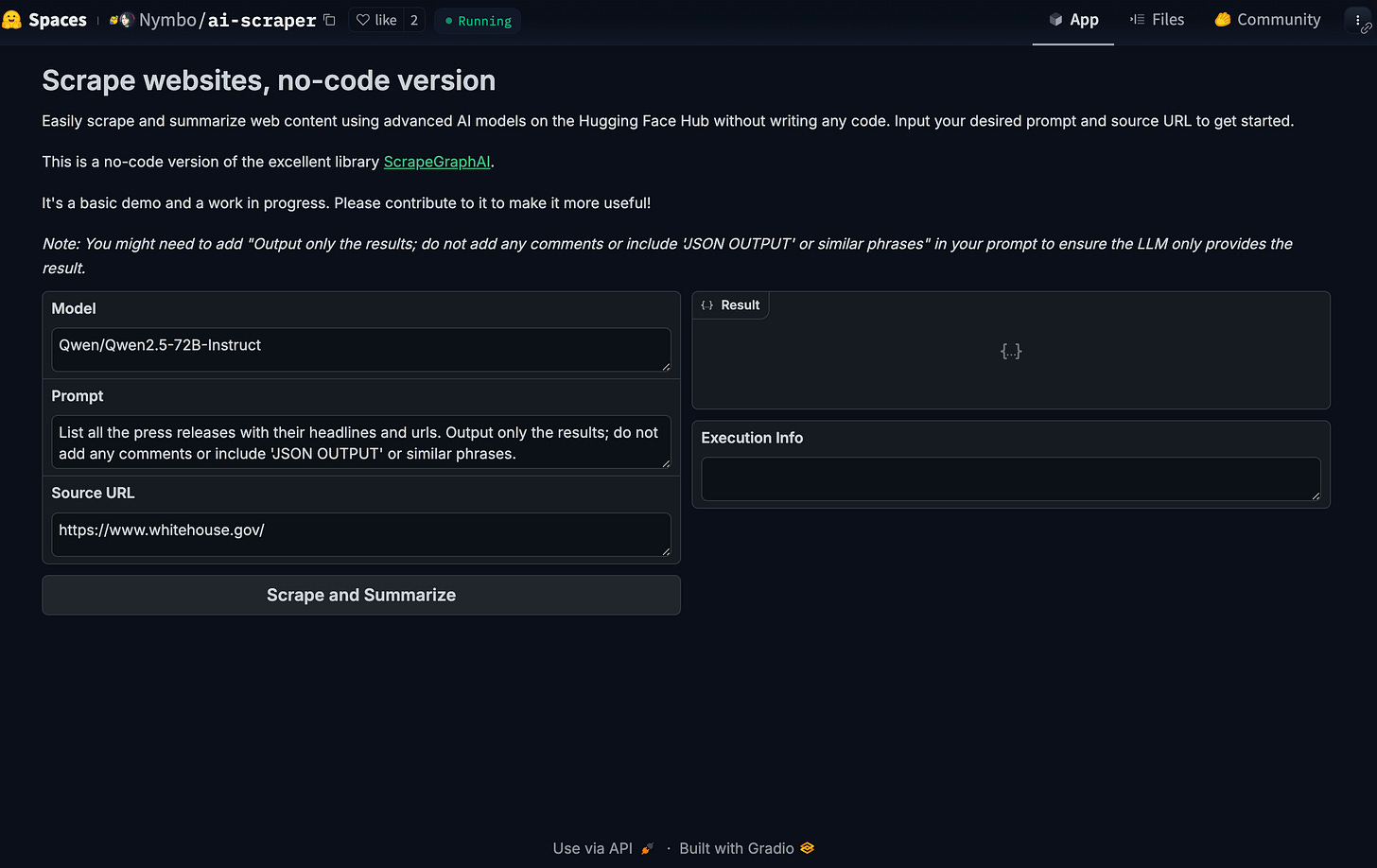
This tool automates data collection from websites without any code.
You input a URL, and it extracts information—such as prices, reviews, or trends—and organizes it into structured JSON format. Powered by Qwen2.5-1.5B-Instruct, it handles complex web pages, making it useful for startups or marketers who need competitor insights or customer feedback without manual effort.
To try it out: AI Scrapper
BLIP (Bootstrapping Language-Image Pre-training)
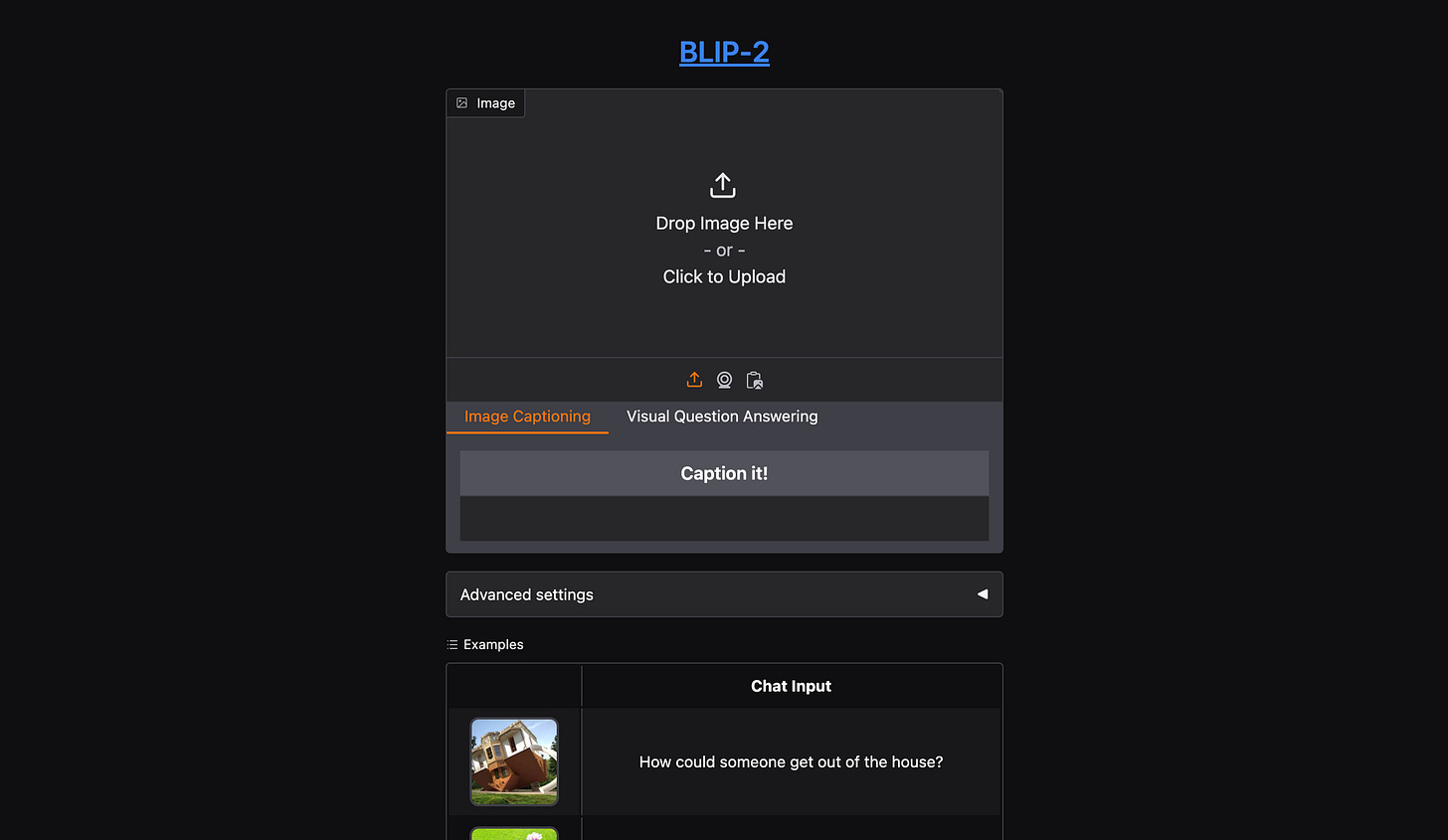
BLIP helps bridge images and text. It generates captions for photos, answers questions about visuals, and matches text to relevant images. For example, if you run an e-commerce business, you can use it to auto-tag product images or improve website accessibility with alt-text.
It also works in multiple languages, so it’s nice for global projects.
To try it out: BLIP
Creators’ AI could be a valuable gift for your friend, colleague, or family member. Gifting books is bright, but giving an AI newsletter is a superb move 😎
Reverse Image Search
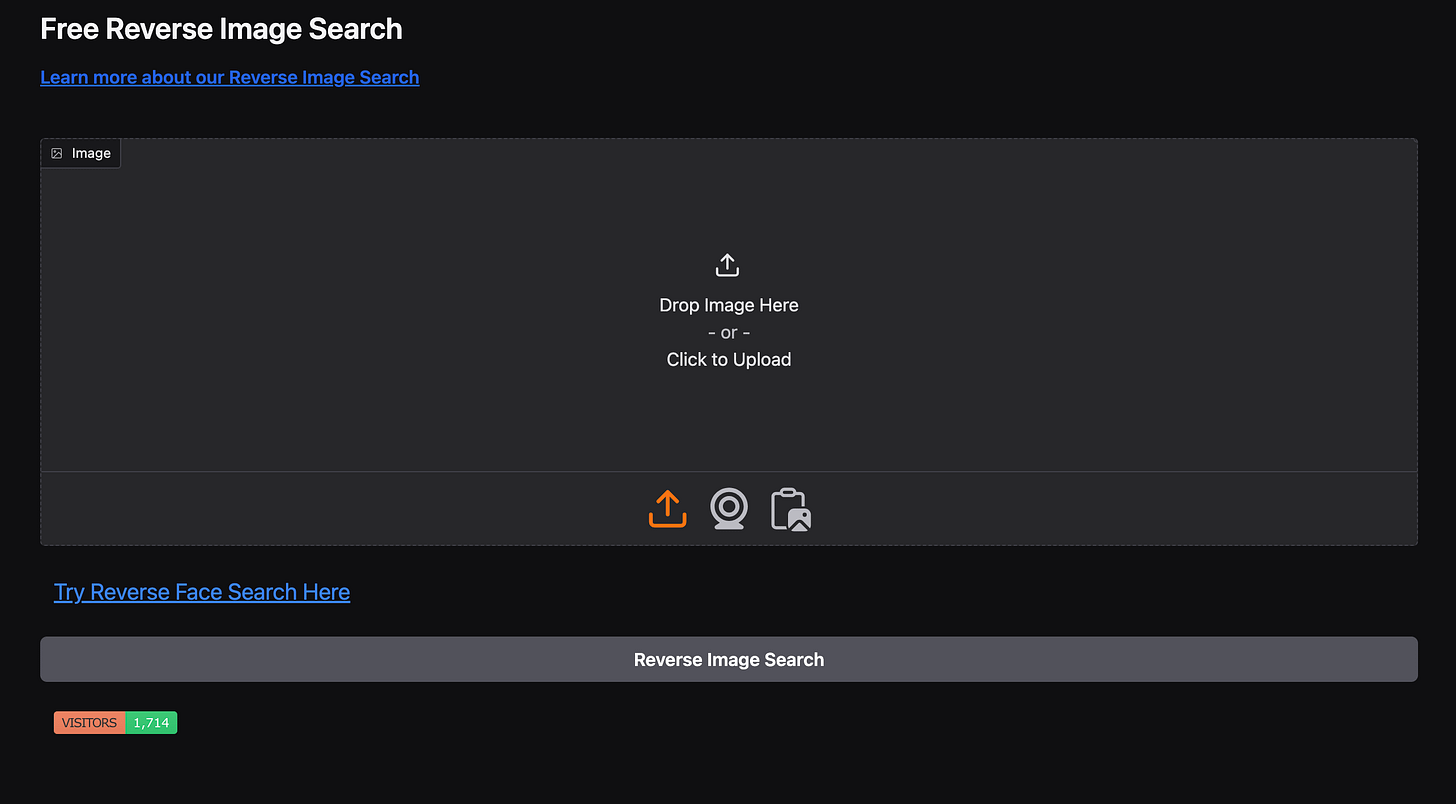
This tool empowers users to upload images and quickly find visually similar images across the web. It’s a practical resource for verifying the originality of visual content, identifying trends, and gathering competitive intelligence. You can use it to find inspiration, confirm usage rights, and find higher-resolution versions of images that fit your needs.
Work Application: It can be a valuable tool for ensuring brand consistency and protecting intellectual property for creative and marketing professionals.
To try it out: Reverse Image Search
Janus Pro WebGPU
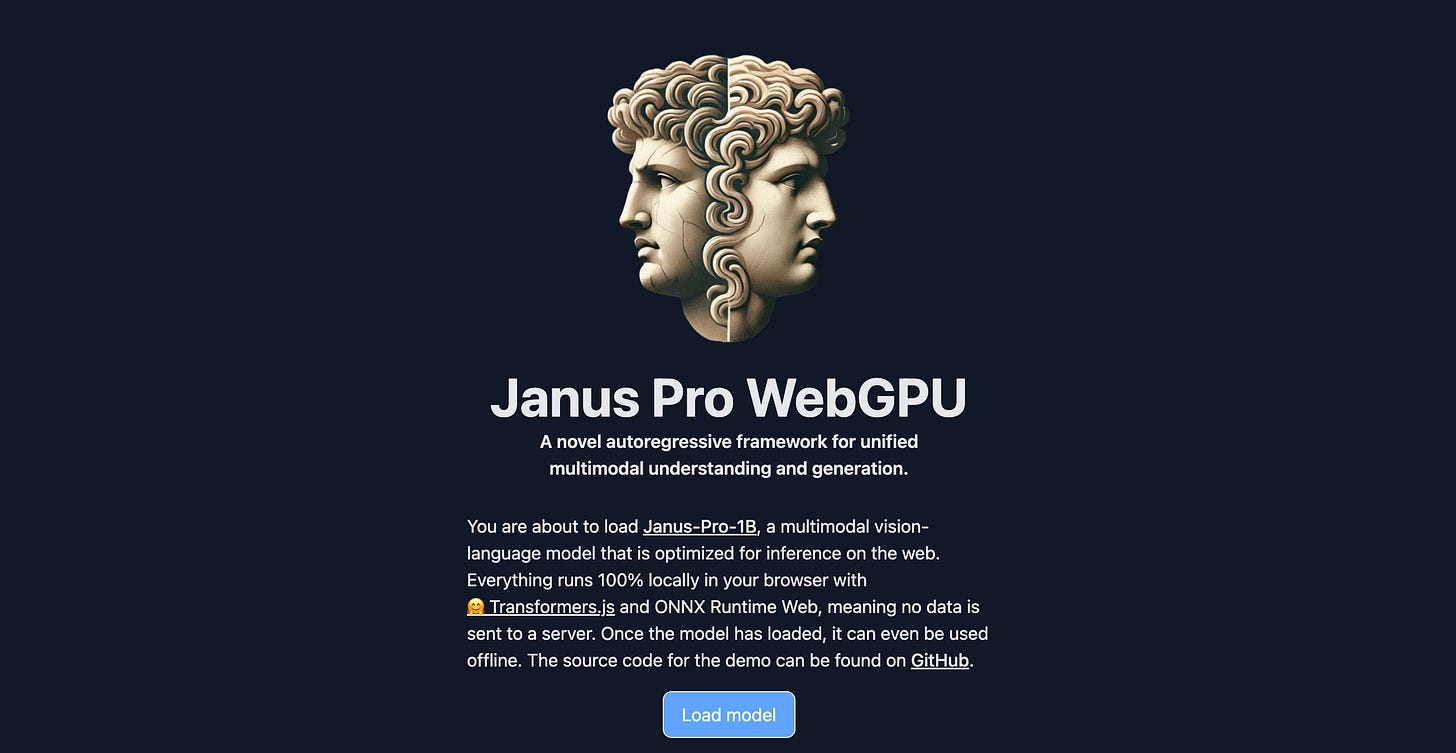
Janus Pro WebGPU is a browser-based AI that lets you generate and analyze images in your web browser. It uses WebGPU acceleration to run the model locally, eliminating the need for powerful hardware. So, it’s offering privacy and speed for tasks like turning text prompts into visuals or answering questions about image content.
Work Application: It enables quick prototyping, on-the-fly content creation (e.g., social media graphics or product concepts), and building web apps with AI features like virtual try-ons—no servers or upfront costs while keeping data private.
To try it out: Janus Pro WebGPU
Kokoro TTS
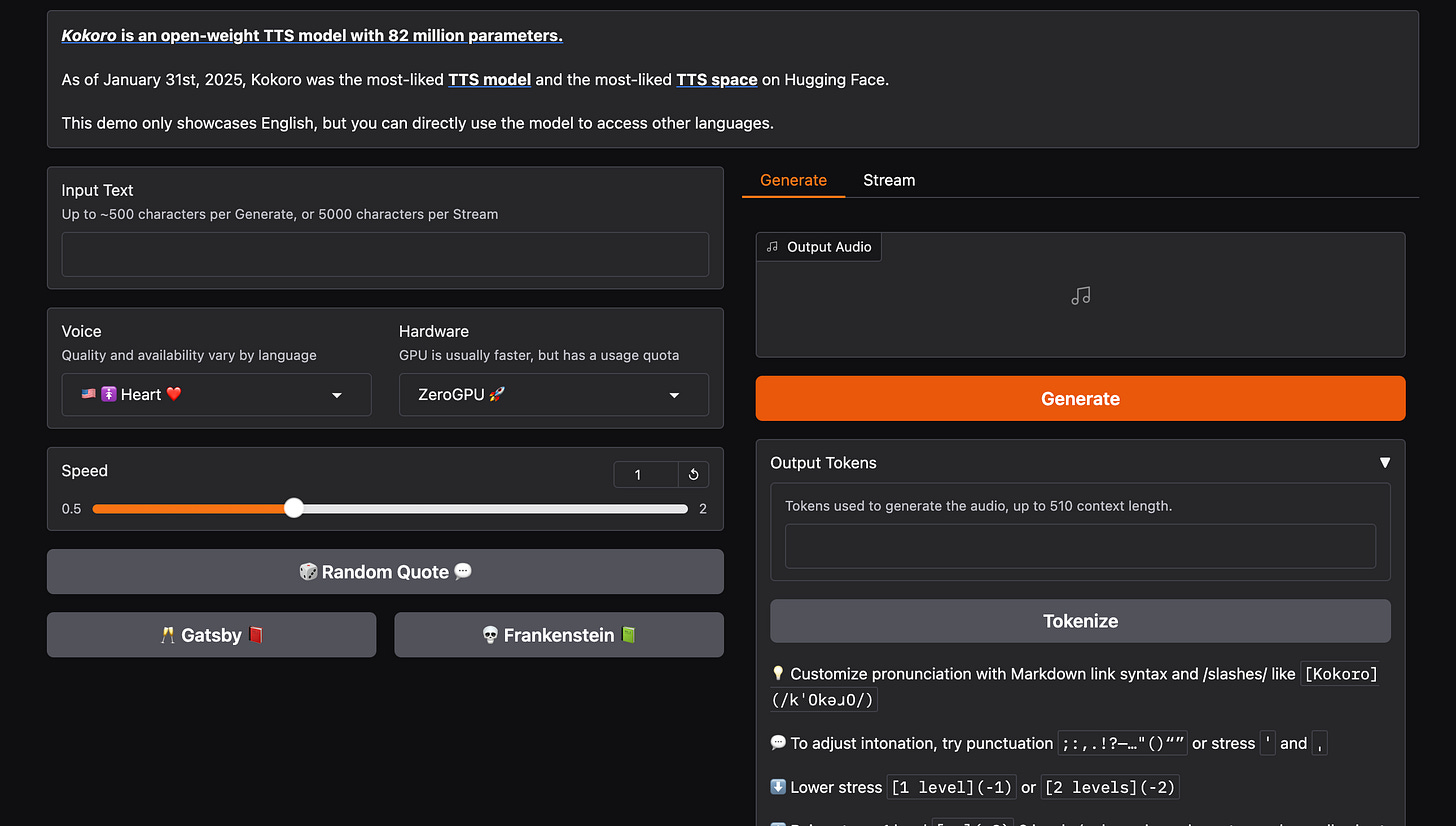
Kokoro TTS turns written text into natural-sounding speech. It’s optimized for English (American and British accents) but supports other languages like French, Japanese, and Mandarin, with plans to expand further. The demo version is only available in English, but as the developers say, you can directly use the model to access others. It can be run locally on CPU/GPU.
Work application: Kokoro TTS offers a practical solution for generating voiceovers, audiobooks, and other audio content.
To try it out: Kokoro TTS
Bonus: Open LLM Leaderboard
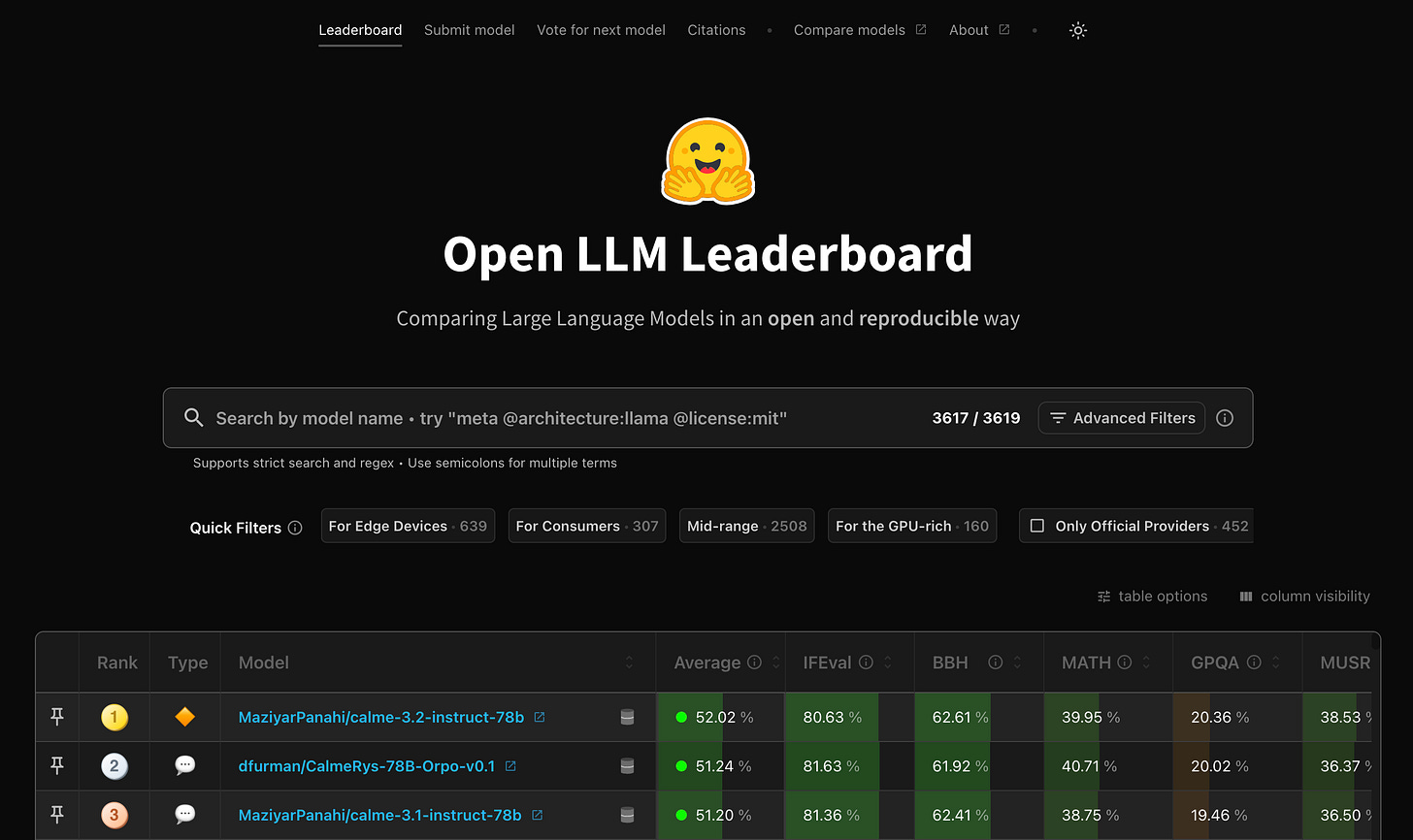
Open LLM Leaderboard tracks models, benchmarking them on math, coding, and reasoning tasks. If you use AI often, it will help you compare models for cost-performance trade-offs, ensuring optimal chatbot or translation tool deployment.
To try it out: Open LLM Leaderboard
Conclusion
Spaces really offers a refreshing contrast to many current AI solutions.
It can be used for free—or for minimal cost if you need API keys—making it a practical alternative for many developers. Some handy apps are emerging, and the pace of growth on the platform is impressive to watch. There are still problems, like intermittent access, and room for improvement, but overall, seeing how this space is evolving is encouraging.
I'll keep an eye on these developments in the coming months. And, of course, I'll let you know when I see something cool!
Share this edition with your friends!
This article was first published in the Creators AI newsletter. View the original edition.