How to Build AI Agents Using Grok API
You don't need technical expertise to create AI chatbots
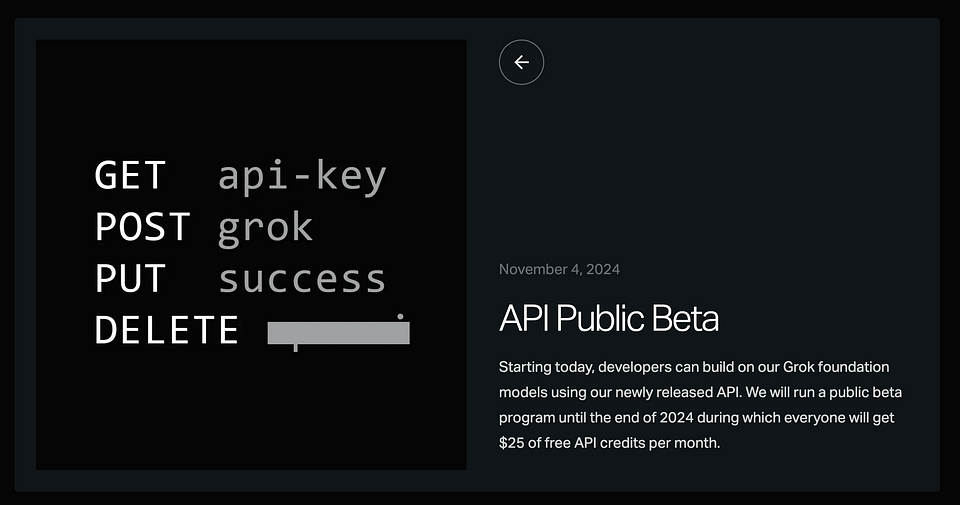
The API for the Grok model is finally here, and it comes with a nice bonus: $25 in free credits! Let's explore the AI from Elon Musk’s startup and determine which practical scenarios it will be useful in. As a test project, we'll create an AI travel agent with a guide so you can implement your solution without advanced skills.
Let's go.
Keep your mailbox updated with practical knowledge & key news from the AI industry!
xAI API with Free Credits

While Grok is primarily known for its scandalous positioning (Musk has made no secret that his chatbot acts as a counterweight to ChatGPT, Gemini, and others), it's actually one of the best models on the market. According to several independent benchmarks, Grok is on the same level as GPT-4, Claude 3, and Llama 3.1. In some cases, the xAI model even outperformed the competition.
Starting this month, developers can see for themselves (well, or disprove it). xAI has launched a public beta program through the end of 2024, during which users get $25 of free API credits monthly.
Keep in mind that the offer only lasts two months, so it's worth trying it soon.
Only one model, called grok-beta, is available as part of the public beta. It has a context length of 128,000 tokens and supports function calls and system hints. In the near future, xAI plans to publish more information, as well as open access to a multimodal version that will handle not only text but also images. It's called Vision.
xAI also noted that their Rest API is compatible with those offered by OpenAI and Anthropic. This makes it easy to migrate. If you're currently using the OpenAI Python SDK, you can start using Grok by simply changing thebase_urltohttps://api.x.ai/v1and using the xAI API key you created on the company's website.
By the way, as far as prices are concerned, Grok-beta is not the cheapest. To be more precise, the most expensive. Here is a comparison with the most popular models.
- Grok-beta — input: $38.15 (per 1M); output: $114.44 (per 1M)
- GPT-4o — input: $2.5 (per 1M); output: $10 (per 1M)
- Claude 3 Opus — input: $15 (per 1M); output: $75 (per 1M)
- Gemini Pro — input: $0.33 (per 1M); output: $0.33 (per 1M)
Sharing is caring! Refer someone who started a learning Journey in AI!
However, Grok has already shown that it can engage in human-like text interactions by providing answers, insights, or dialogue. Its essential feature is that this AI utilizes X posts for up-to-date information. Since users on X discuss all the latest news and share their personal experiences, Grok is a reasonable basis for real-world projects.
So, as soon as the xAI API became publicly available, creators rushed to test how it handles building AI agents, websites, and apps. And we're no exception. Here's a guide to help you set up an AI travel agent using the Grok API and Replit. I'll break down each step so you can follow it, even without a technical background.
How to Build Your AI Agent Using Grok
Step 1: Set Up Your Accounts
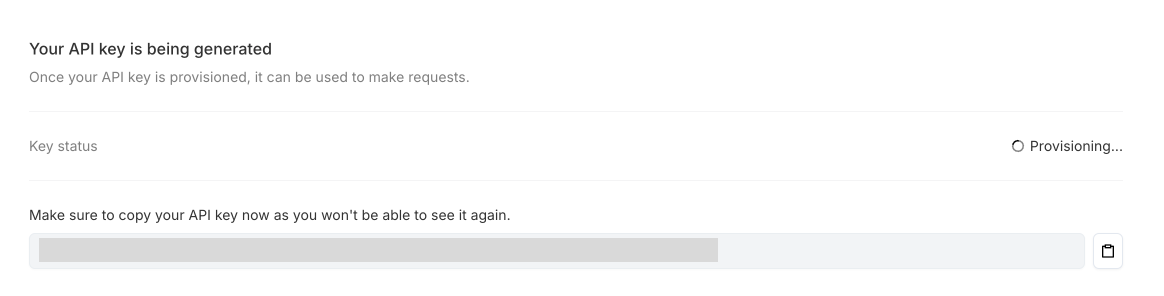
- Get Access to the Grok API:
- Sign up at xAI’s website.
- Look for your API Key in the Grok dashboard. This key is important; it allows you to access Grok’s AI in your Replit code.
- Create a Replit Account: Go to replit.com and sign up for a free account.
Step 2: Set Up a Project in Replit
- Log in to Replit.
- Click Create and choose Python as the template since we’ll use Python to communicate with the Grok API.
- Name your project (e.g., “AI Travel Agent”) and click Create Repl.
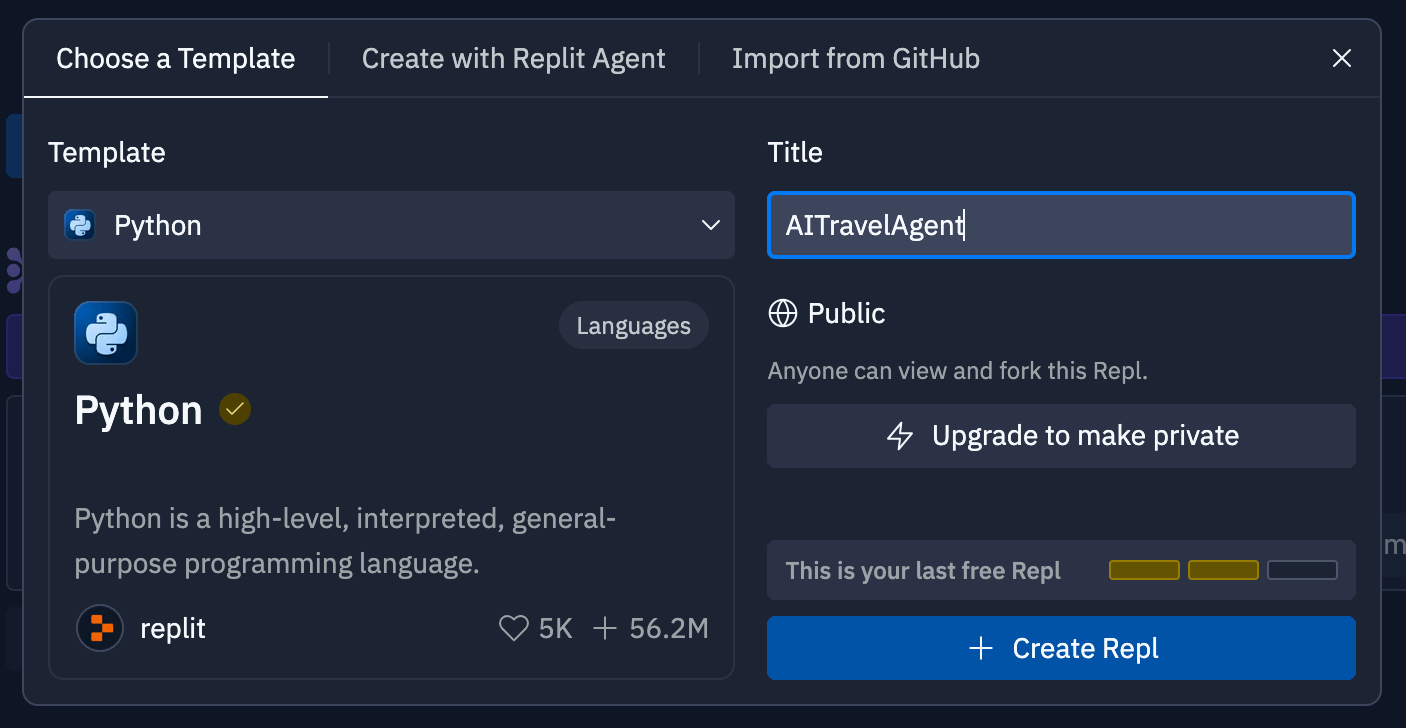
Step 3: Write the Basic Code
Now, we’ll write the code that makes the travel agent work. In Replit, you’ll see a coding area. Copy and paste the following code exactly as shown below.
import requests

class Grok:
    def __init__(self, api_key):
        self.api_key = api_key
        self.endpoint = "https://api.x.ai/v1/completions"

    def chat(self, prompt):
        headers = {
            "Authorization": f"Bearer {self.api_key}",
            "Content-Type": "application/json"
        }
        data = {"prompt": prompt, "model": "grok-beta"}
        response = requests.post(self.endpoint, headers=headers, json=data)
        response.raise_for_status()
        return response.json()["choices"][0]["text"]

grok = Grok('API_KEY')

def get_preferences():
    preferences = input("Any specific interests or preferences (e.g., beaches, museums)? ").lower()
    return preferences
def get_travel_plan(destination, duration, preferences):
    prompt = f"Provide a travel itinerary for {destination} for {duration} days, focusing on {preferences}."
    return grok.chat(prompt)
def main():
    print("Welcome to your AI Travel Agent with Grok!")
    destination = input("Where would you like to travel? ")
    duration = input("How many days are you planning to stay? ")
    preferences = get_preferences()
    plan = get_travel_plan(destination, duration, preferences)
    print(f"Your travel plan:\n{plan}")
if __name__ == "__main__":
    main()
Step 4: Update Your API Key & Run Code
- Find the line API-KEY and replace it with you API key
- In Replit, click the Run button at the top of the screen.
- You’ll see a message saying, “Welcome to your AI Travel Agent with Grok!”
- Than it will ask you questions and offer a full-blown travel scenario.
Step 5: Test and Refine
So now, you can interact with your AI Travel Agent. Check out different options for a fictional (or maybe real) trip and finalize your agent if necessary. This can be done either manually or with the help of hints from Replit AI.
Step 6: Save and Share
- After testing, you can share your travel agent with others.
- In Replit, click Share to get a link or to invite others to use your AI travel agent.
As you can see, it's pretty simple. And obviously a hundred times easier than creating a product manually.
Final Thoughts
So, the Grok API is finally available. And I'd say it gives mixed impressions. If you're expecting a revolution, you'll probably be disappointed. Grok does its job well, but it doesn't feel like a new level against GPT-4 and Claude 3. Plus, it's the most expensive model of the popular ones. So I'd recommend being speculative about enthusiasts who talk about it as “the next big thing”. But there are a few important points here.
First, there's the free credits for the next two months. If you want to test a powerful model, the Grok API is a great opportunity (all you'll need is an X Premium subscription). More importantly, Grok is trained on data from X. That means it's truly up-to-date. It incorporates text data from the web as well as direct access to posts on X, giving it “real-time knowledge of the world.” And that's a cool advantage for those who want to create products with an eye on current trends.
What do you think? Tell us in the comments!
Share this edition with your friends!
This article was first published in the Creators AI newsletter. View the original edition.