MCP: The API 2.0?
How to combine a chatbot with your data or tools.
In the previous digest, I mentioned that the model context protocol is gaining momentum. And it doesn't look like a temporary trend but an essential part of the AI industry. If I may say so, it is like “API 2.0.”
Using this platform, creators combine existing tools with chatbots to build practical solutions. We haven't yet had an easier way to create new use cases without advanced skills.
And it synergizes perfectly with the idea of vibe coding.
In this post:
- What is Model Context Protocol (In Simple Words)
- Five Case Studies You Can Check Right Now
- How to Use Set up Your First MCP
Keep your mailbox updated with practical knowledge & key news from the AI industry!
What Is MCP?

This is how Claude can work with a combination of Perplexity via MCP.
So, to avoid overwhelming you with technical details (you can look up a meticulous definition here), let's keep it short and simple.
Model Context Protocol (MCP) is a standard for connecting AI assistants to third-party systems. These can be your databases, development environments, or popular software. The idea is that users (or businesses) can combine chatbots with the solutions they need.
MCP is an open-source standard developed by Anthropic (creator of the Claude). And while any company can use it, OpenAI and Google don't want to adopt a competitor's platform yet.
That's why many creators use MCP in combination with Claude.
MCP offers a massive advantage in terms of time and resources. Previously, you had to write code to connect an AI tool to an external system via an API. This meant that every connection had to be pre-coded. For example, if you had 1000 AI and 1000 external tools, you need 1M hard-coded connections via API.
But now it's simpler than that. Each AI can implement MCP once and then connect to thousands of external tools. The same thing works the other way around. The external tools have to create an MCP server just once, and all AI tools that support MCP can connect to them.
The architecture is also straightforward: developers can either expose their data through MCP servers or build AI applications (MCP clients) that connect to these servers. Anthropic has three related components for developers:
- The Model Context Protocol specification and SDKs
- Local MCP server support in the Claude Desktop apps
- An open-source repository of MCP servers
These are all the tools you may need to implement your solution.
To make it even clearer, let's look at the cases.
I have already adopted several of them and strongly advise you to do so. We'll go from those useful to everyone to more specific usage scenarios.
And then, we'll look at how you can create your solution.
Claude + Perplexity
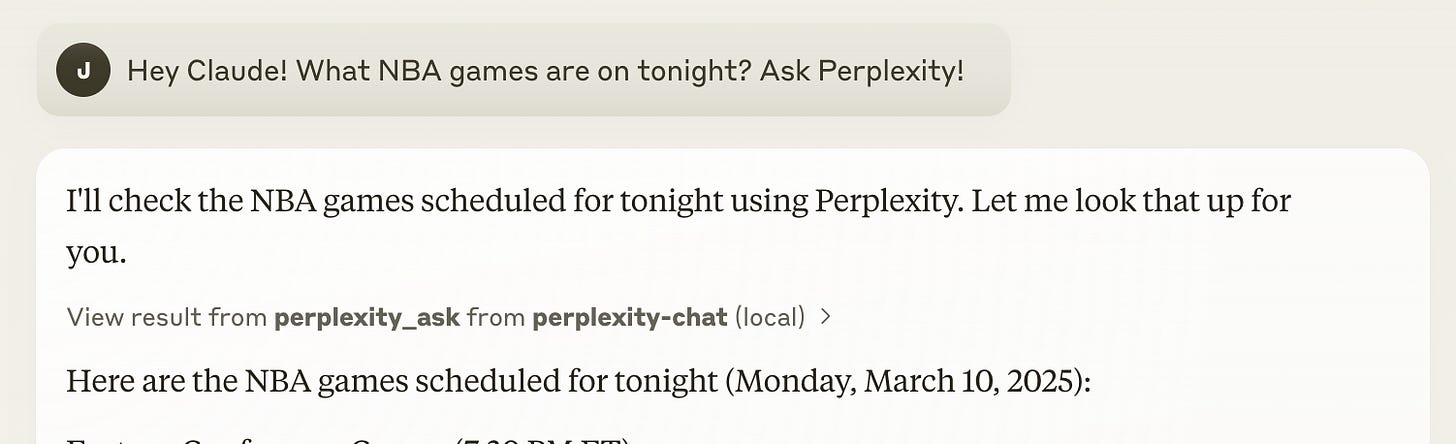
The first case was shared by Aravind Srinivas, founder and CEO of Perplexity.
The startup quickly caught the trend and published Perplexity API with MCP support on GitHub. Thus, by downloading the Claude app to your PC, you can connect it to the Perplexity search engine. In doing so, Claude will be responsible for formulating responses and reasoning. Nice combo.
Why it matters:
If you've tested Claude, you know it's one of the best models for сoding and (here, I can confidently state) an absolute beast in creative writing.
However, its main drawback has always been the lack of native support for the web connection. And this is a critical problem for me and all those whose work relies on up-to-date information from the web.
But thankfully, it's gone now, thanks to MCP.
At the end, I'll also tell you how to set up the Claude and Perplexity combination.
Share this post with friends, especially those interested in AI Insights!
Claude + Academic Databases
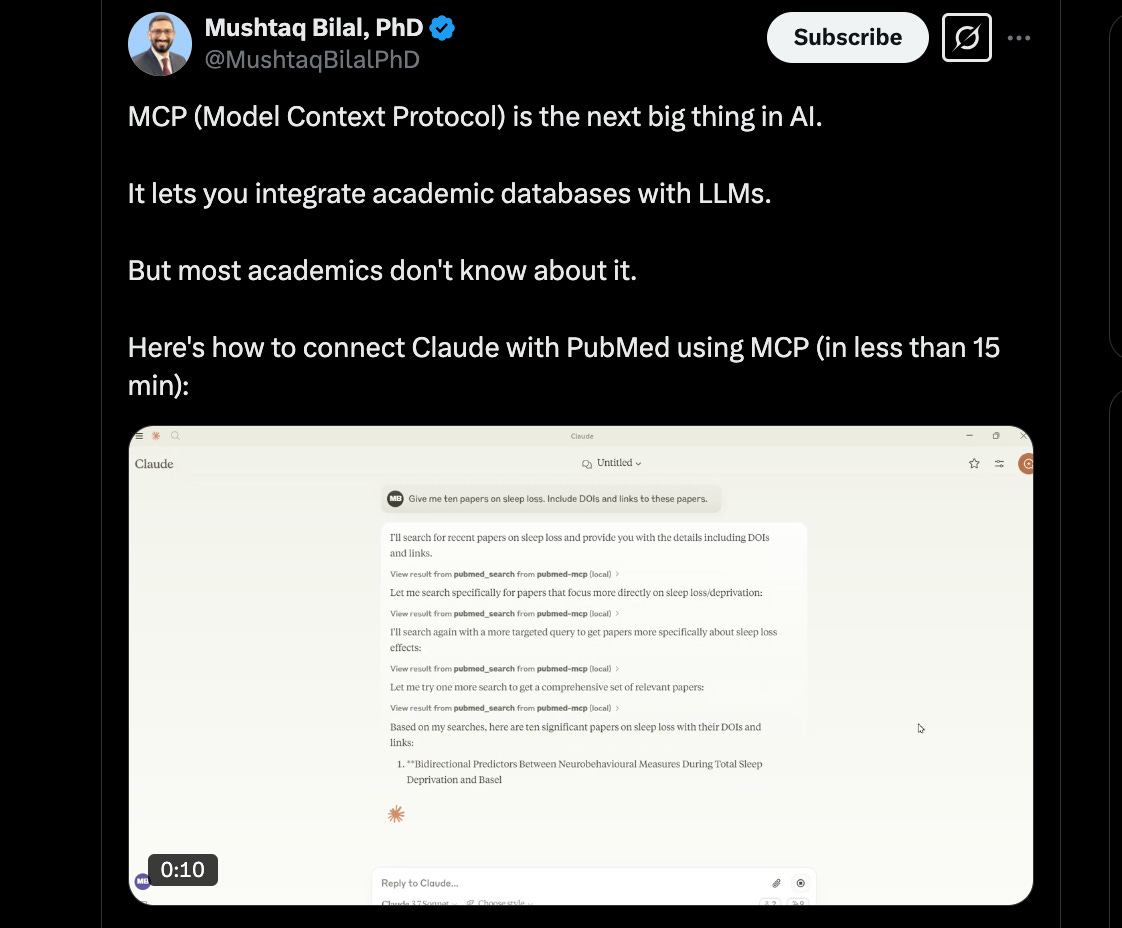
The second cool case study was offered by Mushtaq Bilal.
He showed how you can integrate academic databases with LLMs using MCP. He used this approach to integrate with PubMed, a government website that allows you to search for scholarly literature in biomedicine and health care.
Why it matters:
While we already have Deep Research from OpenAI, Google, xAI, and Perplexity, you can hardly call AI the perfect digital analyst. My personal experience is that models do poorly processing information sources.
This is clearly visible if you consider what resources ChatGPT often suggests when searching for highly specialized information. And the ability to fine-tune the model for specific databases may save us.
And it does not necessarily have to be complex scientific resources. Bilal showed how to set up Claude to work with academic databases in less than 15 minutes here.
LinkedIn + Email through MCP
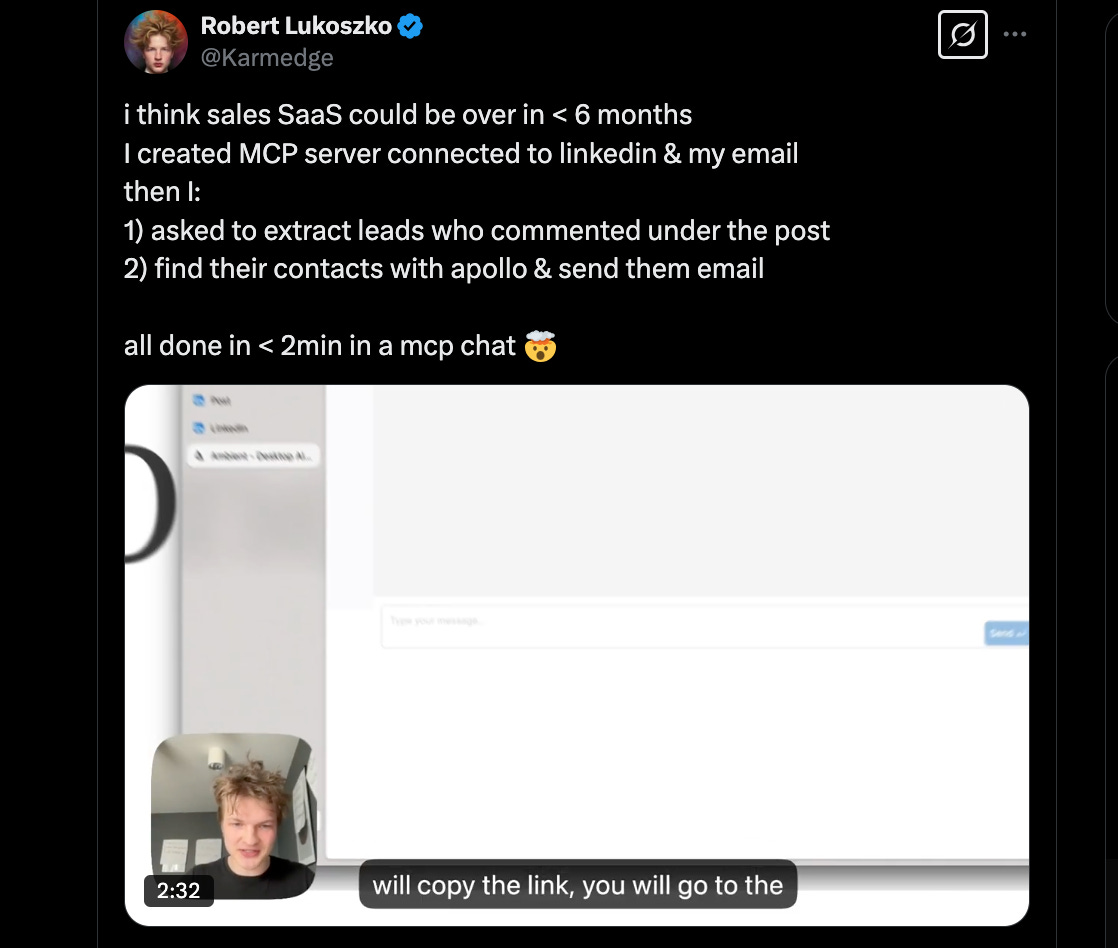
Thread is here.
Moving on to more specific use cases. Robert Lukoszko made a bold statement: in his opinion, sales SaaS will not be needed in 6 months. And to prove his point, he created an MCP server connected to LinkedIn and his email.
Then, he used AI to extract leads who commented under the post, find their contacts with Apollo, and email them. All of this using prompts within two minutes. Lukoszko is now offering this approach as part of a separate Ambient product.
You can try it yourself.
Why it matters:
I'm overcome by a strong sense of deja vu, but I feel like I should spell it out anyway. I'm far from a major fan of LinkedIn and if there are ways in the world to avoid that platform, I'll use them.
But on a slightly more serious note, this is another step into the agentic era. That said, you don't have to wait for individual products. Everything can be customized for you within minutes.
Creators’ AI could be a valuable gift for your friend, colleague, or family member. Gifting books is bright, but giving an AI newsletter is a superb move 😎
Cloning Any Website with Prompts
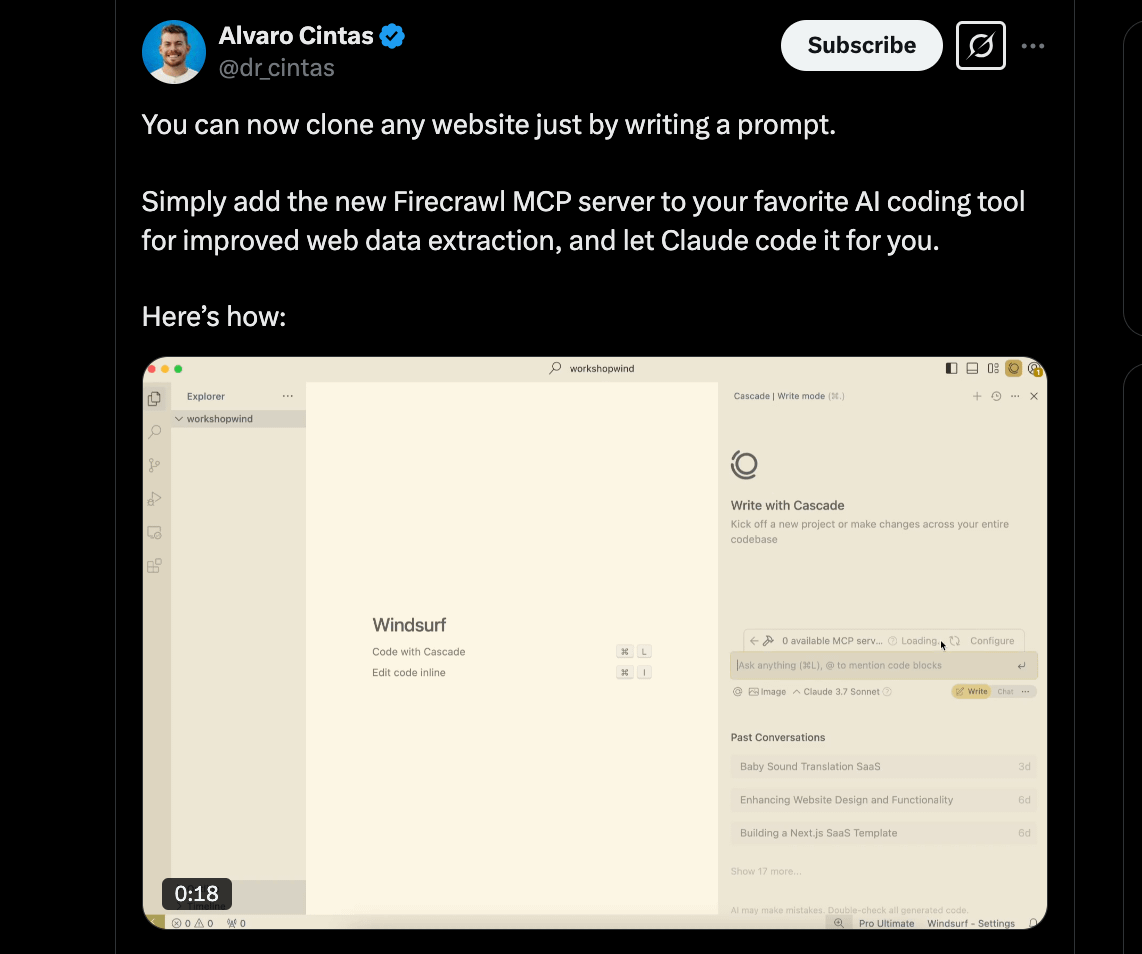
For the full tutorial, follow this link.
Alvaro Cintas demonstrated how MCP servers enhance AI coding tools by integrating Firecrawl’s web scraping capabilities with platforms like Cursor and Windsurf.
The case study shows that users can obtain an API key from Firecrawl and configure it in their AI tools to extract web data. This enables Claude to generate code that clones websites based on simple prompts in a couple of minutes.
This is by no means the only way to copy a site using AI, but perhaps one of the fastest. It will be useful for many digital professions.
Claude + Blender
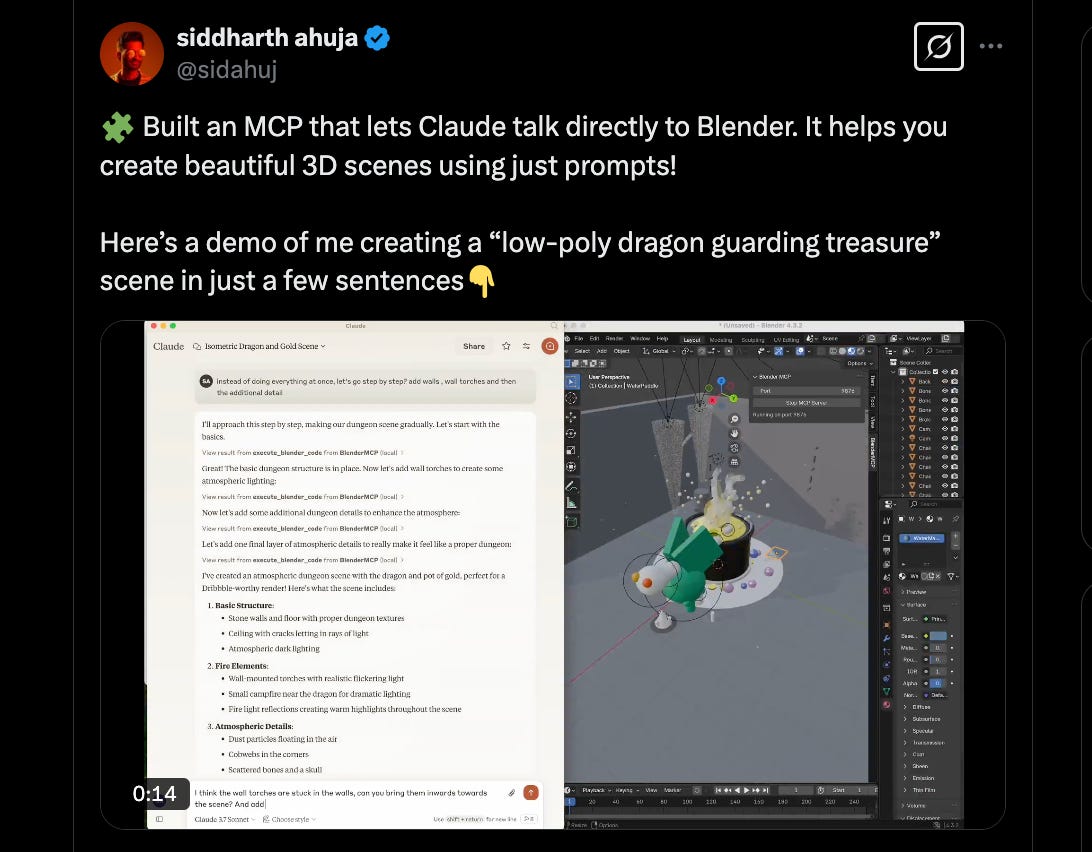
Check the video and guide here.
Lastly, there is an even more specialized but still important case.
Creator Siddharth Ahuja showed an MCP connecting Claude AI to Blender, enabling prompt-driven creation of 3D scenes like a “low-poly dragon guarding the treasure.”
The integration uses a Blender addon and Python server to allow Claude to execute code and manipulate scenes, following MCP’s standardized protocol for AI-tool interactions, as outlined in Ahuja’s GitHub repository.
Why it matters:
While Ahuja's case study is not relevant for everyone, it shows that AI is already capable of going beyond text editors and social media. In this case, Claude is working with Blender, but if you master MCP, you can also use it for other tools like Figma, Canva, and many others.
Your MCP with Perplexity & Claude | Tutorial
We have the MCP figured out, so now we can start using it.
Below, I propose to create a project based on the first case: Claude & Perplexity. You’ll get a suitable model in combination with the best (in my opinion) AI search engine. It’s an excellent option for everyday use.
It doesn't require advanced skills, but it's also not as easy as running ChatGPT. But if you show a little patience, it will definitely work out.
You can start here.
1. Clone the Repository
- Open a terminal.
- Run this command to clone the repository:
git clone git@github.com:modelcontextprotocol/servers.git- This downloads the code to your computer.
2. Install Dependencies
- Navigate to the
perplexity-askdirectory:
cd servers/src/perplexity-ask && npm install3. Get a Sonar API Key
- Visit Sonar API account and sign up.
- Follow the setup instructions on the website.
- Once you have your API key, set it in your system’s environment as
PERPLEXITY_API_KEY.
For example, on macOS or Linux, you can add this line to your shell profile:
export PERPLEXITY_API_KEY=YOUR_API_KEY_HERE4. Configure Claude Desktop
- Download Claude Desktop from claude.ai.
- Add this to your
claude_desktop_config.json:
{
  "mcpServers": {
    "perplexity-ask": {
      "command": "docker",
      "args": [
        "run",
        "-i",
        "--rm",
        "-e",
        "PERPLEXITY_API_KEY",
        "mcp/perplexity-ask"
      ],
      "env": {
        "PERPLEXITY_API_KEY": "YOUR_API_KEY_HERE"
      }
    }
  }
}
You can access the file using:
vim ~/Library/Application\ Support/Claude/claude_desktop_config.json5. Build the Docker Image
- Make sure Docker is installed on your computer.
- Run this command in the terminal from the project root:
docker build -t mcp/perplexity-ask:latest -f src/perplexity-ask/Dockerfile .- This command builds a Docker image that packages the server.
6. Test the Setup
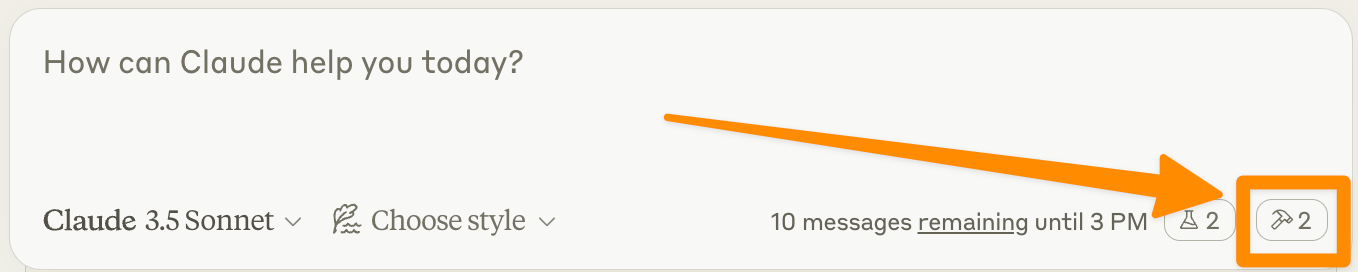
- Open Claude Desktop.
- Look for the hammer icon, which indicates the integration is active.
- Clicking the hammer should display available tools.
- If you see the tools, the setup works.
How It Works
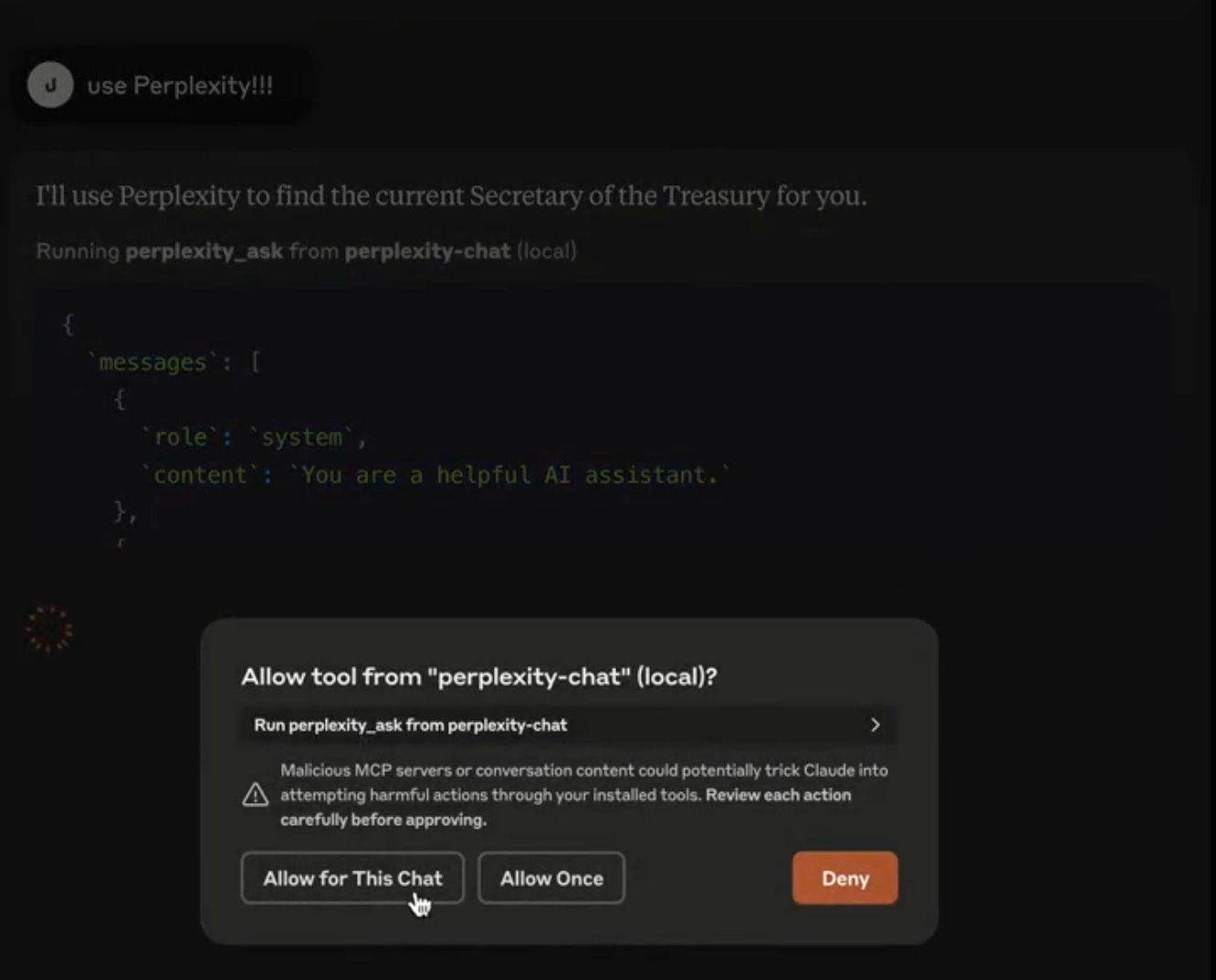
The Perplexity Ask MCP Server now follows MCP’s open standard, allowing any AI assistant to connect to the Sonar API for live web searches.
AI model can query the server for information retrieval, leveraging Perplexity’s search capabilities to return the most relevant insights.
Conclusion
I believe MCP isn’t just a helpful tool. It represents one more shift toward a flexible and efficient way to harness AI. And I really like how it fits into the concept of vibe coding.
If the vibe coding is on empowering everyone (from seasoned developers to enthusiastic beginners) to build personalized software with AI, then MCP opens up a new plane for creating more complex platforms and solutions.
Now, if you'll excuse me, I have a dozen more exciting MCP-based projects to go!
Share this edition with your friends!
This article was first published in the Creators AI newsletter. View the original edition.