Vibe Coding for Beginners
+ Full Vibe Coding Setup for Non Coders

Early last month, we discussed the emergence of the term vibe coding and the basics of this approach to AI development. At the time, we said it looked like a huge trend. But hell, who knew the hype would be so big?
In just a month, it has gone beyond the narrow circle of AI enthusiasts. It's now a broad movement, influencing how creators get side hustles, how real startups create their products, and how investors evaluate teams.
Let's discuss a few of the most important events of the last month and prepare a complete set-up for your vibe coding.
Get 20% OFF Full Access subscription!
10 Vibe Coders Better Than 100 Engineers
It is almost impossible to track every aspect of a trend on vibe coding. In a week, the concept expanded from niche X threads to Y Combinator boardrooms.
Therefore, I propose to go through the three planes:
- Investors
- Startups
- Creators
We'll start with the first category.
Vibe Coding for VCs

This provocative statement you can saw above comes from Y Combinator’s CEO and venture capitalist Garry Tan. An early investor in Coinbase and Instacart has witnessed firsthand how AI development lets startups stay extremely lean.
He recently said that small teams can now reach revenue milestones that previously required a large engineering workforce. Tan emphasized that by speaking to LLMs, founders generate ready-to-launch apps with natural language instructions. If a feature isn’t working, they simply ask the AI to adjust it.
So, they don’t need to hire engineers. This approach suggests that 10 skilled vibe coders might accomplish what used to take 50 to 100 traditional engineers.
I'll admit, if I read this from a random X guy, I'd just skip ahead.
But that's not the case.
Other investors are also taking note.
As Bloomberg reported Replit (on of the main platforms for vibe coding) is now in talks for a new round at a $3B valuation, highlighting the massive market potential of platforms that empower users to build without deep technical expertise.
Vibe Coding for Startups

As far as startups are concerned, they are also taking vibe coding into consideration. But it affects them in different ways.
There are YC projects which now hiring “vibe coders” instead of traditional engineers. That's exactly what the Domu Technology Inc did. It’s a voice AI startup that promise to crush it in the financial services industry. Now its founders are looking for vibe coders with a salary offer of $130,000 - $150,000.
Others simply not hiring as many engineers because one person with AI can do the work of several. For example, startup Snapbar earlier planned to expand a team but canceled the hire after seeing big productivity gains from coding tools.
And Y Combinator’s latest batch reveals the situation more clearly: about a quarter of those new startups have 95% of their code generated by AI.
Share this post with friends, especially those interested in AI Insights!
Vibe Coding for Creators
Independent creators are also embracing the trend.
For instance, Pieter Levels, as we mentioned in the previous post, transformed a simple idea into a multiplayer 3D flight simulator game. Now it earns around $72,000 per month from microtransactions and sponsorships. By they way, a few weeks ago it was around $52,000/mo.
But Peter is an example of an established solopreneur. There are other cases. Billy Howell, YouTube creator and blogger, also uses vibe coding to generate extra income. He uses Replit to generate code from prompts to quickly prototype and implement his ideas.
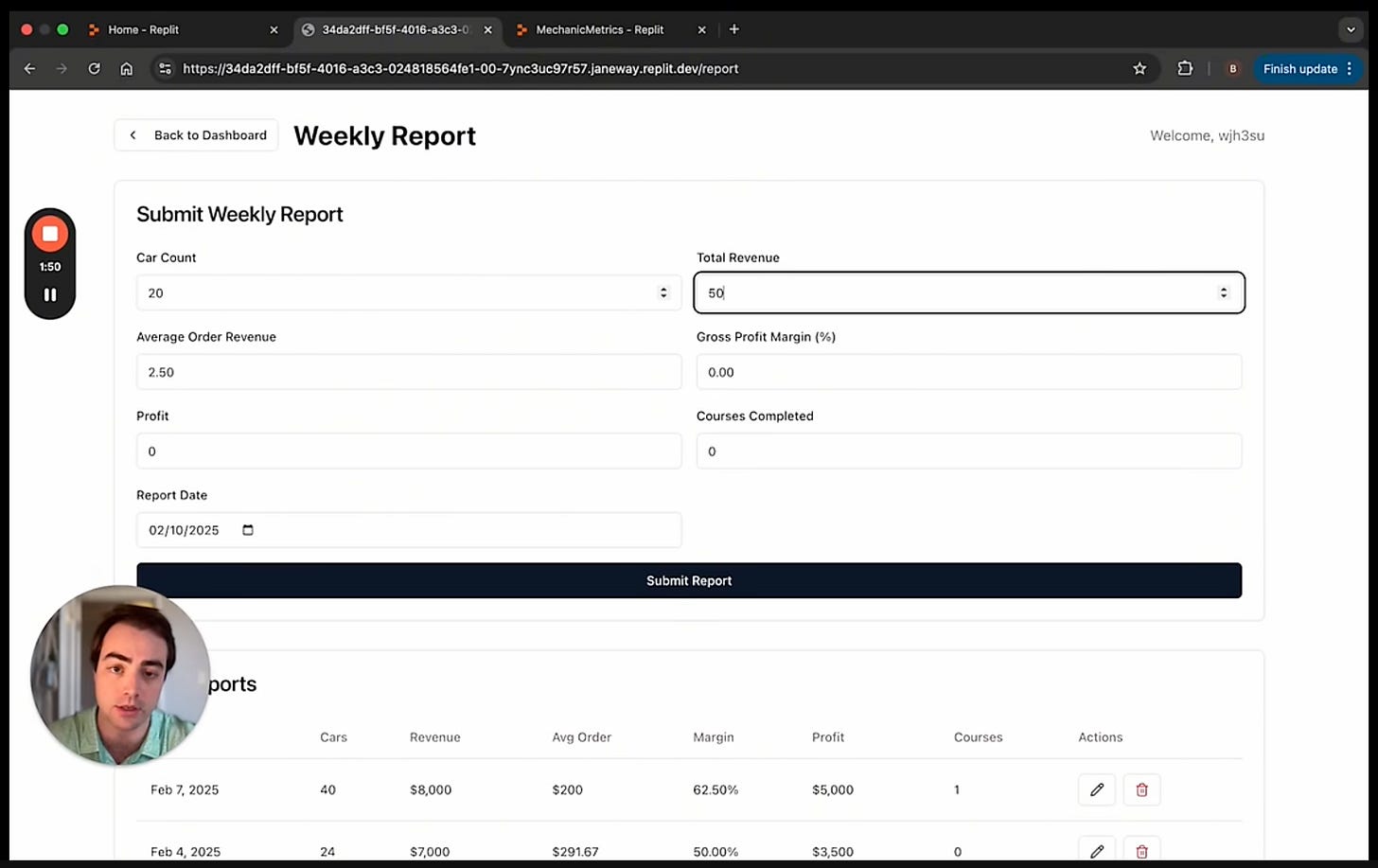
An example of Billy’s KPI tracing app
By testing and repeating AI results, he turns these prototypes into functional products that he monetizes through advertising, subscriptions, or direct sales. In his own words, he now makes about $750 a day.
To summarize a bit, it all comes down to time savings and accessibility. And while many complain about the prospects of a future where AI takes jobs away from digital professions, the examples above show how to adapt to the new reality.
Let's look at how to be part of the latter group and avoid the former.
Full Vibe Coding Setup for Beginners
For those ready to dive into vibe coding, here’s a detailed guide to set you up. It is aimed at beginners who want to quickly develop software.
In my opinion, even if we are talking about vibe coding (which, by definition, implies that you don't need to bother with it), at the first stage, you should make your own set of tools and work plan.
This will make the beginning a bit more complicated, but the process will be much easier. And you will avoid chaos engineering.
1. Choose Your Coding Tools
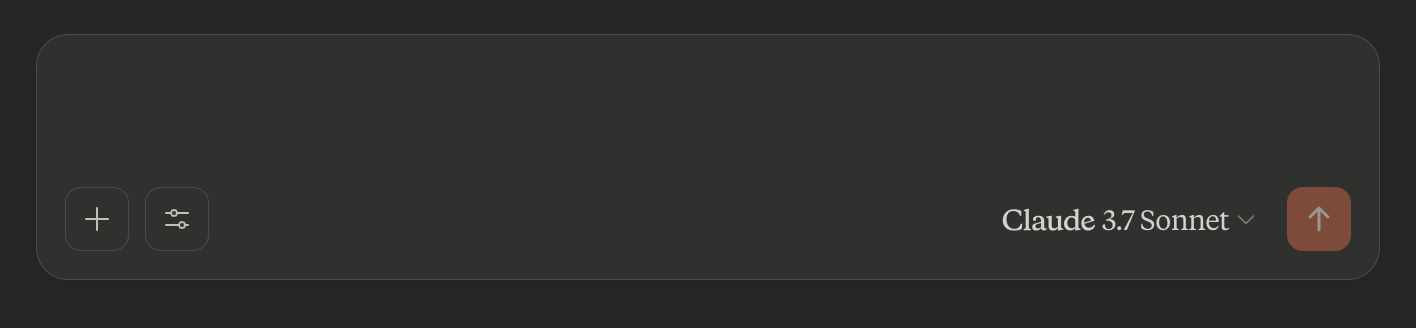
When choosing a tool, you have two options: actual chatbots or specialized platforms. The first option is for the lazier ones, but it is becoming increasingly productive every month.
For example, ChatGPT and Gemini can now generate the UI of your future app so you can familiarize yourself with the design and make edits. In addition, Claude 3.7 Sonnet is considered one of the best writing models of the year.
- [ChatGPT](chat.com) by OpenAI
- [Gemini](gemini.google.com) by Google
- [Claude](claude.ai) by Anthropic
If you are just trying out vibe coding, choose the most familiar one. In other cases, I would recommend using Claude or one of the tools from the list below.
Specialized Platforms:
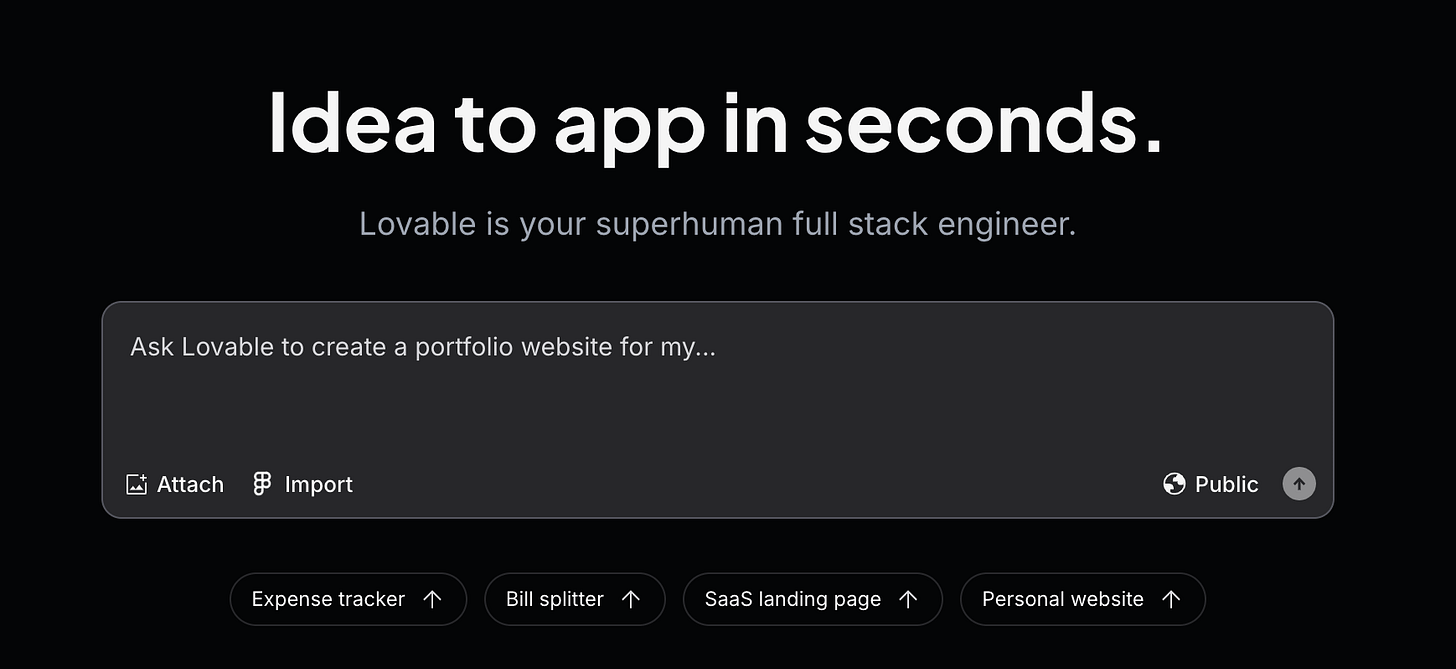
Here, the choice is much broader. There are dozens of app creation services on the web and even more ways to decide which one to choose (including ours).
Here are five options that we can safely recommend.
Lovable - the most user-friendly coding tool that you can find. It's primarily suitable for building websites, but it comes in handy for other projects as well. Simple design and a lof of possibilites.
Lovable is not only an outstanding product but also a startup. To learn what it was created to be and how to use it, check out this post:
[Bolt.new](bolt.new) is my second favorite tool. Bolt, in combination with Expo GO, is great if you want to create a mobile app and test it right away quickly.
About how to do it here:
[Cursor AI](cursor.com) - An code editor that offers natural language commands and smart autocompletion. I would say that Cursor is for more advanced users, but is great for complex applications.
By the way, Cursor AI was the tool that started the vibe coding hype (Karpathy used it). It was also combined with Claude to build a flight simulator that now makes $72k/mo.
Replit AI - A cloud-based IDE with integrated AI tools to generate, run, and debug code in real-time. It plays on the same field as Cursor AI.
You should also remember that some of these tools allow you to use different models, including GPT and Claude.
Additional tool: SuperWhisper
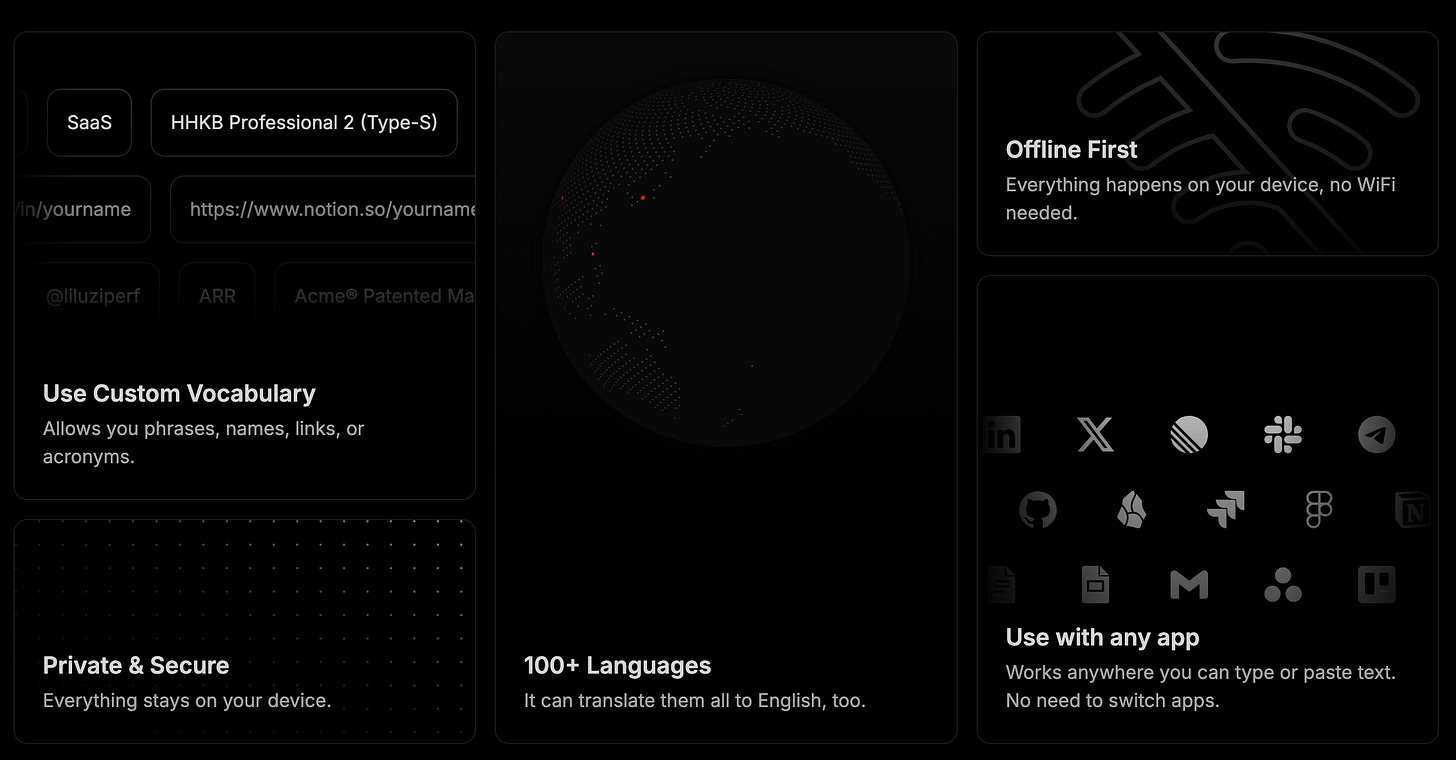
SuperWhisper is a voice-to-text solution that lets you dictate code and instructions, which is especially useful for keeping your workflow fluid.
These tools can be implemented in some aspects of your vibe coding.
For example, Replit or Cursor can be used for hands-on code generation, Lovable can quickly draft user interfaces, and SuperWhisper can maintain a smooth, uninterrupted coding process by reducing manual typing.
2. Setup Development Plan
Having an overall strategy is better than relying only on intuition. Then you will have a better chance of success.
Once you've decided on a tool, ask the AI to generate a basic plan.
It should have the following components:
- Description and functionality of the software
- Technology stack (for more experienced developers)
- A breakdown with realistic stages of development.
Creators’ AI could be a valuable gift for your friend, colleague, or family member. Gifting books is bright, but giving an AI newsletter is a superb move 😎
3. Make Some Limits for Your Tool
Setting clear boundaries helps models deliver outstanding results. That’s why you should define guidelines limiting the generated code's scope and style. For example:
Technical Boundaries: Specify the languages and frameworks you prefer.
Style Rules: Ask the AI to favor simple, clean solutions and to avoid unnecessary code duplication.
Process Guidelines: Instruct the AI to explain its plan before coding so you can ensure the approach matches your vision.
4. Define an Approach to Working with AI
Establish how you’ll interact with the AI throughout the coding process:
Request a Plan First: Ask the AI for its strategy before generating code by saying:
Tell me your plan first; don’t code.This lets you review and adjust the approach as needed.
Start with a Natural-Language Prompt:
Begin a new project by writing out what you want. This is your initial prompt to the AI. Don’t worry about technical details—focus on the “vibe” of the app you envision.
For example, you might say:
I want to create a simple to-do list web app that allows users to add tasks, mark them complete, and sort by priority.The AI will usually respond by generating code to implement your request. It’s okay if your description isn’t perfect – you’ll refine it as you go.
Extra Tip: Ask for several solutions and choose the simplest one for more complex features.
Incorporate Visuals: If you run into design issues, include screenshots so the AI can see exactly what needs to be fixed.
5. Refine with Vibe Debugging
You can't do without it. Unfortunately. So, you must know that iterative feedback is key. Once the AI generates code, test it and provide clear, specific feedback:
Test Frequently: Run your app after each change. Use your browser’s developer console to catch errors early.
Give Specific Feedback: Be direct if something doesn’t work as expected.
For example:
The settings button doesn’t open settings. Please fix this.Or, if the design feels too plain, ask for simple improvements.
Additional Tip: Periodically ask the AI to find and remove redundant or duplicate code to organize your project.
6. Just Make Your App
Now, you can make your app. Here are a few more tips:
Give the model the right context: Help the AI understand your needs by providing context. AI has limits on how up-to-date its knowledge is.
Focus on getting it working: Aim to get a working prototype as quickly as possible. Don’t worry if it isn’t perfect on the first try.
Test and iterate: Continue testing each feature, making adjustments based on user feedback and further AI refinements.
Finalize and deploy: When your app meets your basic requirements and functions smoothly, save your work and prepare for deployment.
Conclusion
Vibe coding can actually spark creativity and speed up development.
It lets people without coding skills bring their ideas to life, and experienced developers can move faster than ever. It could be funny that the focus now isn’t on the code but on engaging user experience, but this is precisely what we need.
That said, working with AI can sometimes be hard, so you should be ready for it. Software development is not the easiest, and it has many components. Even if the model is good at the technical part, you have to accurately communicate your thoughts, which can take time.
As for vibe coding on a global scale, even if the term itself dies, the phenomenon will persist. We've already reached the point where non-technical users create cool apps (and even make money from them!). That’s the fact.
So, in the meantime, I recommend mastering this wonderful activity.
Share this edition with your friends!
This article was first published in the Creators AI newsletter. View the original edition.