YC W25 Startups We Started Using
Our selection from YC W25 Demo Day

We're continuing our tradition of tracking the latest cohorts from Y Combinator. Honestly, it's getting tough. Almost all projects in W25 are now AI-related (that's over 160 companies!).
So, we decided to approach the latest batch from a new angle. After reviewing all AI startups, we selected the 10 most valuable products for creators and founders and want to share them with you.
In this post, we won't dive too much into the YC background.
If you want to understand why it's the most essential accelerator and how it shapes trends in AI products, check out these articles:
Keep your mailbox updated with practical knowledge & key news from the AI industry!
YC W25 | Quick Overview

But first, let's briefly discuss the general state of YC W25. While studying the new list of startups, we noticed a few things.
- Mature Approach: If we compare the new cohort to the projects from W24, we can see how much more in-depth products are now being developed. Neither investors nor consumers are interested in simple image generators anymore.
- Narrow Specialization: Of the 166 projects we reviewed, we found no developers of new LLMs or chatbots promising to replace ChatGPT or Gemini. Apparently, founders have accepted the rules of the game with absolute leaders.
- Institutional Projects and Traditional Industries: While similar solutions have been in previous batches, there are more of them now. In YC W25, several AI startups focus on governments and classic industries like agriculture and real estate.
Overall, YC W25 gives the impression of a much more settled batch.
AI Tools from YC W25 You Should Know About

But all of the above doesn't mean that YC doesn't leave room for simple and valuable solutions for a wider audience. The new list includes agents for entrepreneurs, EdTech platforms for educators, and a bunch of tools for enthusiasts.
Here is our shortlist of 10 YC startups that we want to share with you because we are already using their products!
Browser Use | Operator and Manus Alternative
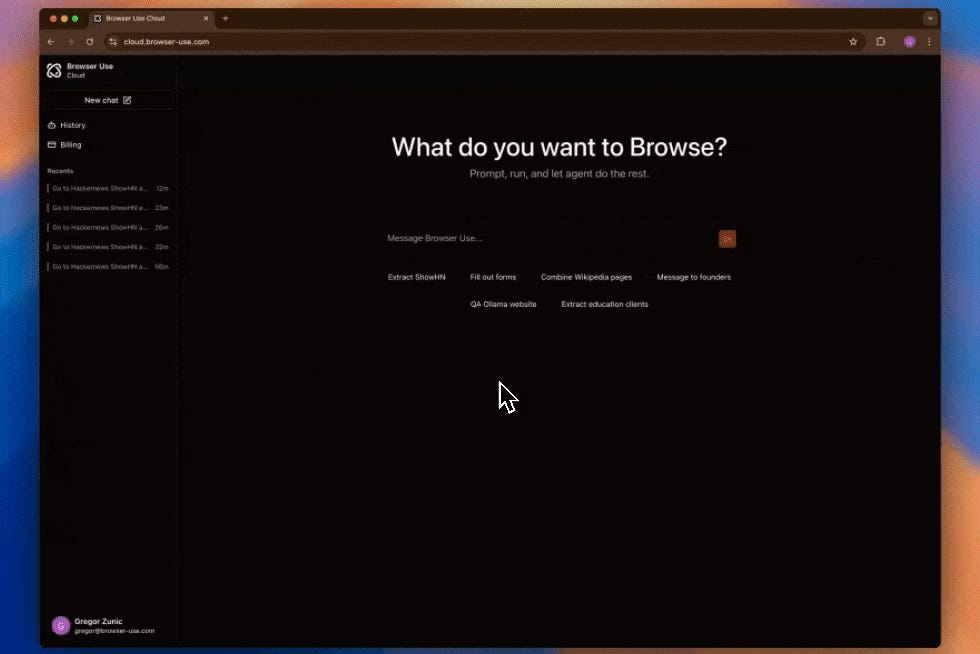
Browser Use is an agent, much like Operator or Manus, designed to automate web tasks. It’s picked up steam lately (last week, it landed in our weekly roundup), and it’s riding the wave of agent hype. The tool takes on repetitive or time-heavy browser jobs, which could free you up for more creative work.
Who it might be useful for:
Entrepreneurs tracking leads or creators pulling data for content could find this a lifesaver. If your day involves a lot of clicking through websites or filling out forms, Browser Use might handle the grunt work for you.
To try it out: Browser Use
It’s now $30/mo for cloud version and free for self-hosted.
Pickle | AI Clone Generator
By the way cool approach to making demo video.
Pickle creates AI clones with real-time lip sync, targeting platforms like Zoom, TikTok, and Twitch. It lets you generate digital versions of yourself or others that move and speak naturally on video, synced to audio in real time. Think of it as a way to appear on-screen without always being present.
Who it might be useful for:
Creators and influencers who want to churn out videos without constant filming could lean on this, especially for short-form content. Educators might also use it to produce consistent lecture clips without reshoots, keeping students engaged.
To try it out: Pickle
The base version of the Pickle now costs $24/mo.
Alice Tech | Content-to-Learning Tool

Alice Tech turns your content into learning and exam prep materials, like exercises or tests. It’s an tool that streamlines the process of crafting educational resources from existing stuff—notes, articles, whatever you’ve got. Ir’s pretty straightforward and focused on saving time.
Who it might be useful for:
While the target audience is pretty obvious (students), Alice looks like a useful thing for a wider range of users. If you like learning new things, this platform might present you with a more engaging approach.
To try it out: Alice Tech
Alice Tech provides for a free version and several tiers of subscriptions.
Share this post with friends, especially those interested in AI Insights!
Truffle AI | AI-Powered Code Search
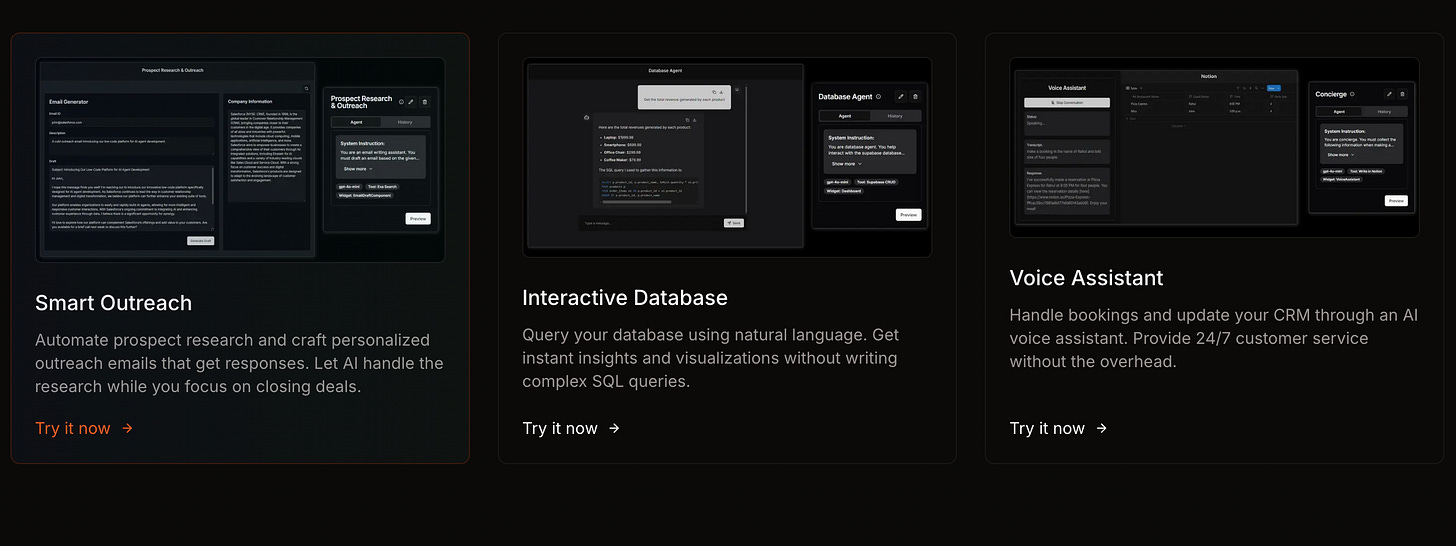
Truffle AI simplifies adding AI to software by exposing AI agents as APIs. Some developers have already used it to add customer support agents to WhatsApp and analytics agents to Slack, showing its real-world potential. It’s still in early development but already offers a way to enhance software without heavy AI expertise.
Who it might be useful for:
Developers who want to add AI features (like customer support or data analysis) to their appls without building everything from scratch.
To try it out: Truffle AI
Miyagi Labs | Content-to-Course Platform
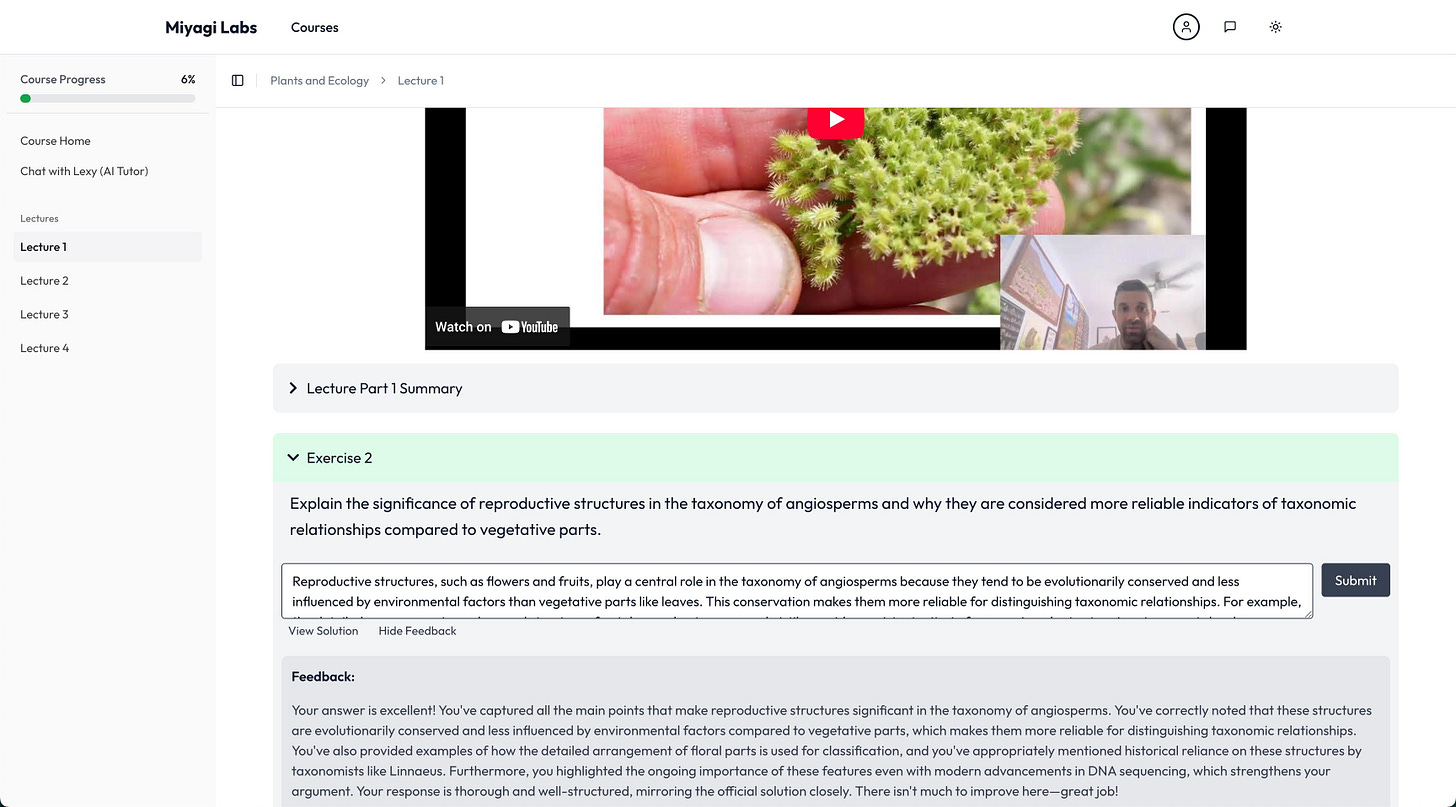
Miyagi Labs uses AI to transform creators’ content into structured courses. It takes your blog posts, videos, or scripts and packages them into lessons, ready to share or sell. We see it as a bridge between raw ideas and teachable formats.
Who it might be useful for:
Creators looking to monetize their expertise could turn tutorials into full courses with this. Educators might also use it to organize their materials into something polished for students or workshops.
To try it out: Miyagi Labs
emojis.com | Emoji Generator
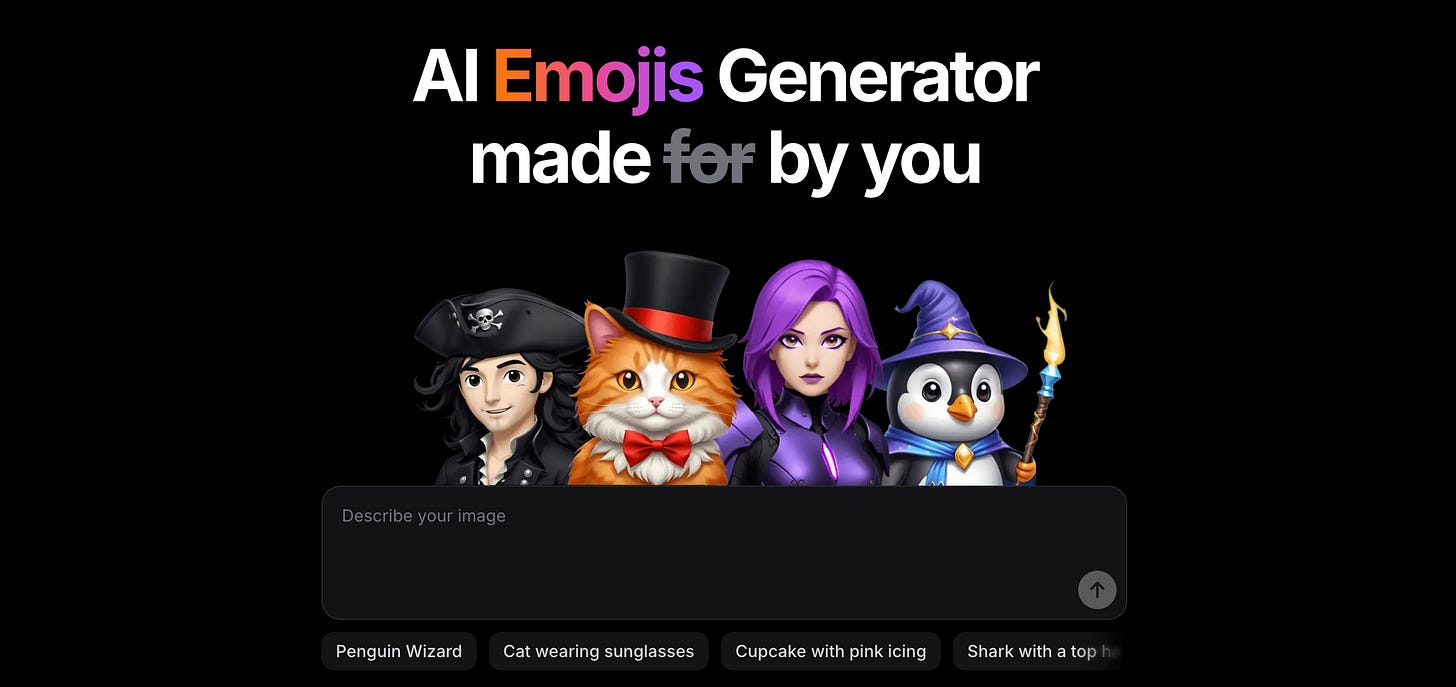
emojis.com uses AI to churn out custom emojis, skipping the graphic designer. It’s live now, though the site feels bare-bones. You type what you want, and it spits out an emoji—simple as that.
Who it might be useful for:
Creators or entrepreneurs wanting unique emojis for branding could save cash here. If you chat with followers a lot or run a community, this might add a personal touch without much effort.
To try it out: emojis.com
Onlook | Visual Editor for Designers
Onlook bridges design and development, letting users build and deploy web apps quickly. It’s open-source and has buzz from topping Hacker News and GitHub trends. With AI assistance for tasks like tweaking colors or layouts, it updates code in real time, and making it easy to prototype or refine designs without deep coding skills.
Who it might be useful for:
Creators who want to turn ideas into web projects without relying heavily on developers, plus developers who need a quicker way to iterate. It’s ideal for anyone aiming to streamline web creation.
To try it out: Onlook
Creators’ AI could be a valuable gift for your friend, colleague, or family member. Gifting books is bright, but giving an AI newsletter is a superb move 😎
Dex | AI Browser Copilot
Dex is an AI tool that acts as a copilot for your browser, helping with web tasks.It assists with tasks such as summarizing content, automating repetitive actions, and providing contextual information. This tools as something that could simplify online work by handling small tasks or offering quick support.
Who it might be useful for:
Entrepreneurs or creators who spend hours online managing projects or researching could use this to cut down on busywork. If you’re someone who juggles multiple browser tabs daily, Dex might save you some time once its capabilities become clearer.
To try it out: Dex
Mosaic - Video Editing Agents
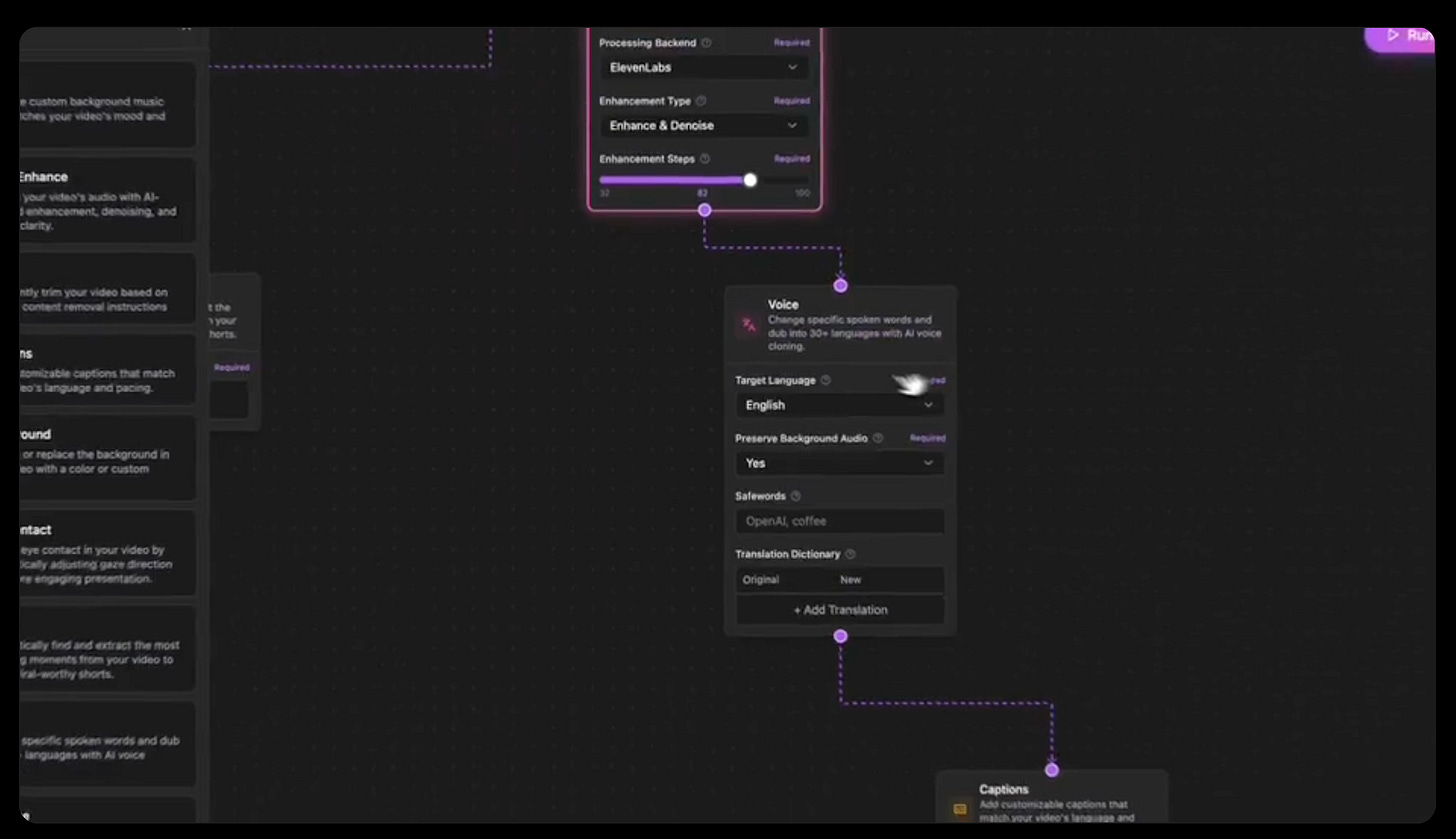
Mosaic lets you create multimodal video editing agents to automate parts of your workflow. It’s built for handling complex edits across text, audio, and visuals, all in one go. We found it geared toward simplifying a messy process.
Who it might be useful for:
Video editors and content creators looking to automate and expedite their editing processes can benefit from Mosaic's AI-driven approach to video production.
To try it out: Mosaic
assistant-ui | AI Chat Library for Developers
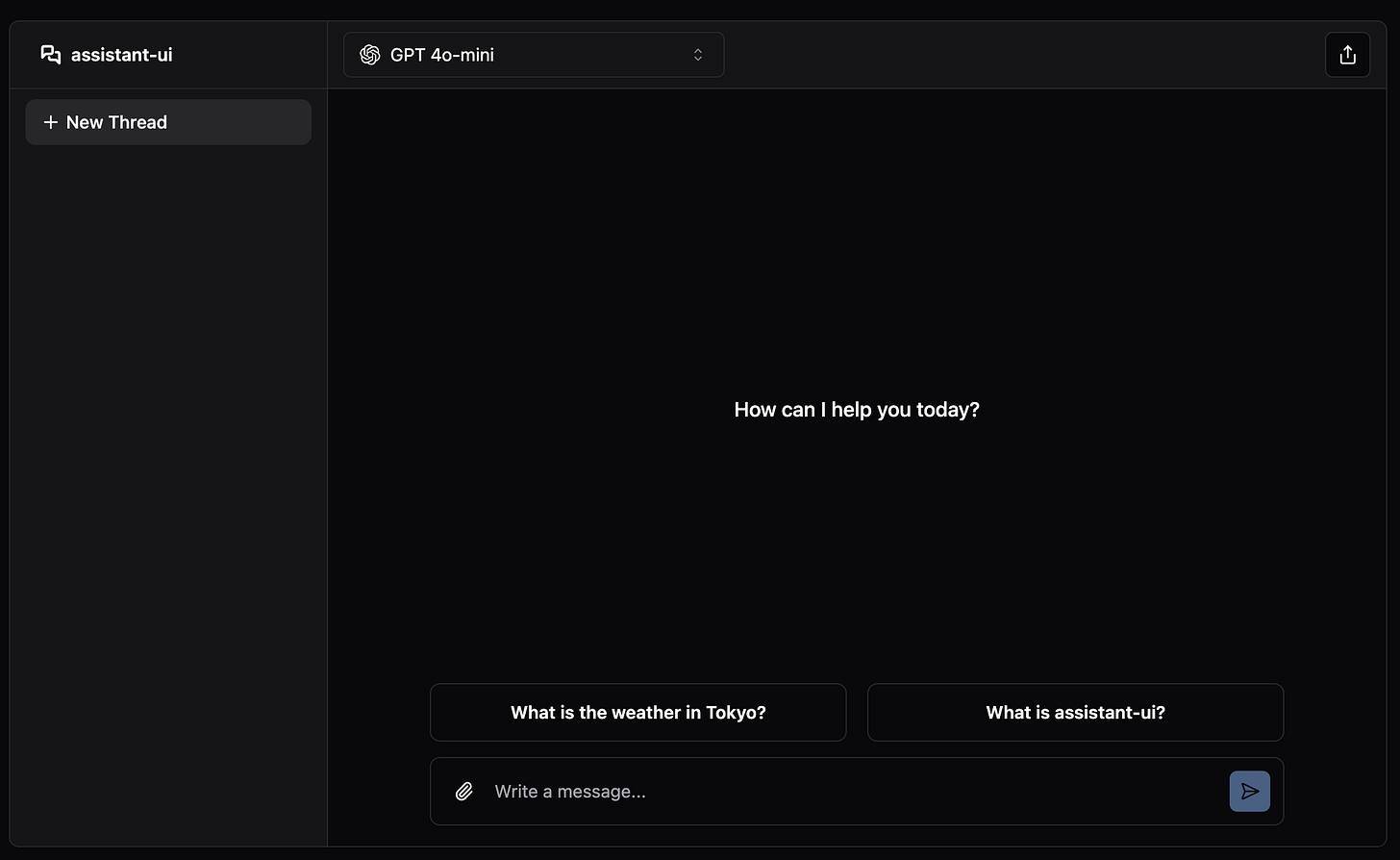
Assistant UI is a React.js tool that lets developers easily build AI chat into web apps. It provides simple pieces to set up a smooth chat feature fast. You can use it in new or existing projects with a few commands. It’s perfect for creating flexible AI assistants without hassle.
Who it might be useful for:
Developers and tech-savvy entrepreneurs who want quick AI chat in their apps, especially those who enjoy “vibe coding.”
It’s a popular choice among companies like LangChain, Stack AI, and Browser Use for building in-app AI assistants.
To try it out: Assistant UI
Final Thoughts
When reviewing the projects above, we caught ourselves thinking that doing it this year is more enjoyable than it used to be. And this is just a hypothesis, but it looks like vibe coding have reached the founders a bit earlier than AI community.
So startups have a better sense of what their audience needs and create more practical solutions. This, by the way, is indirectly confirmed by the following fact: about a quarter of the current YC startups have written their code with the help of AI. And if someone can write this off as developer laziness, it seems like a good sign to us.
In the near future, we could get more personalized solutions created by founders who have more time to focus on customer needs than technical details.
Share this edition with your friends!
This article was first published in the Creators AI newsletter. View the original edition.