Everyone is iOS Dev Now: Bolt + Expo Tutorial
Build & Publish Mobile Apps with nocode
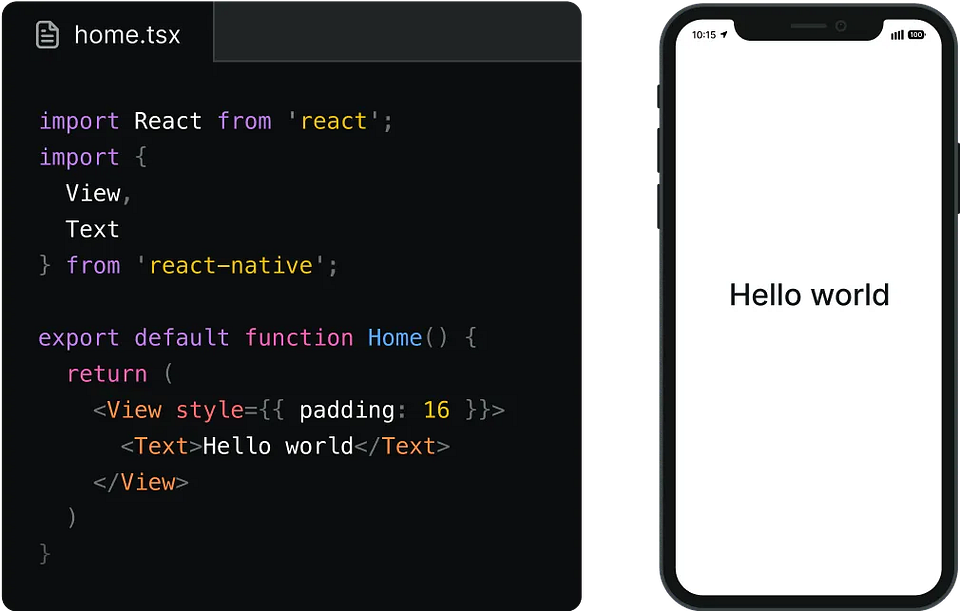
In one of our previous posts, we discussed how to replicate apps using AI. At that time, we found out that it was easy. However, getting further than mockups was a challenge when it came to building mobile apps.
Well, it seems to be simpler than I thought. When I was getting ready to hammer on this topic, Twitter showed me a post by a creator who used just two prompts and two tools to create a full-fledged mobile app in a few minutes.
And you can even post them to App Store!
So, we need to talk about it.
In this issue:
- Why is everyone talking about some Expo Go?
- Real-world examples of apps built with no code
- Step-by-step tutorial for creating your own project
Keep your mailbox updated with practical knowledge & key news from the AI industry!
What's The Buzz Around Expo Go?
We're here today because of Expo Go and the recent updates of several platforms for building apps with AI. But lest we get confused, let's go over everything in order.
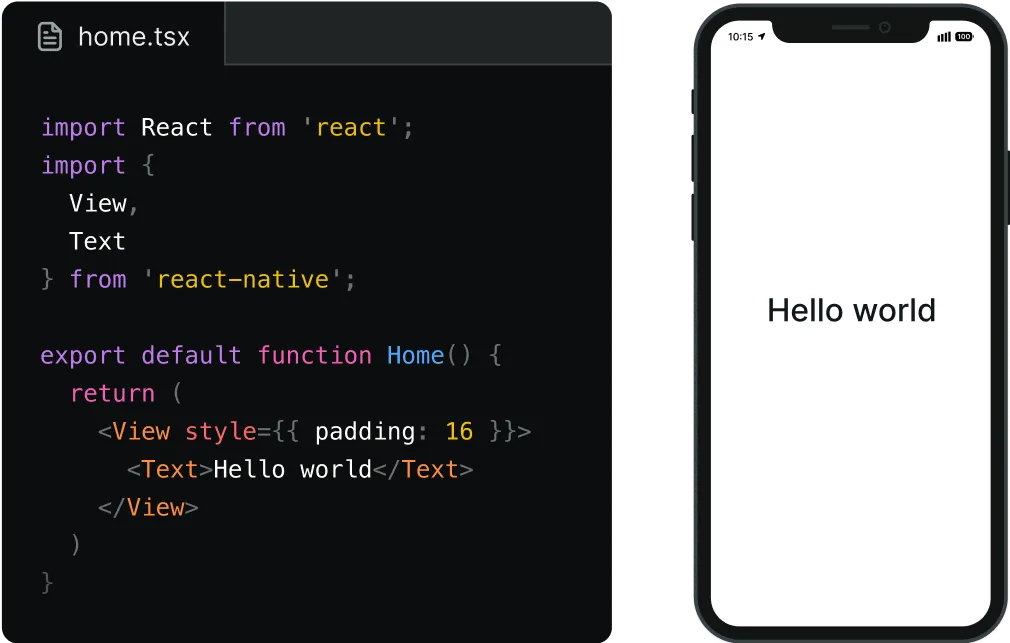
Since its launch in 2016, Expo Go has been a development tool for previewing and testing React Native apps. The platform was more of an engineering thing: reloading, debugging, iterative development, and other boring stuff.
But starting this month, it's capturing the minds of creators and enthusiasts. Replit, Bolt New, and other AI tools have announced the integration of Expo Go into their platforms. News of the Expo has swept through the less tech-savvy community.
Now, it's a tool for everyone.
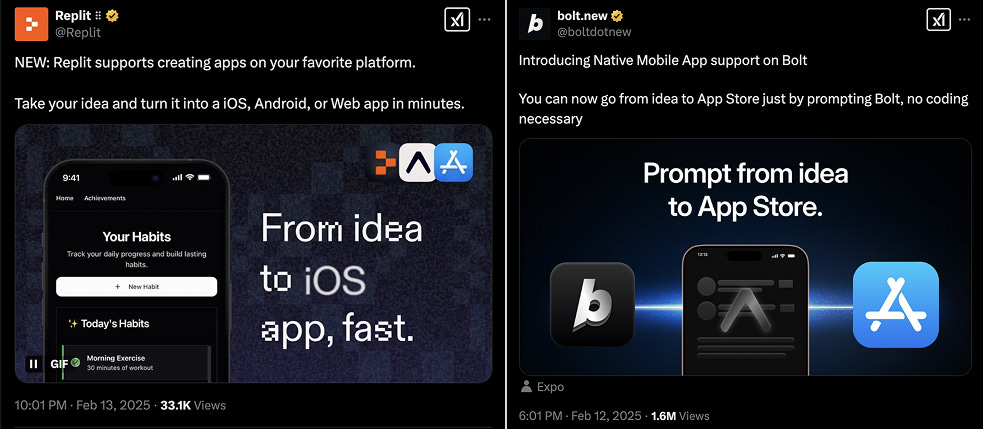
This update means you can now:
- Come up with an idea for a mobile app
- Generate it with a couple of prompts
- Test it on your smartphone immediately
- Launch & monetize in App Store
All this without any coding skills.
Here are some examples of how it works in real life:
Share this post with friends, especially those interested in AI Insights!
Instagram Like App
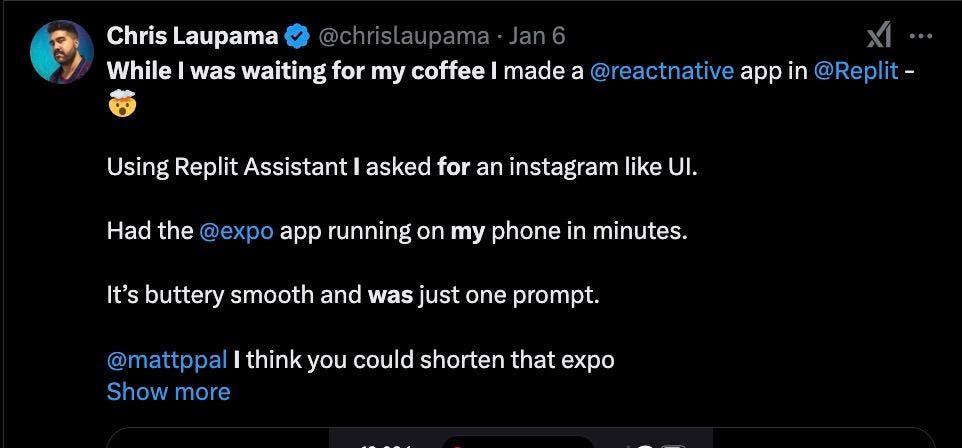
A user named Chris Laupama found something to do while waiting for his coffee. Using Replit Assistant and Expo Go, he generated an app with an Instagram-like UI and then launched it on his smartphone.
The app turned out to be pretty simple and, of course, doesn't have the same functionality as Instagram. However, it's an excellent foundation for building a full-fledged app. With it, you can reduce the cost of designers and coders.
Spotify Clone

Another user, Dominic Elm, used Bolt new in combination with Expo Go to create a clone of Spotify music service. The best part is that this clone can even play music. The author shared the app's code and preview under the tweet.
You can check it out here.
Pokemon App
And as a third example, let's look at something fun yet more complex.
This is the post I mentioned at the beginning.

Creator inkko used Bolt and Expo to create his own Pokemon app.
It only took him two prompts to do so. The main difference between this project and the ones we saw above is that inkko created a fully functional app using pokéAPI and a complex prompt. He shared his instructions in one of his posts on X.
TOO MANY AI AGENTS? TOTAL MESS? We got you 30+ useful Dev & Coding agents, gathered by Creators' AI!
But enough about looking at other people's apps. Let's create our own.
Here's what you'll need to do that.
Tutorial | Building Mobile Apps with AI
Step 1. Tools & Prompts
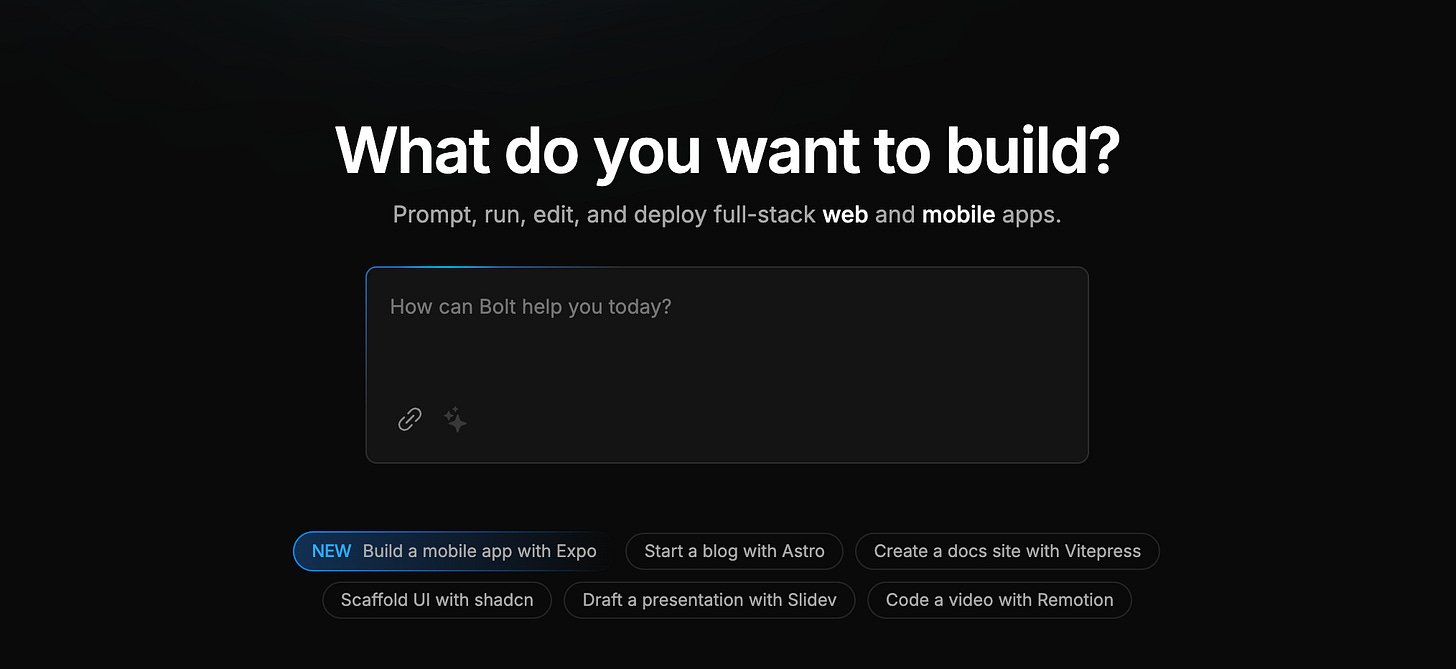
Our app will only require two platforms.
All apps have free versions, so you can try each and decide which one you like better. For this tutorial, I will be using Bolt.new by Stackblitz.
In addition, we need a prompt that we will feed to Bolt to generate the application. You can write your own or ask ChatGPT for help to ensure it includes all the necessary features and UI design.
The quality of the prompt is crucial here because the app's performance depends on it. Think of AI as a harmful genie that grants wishes but not in your favor. Be as precise as possible to achieve the desired result.
I'll use a prompt based on one from previous posts with new parameters. It will be a Pomodoro timer with a built-in calendar and different profiles to track performance.
Here it is:
Develop a mobile application named "Project Pomodoro Tracker" that utilizes the Bolt new framework. The application will combine a fully functional Pomodoro timer with additional features such as calendar integration and profile management for tracking work on various projects.

Features to Implement:

Pomodoro Timer Functionality:

Work interval timer with customizable durations (e.g., 25 minutes).
Short break and long break intervals with adjustable times.
Automatic transition between work and break sessions.
Visual progress indicators and timer countdown.

Calendar Integration:

A built-in calendar view displaying scheduled Pomodoro sessions and breaks.
Integration with device calendar for syncing work sessions.
Event reminders and notifications for upcoming work sessions or breaks.

Profile Management:

Support for multiple user profiles to track employment on different projects.
Each profile should maintain its own set of Pomodoro session history and project-specific analytics.
Ability to switch between profiles seamlessly.

User Interface and Experience:

Clean, intuitive UI optimized for mobile devices.
Customizable themes and settings (e.g., notification sounds, timer settings).
Analytics dashboard to review productivity over time.
Additional Functionality:

Persistent storage to save session data and user settings.
Optional integration with third-party productivity tools (e.g., task management apps).
Step 2. App Generation
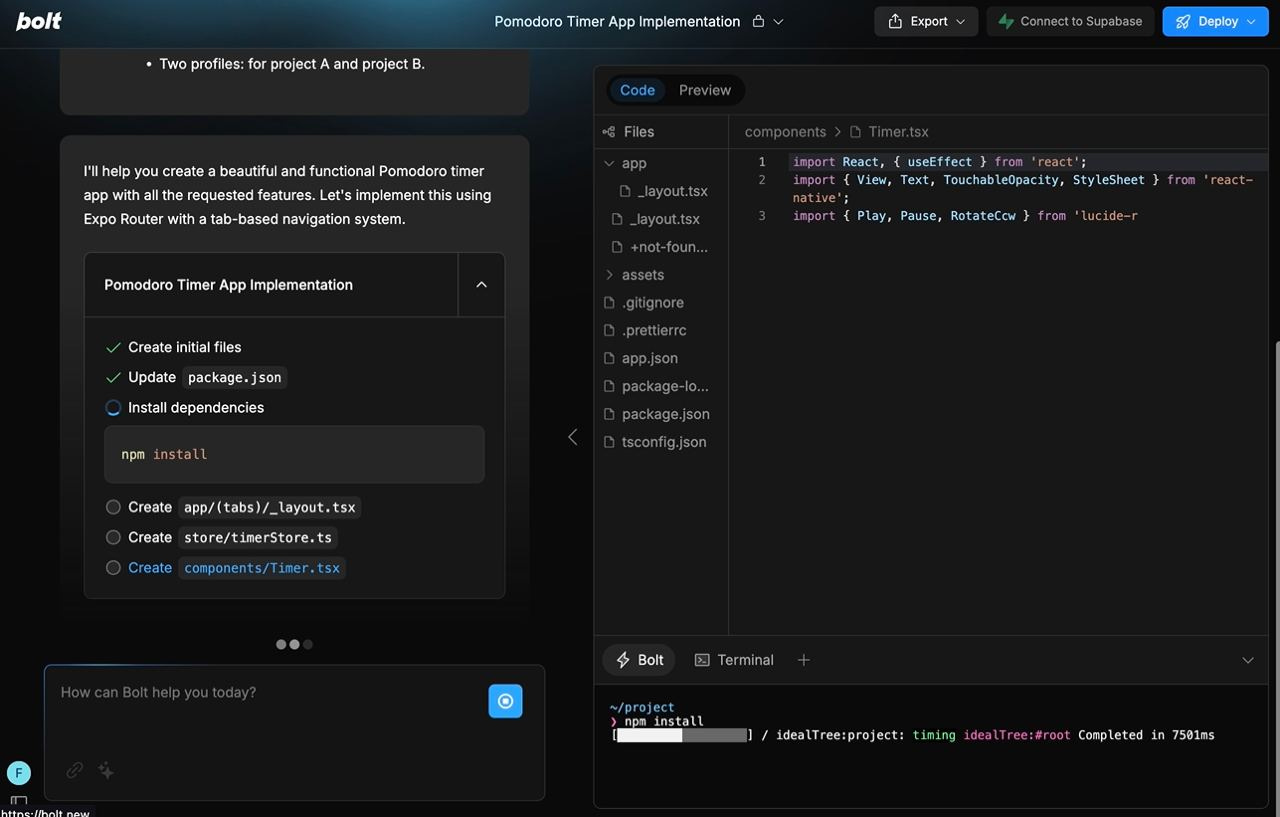
- Visit bolt.new and sign up
- Paste your enhanced prompt into the chat box
- Watch how AI generates your app
Once the process is complete, you will be able to view the entire code of your app and will see the QR code with a link for your app.
Step 3. Instal Expo GO
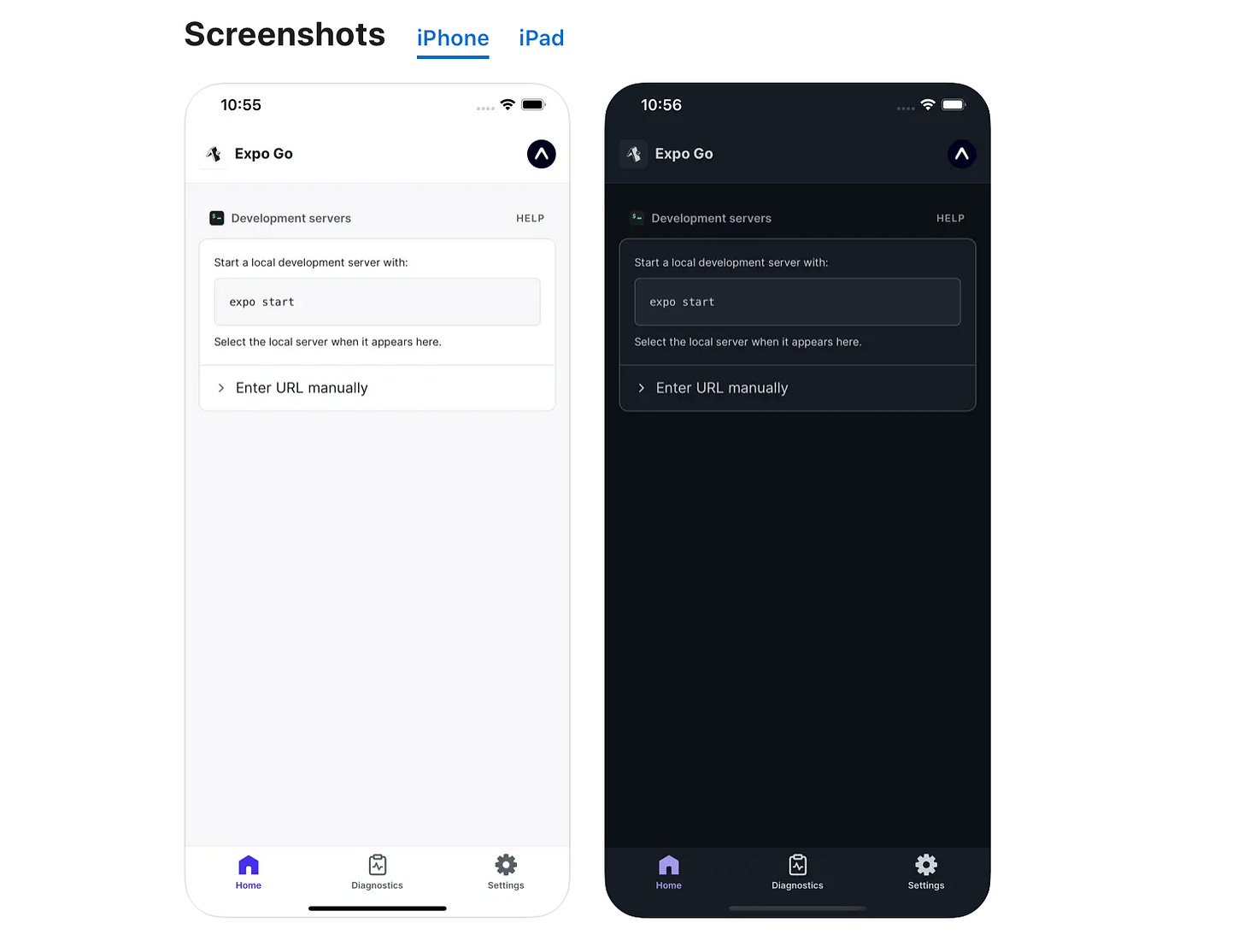
- Go to Google Play or the App Store
- Find the Expo Go app
- Install it
Step 4. Test Your Mobile App
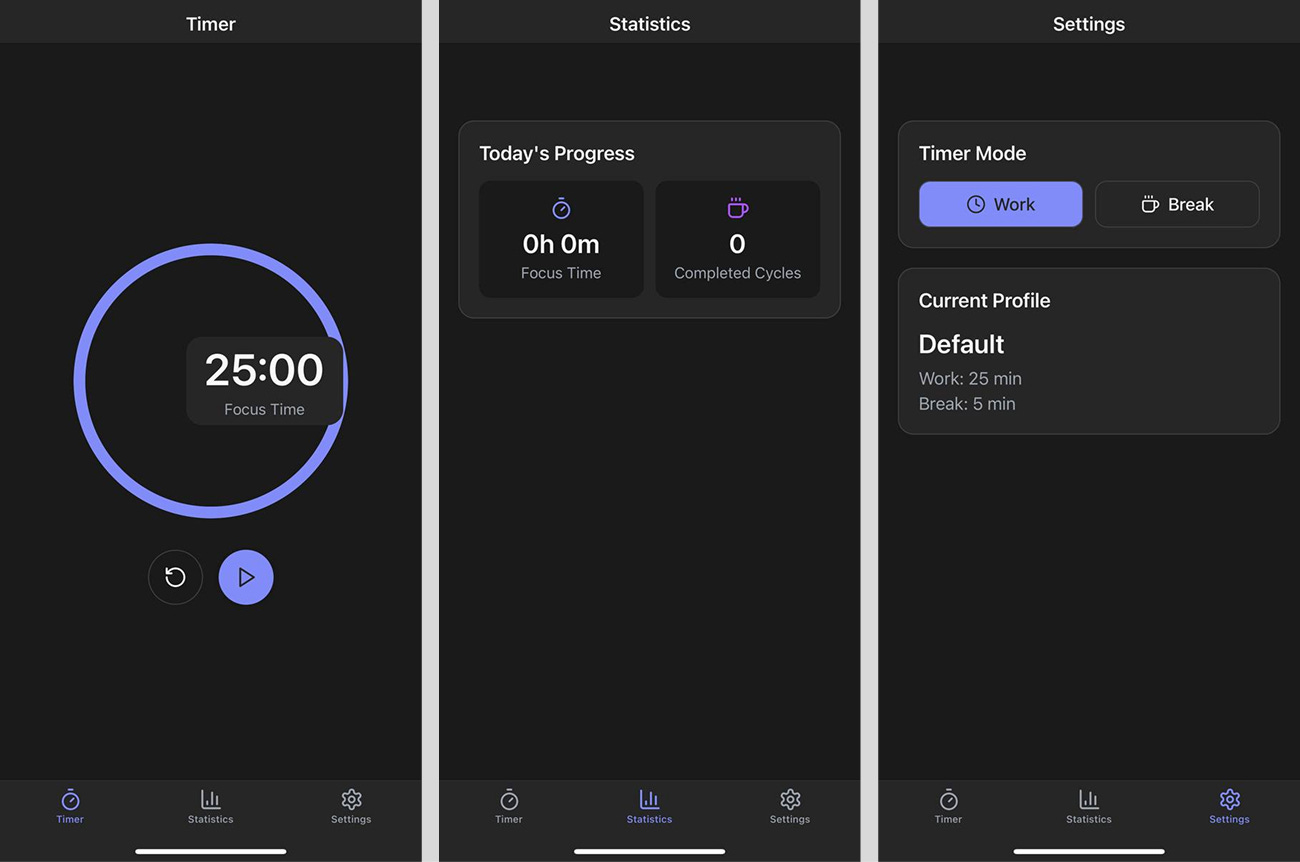
- Launch Expo Go and sign up
- Using your smartphone camera, scan the QR code
- Test the app
Creators’ AI could be a valuable gift for your friend, colleague, or family member. Gifting books is bright, but giving an AI newsletter is a superb move 😎
Step 5. Editing & Deploying
You will be very lucky if your application is perfect the first time.
So, after the first run, you should return to Bolt (or Replit) and make adjustments. You can do this in natural language.
- Point out the aspects you don't like and wait for the AI to fix the problem.
My example shows that my app has obvious UI issues (the time is off-center if you run the app via iPhone 15 Pro) and is missing some features in the original prompt.
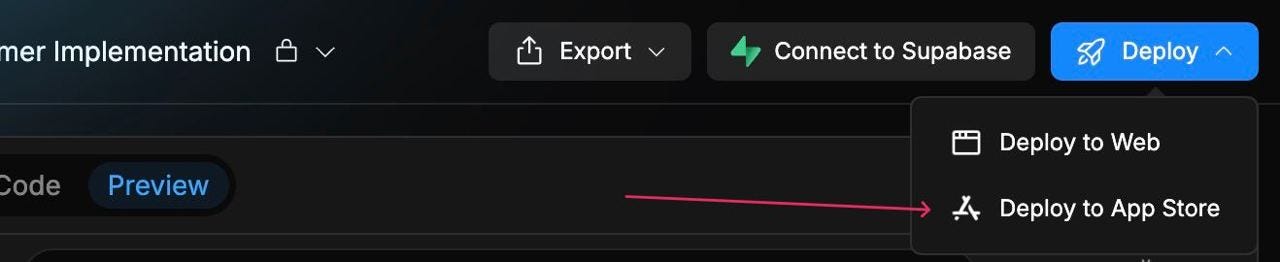
To deploy the app to the App Store, click “Deploy” -> “Deploy to App Store” in the top right corner and follow the instructions. The process is quite simple; even non-technical users can handle it.
Bonus Tool: Rork
While writing this post, I came across another interesting tool for creating mobile apps with AI. It's called Rork and offers all the same things as Bolt but in a more straightforward format.
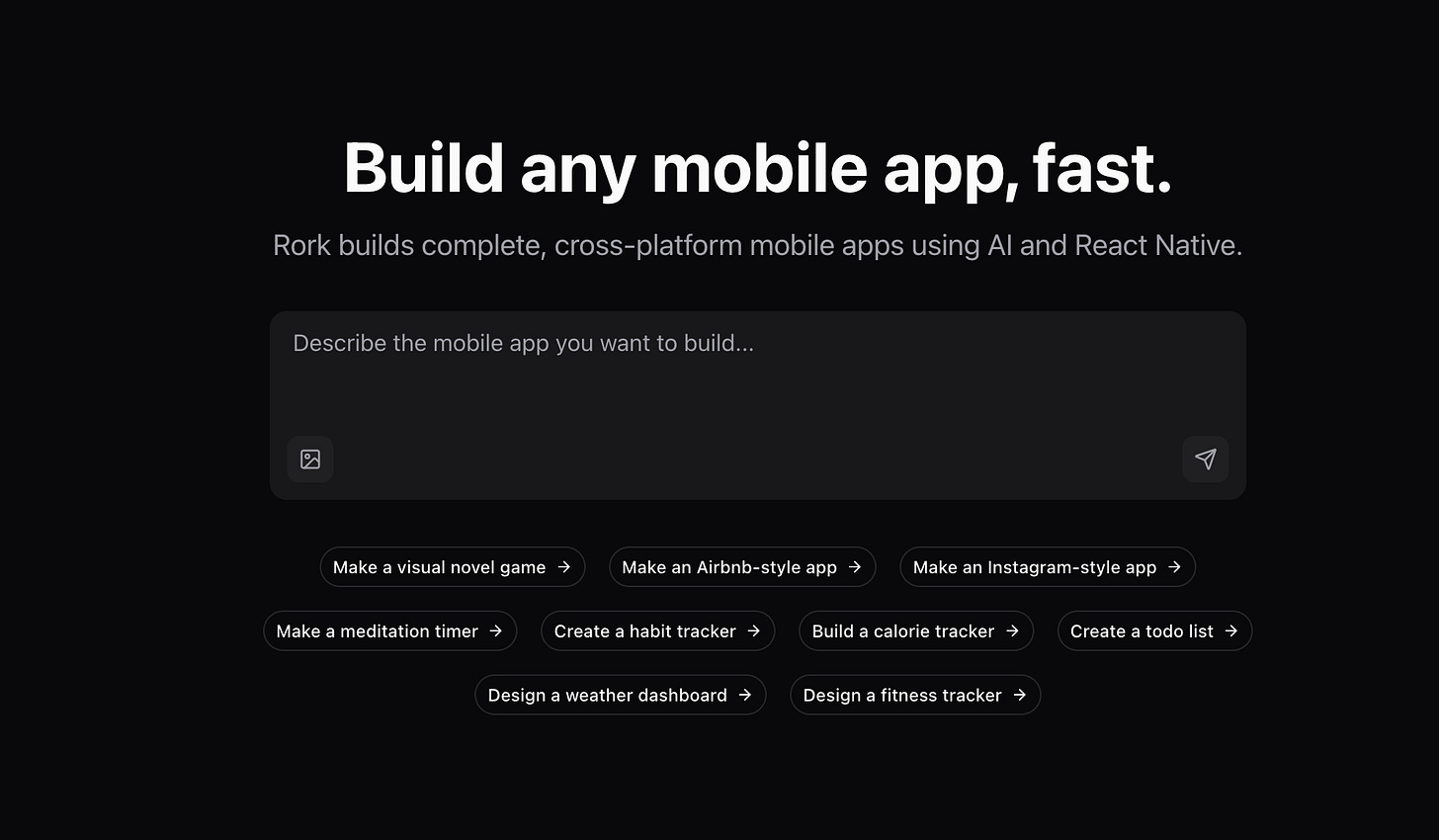
Rork has a free version that also works with Expo Go. So you can test it with the same prompts as Replit or Bolt to decide which platform performs better.
Conclusion
So, it seems creating a mobile app is now possible even if you don't have any coding experience. And the best part here is that I didn't just generate code, but got a chance to test the results of my work.
This provides valuable insights and a tangible sense of achievement. For the same reason, I recommend you try this approach. After all, it won't take a lot of your time, but it will allow you to create something really worthwhile.
Share this edition with your friends!
This article was first published in the Creators AI newsletter. View the original edition.